Creating a vApp
Use Lumen® Private Cloud on VMware Cloud Foundation™ to create a vApp. A vApp acts as a container for virtual machines for your Lumen® Edge Private Cloud service. Containers enable you to organize and group virtual machines together. If you have not created virtual machines, create virtual machines before creating a vApp. vApps are stored in catalogs. If needed, you can opt out of the default catalog.
To create a vApp:
- Sign in to your Lumen Private Cloud on VMware Cloud Foundation™ environment.
- Click Data Centers.
The Lumen Private Cloud on VMware Cloud Foundation™ portal shows the Virtual Data Center dashboard.
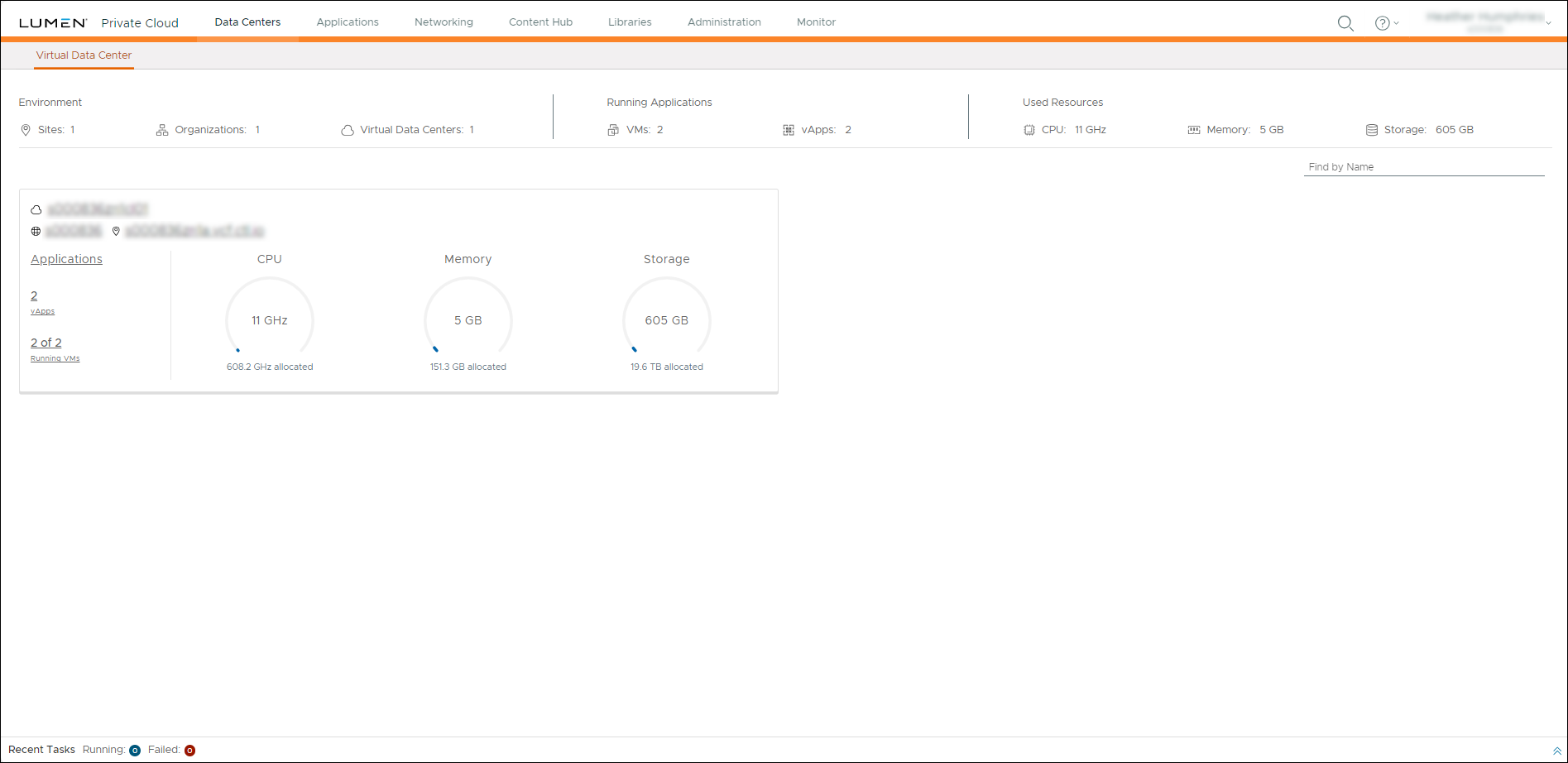
- Click inside the Data Center summary box.
- Click vApps.
- Click NEW, then select New vApp.
- In the New vApp window, complete the following fields to configure a new vApp:
- Name—Type a name for the vApp.
- Description—Type a description for the vApp.
- Power on—Select this option to power on the vApp automatically after creation. If you do not select this option, you must power on the vApp manually on the vApps screen. You can power a vApp on and off manually by using the ACTIONS menu for the vApp on the vApps screen.
- Name—Type a name for the vApp.
- Select virtual machines to place in the vApp. (If you need to create virtual machines, click ADD VIRTUAL MACHINE.)
- Click CREATE.
The Lumen Private Cloud on VMware Cloud Foundation™ portal creates the vApp.



