

Viewing the status of a billing request
You can check the status of billing requests for your organization for the billing accounts assigned to your user profile. Note that Lumen Connect only shows tickets created online. For tickets opened over the phone, contact us. After viewing the status of your requests, you can update or close requests as needed.
To view the status of a billing request:
- Using the left menu, click Billing, then click Billing Requests.
Lumen Connect shows open billing requests for your organization, closed billing requests for the past 18 months, and a status for each request: Open, Active, or Closed.
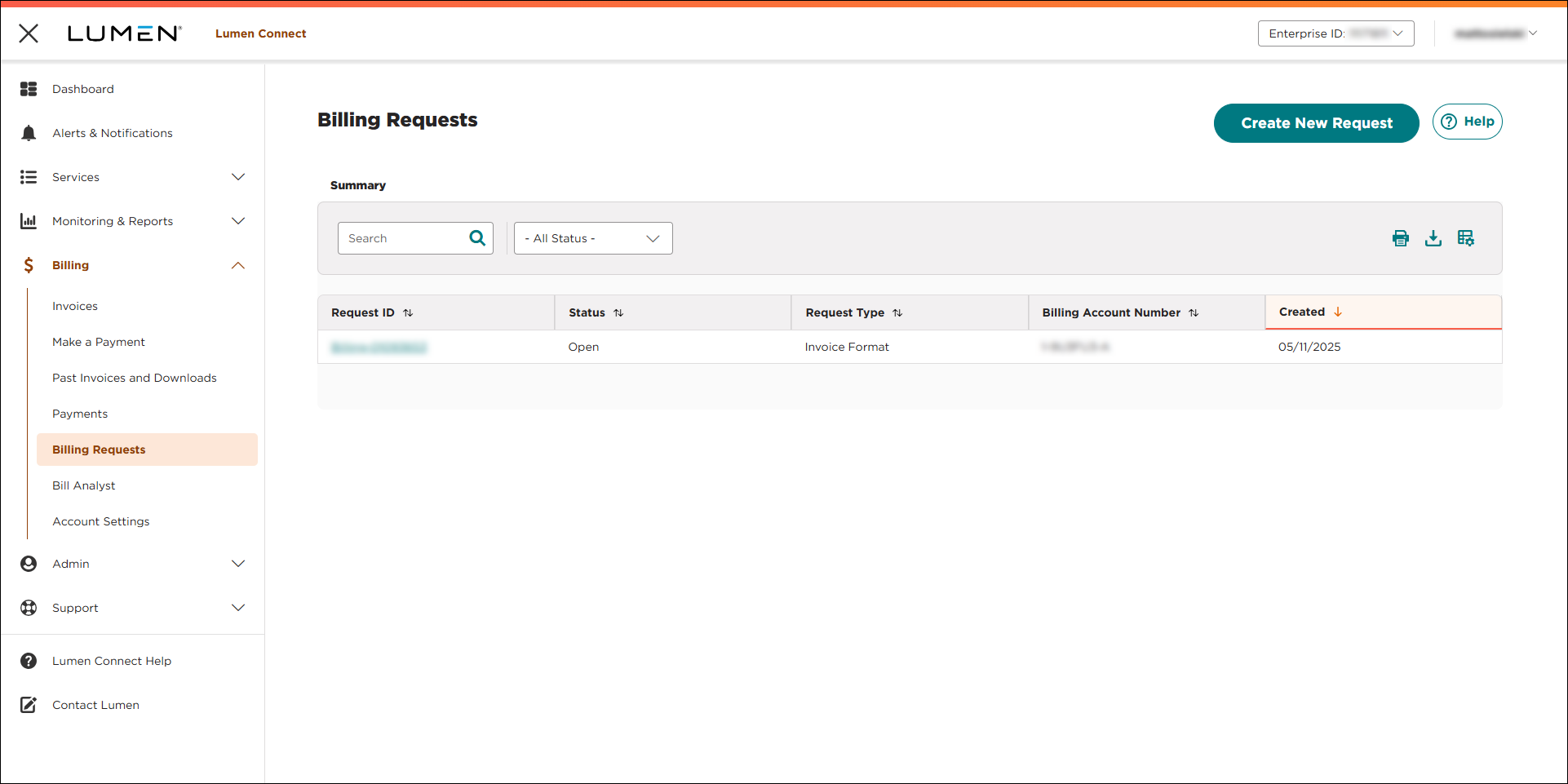
- To view details for a billing request, click the link in the Request ID column. (If you don't see the billing request you want to view, you can use the Search box to search for it. You can also filter the list using the Status filters or sort using the column headers. Remember that you can only see billing requests for accounts assigned to your user profile.)
Lumen Connect shows details for the billing request you selected.



