

Changing your two-factor authentication method
If you use two-factor authentication to sign in to Lumen Connect, you can change the two-factor authentication (2FA) method. Choose to receive your six-digit code either using an authentication app or by email.
To change your two-factor authentication method:
- In the upper-right corner, click your username, then click My Profile.
Lumen Connect shows your profile.
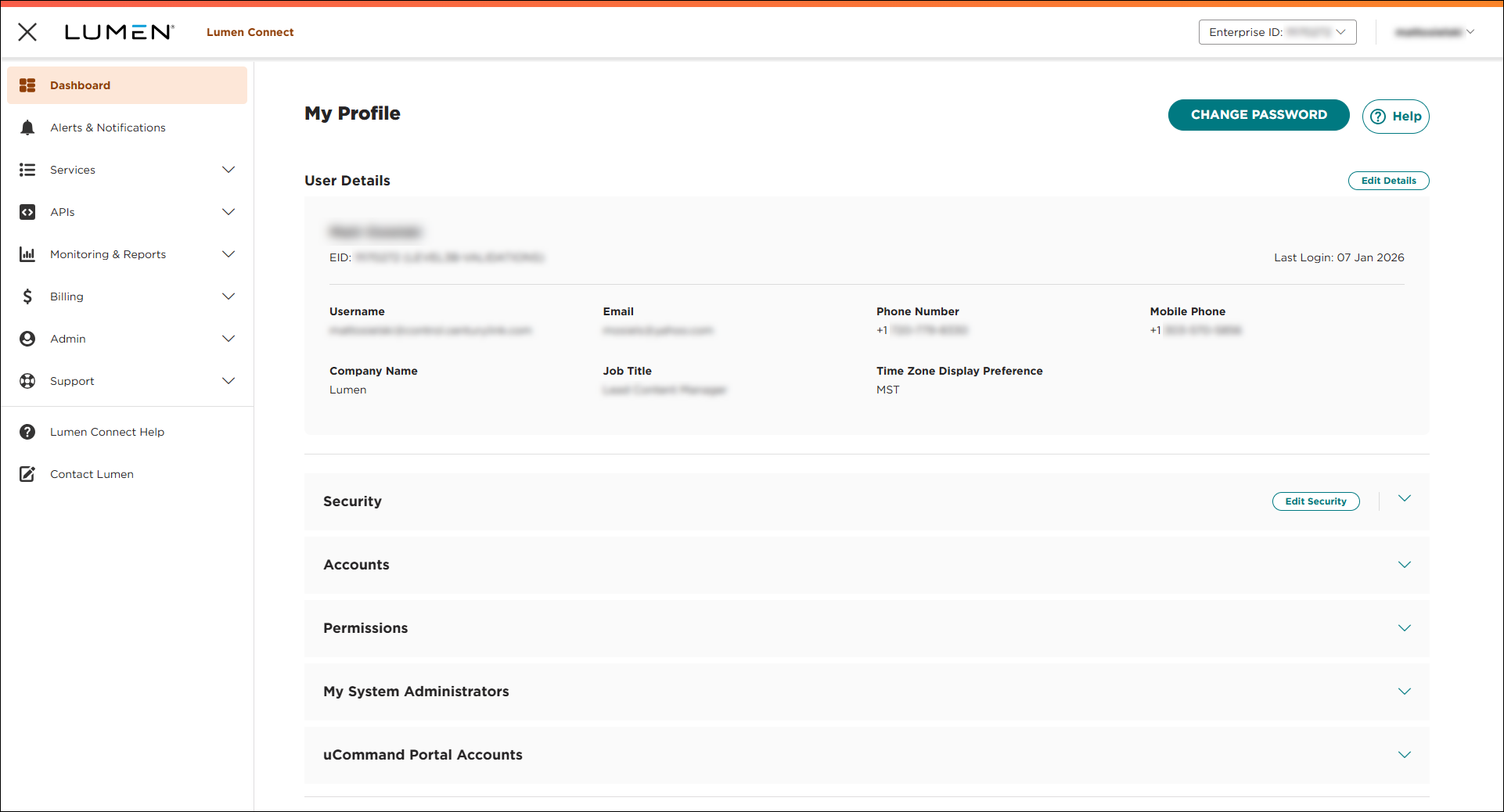
- Do either of the following to change your authentication method:
- To receive your six-digit code using an authentication app, click CHANGE 2FA to Authentication App.
Lumen Connect changes your authentication method. The next time you sign in, Lumen Connect prompts you to set up two-factor authentication so you can receive your code.
- To receive your six-digit code by email, click CHANGE 2FA to Email.
Lumen Connect changes your authentication method. The next time you sign in, Lumen Connect emails your code to the address in your user profile.
- To receive your six-digit code using an authentication app, click CHANGE 2FA to Authentication App.



