

Finding your Lumen Connect system administrator
Your organization's Lumen Connect system administrator(s) can reset user passwords, create/delete user profiles, and change user permission levels.
To find your Lumen Connect system administrator:
- In the upper-right corner, click your username, then click My Profile.
Lumen Connect shows your profile.
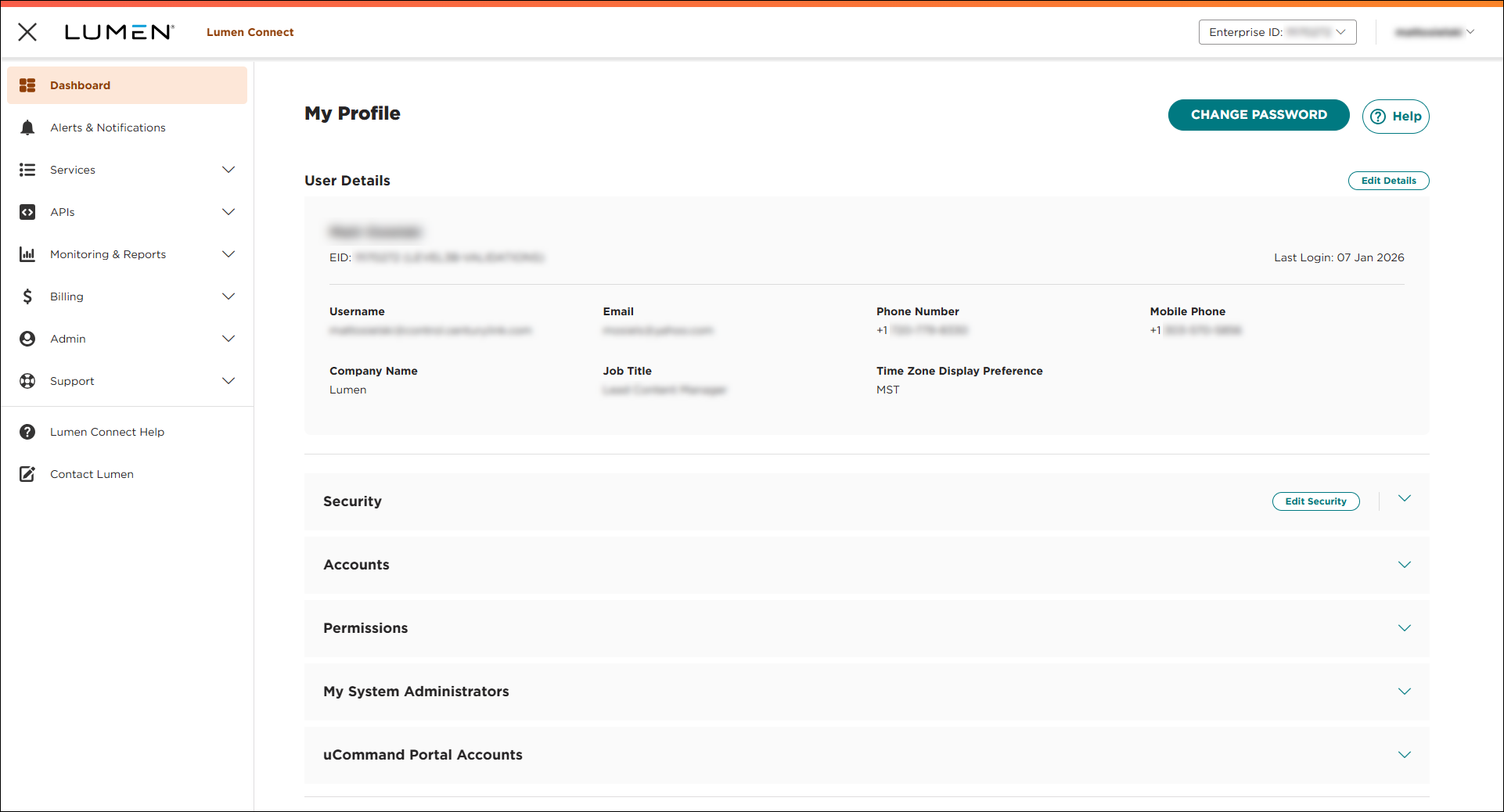
- Click the My System Administrators bar.
Lumen Connect lists the system administrators for your organization. The people listed here can help you with permissions, password issues, and other questions about Lumen Connect (for this enterprise ID). If no system administrator is listed for your organization or if the contact information is incorrect, contact us. You can also contact your Lumen representative to change the system administrator for your organization.



