Viewing the status of a change request
You can track the status of your change requests in Lumen Connect. For each request, you can view details and add notes to communicate with the Lumen representative assigned to your request. If you no longer need a change you requested, you can close a change request.
To view the status of a change request:
- Using the left menu, click Services, click Service Requests, then click Change Requests.
Lumen Connect shows all open and recently closed change requests (by default, within the past 30 days) for your organization with a status for each request.
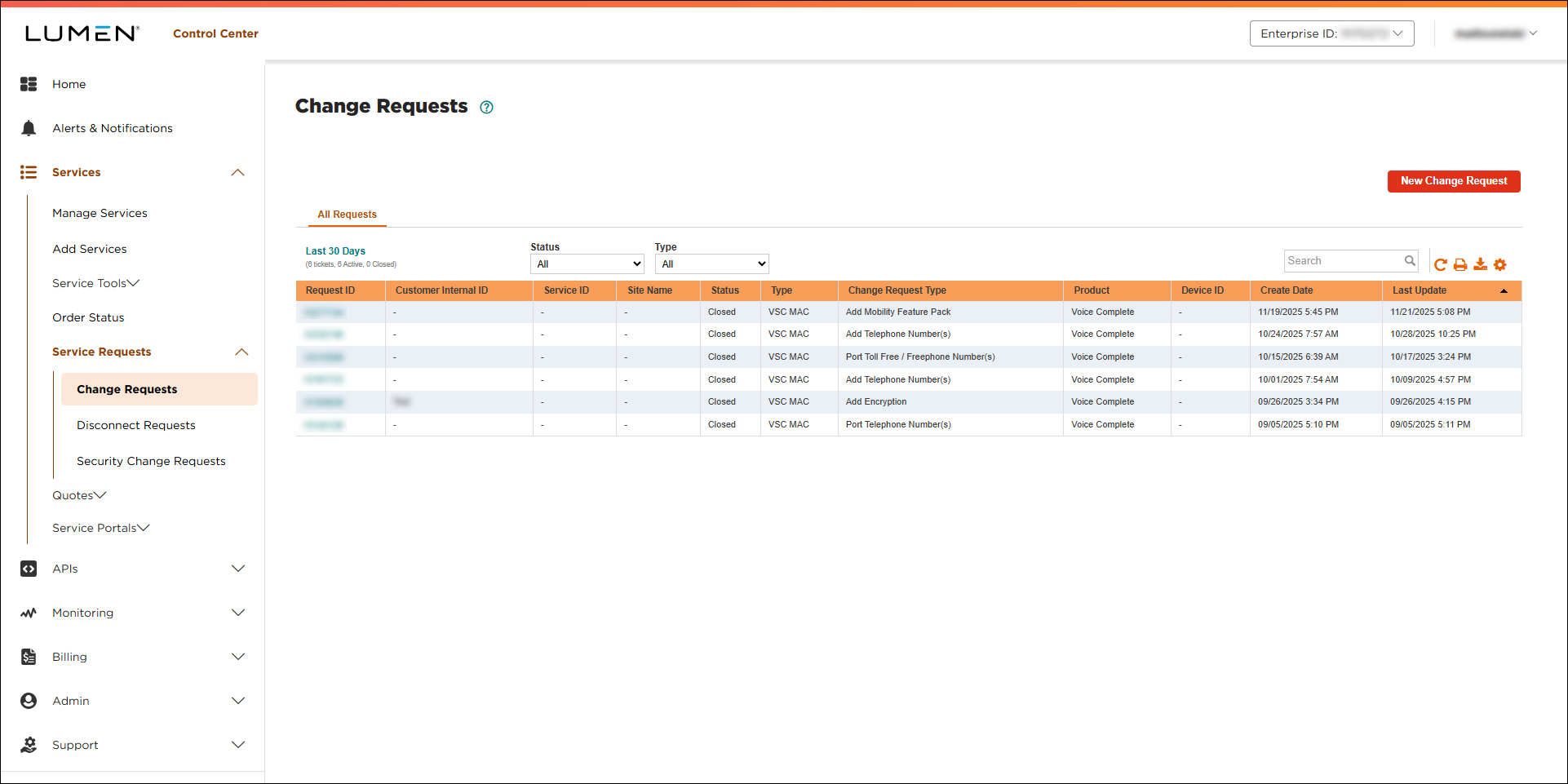
- If you don’t see the change request you’re looking for on the list, use Search. You can also filter the list by Status (New, Closed, Canceled, Pending CIC).
- To view details for a change request, click the change request ID.
Lumen Connect shows details for the change request you selected. If the request is still open, you can add notes to communicate with the Lumen representative assigned to your request.



