

Comparing statements in Bill Analyst
You can look at statements side-by-side to see trends or changes in your bill. You can compare up to 12 months of statements.
To compare statements:
- Sign in to Media portal. (Get help resetting your password)
- From the main menu, select Billing > Invoice Management.
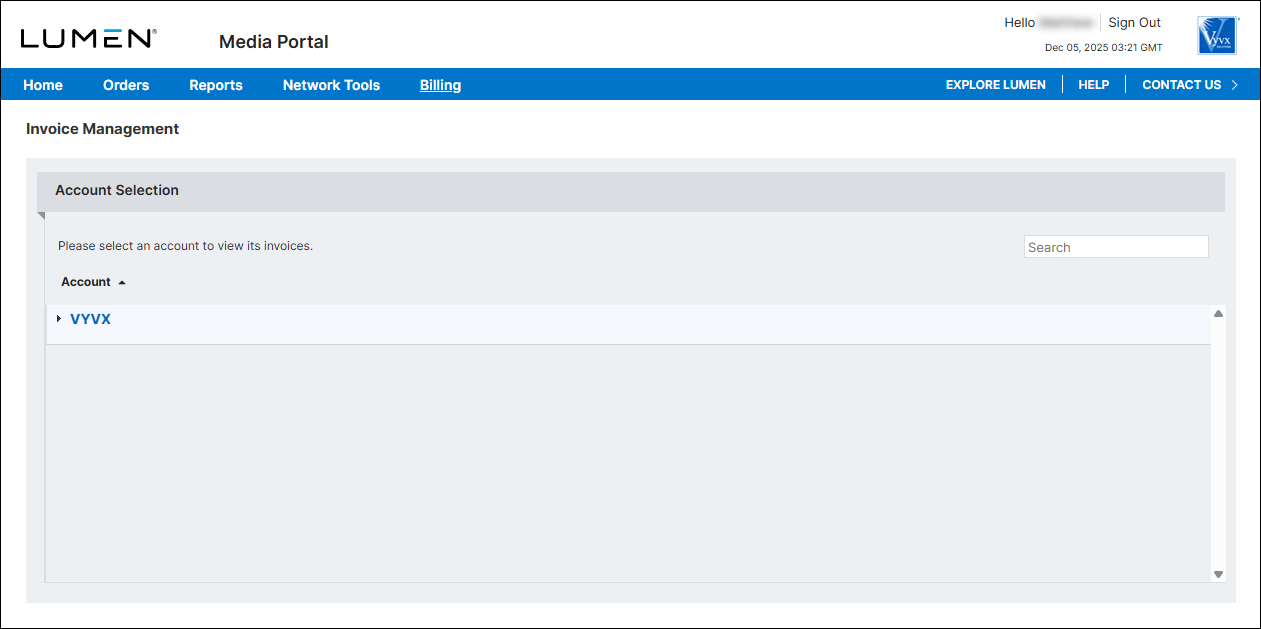
- From the list of accounts, click the blue hyperlink for the account you want to work with.
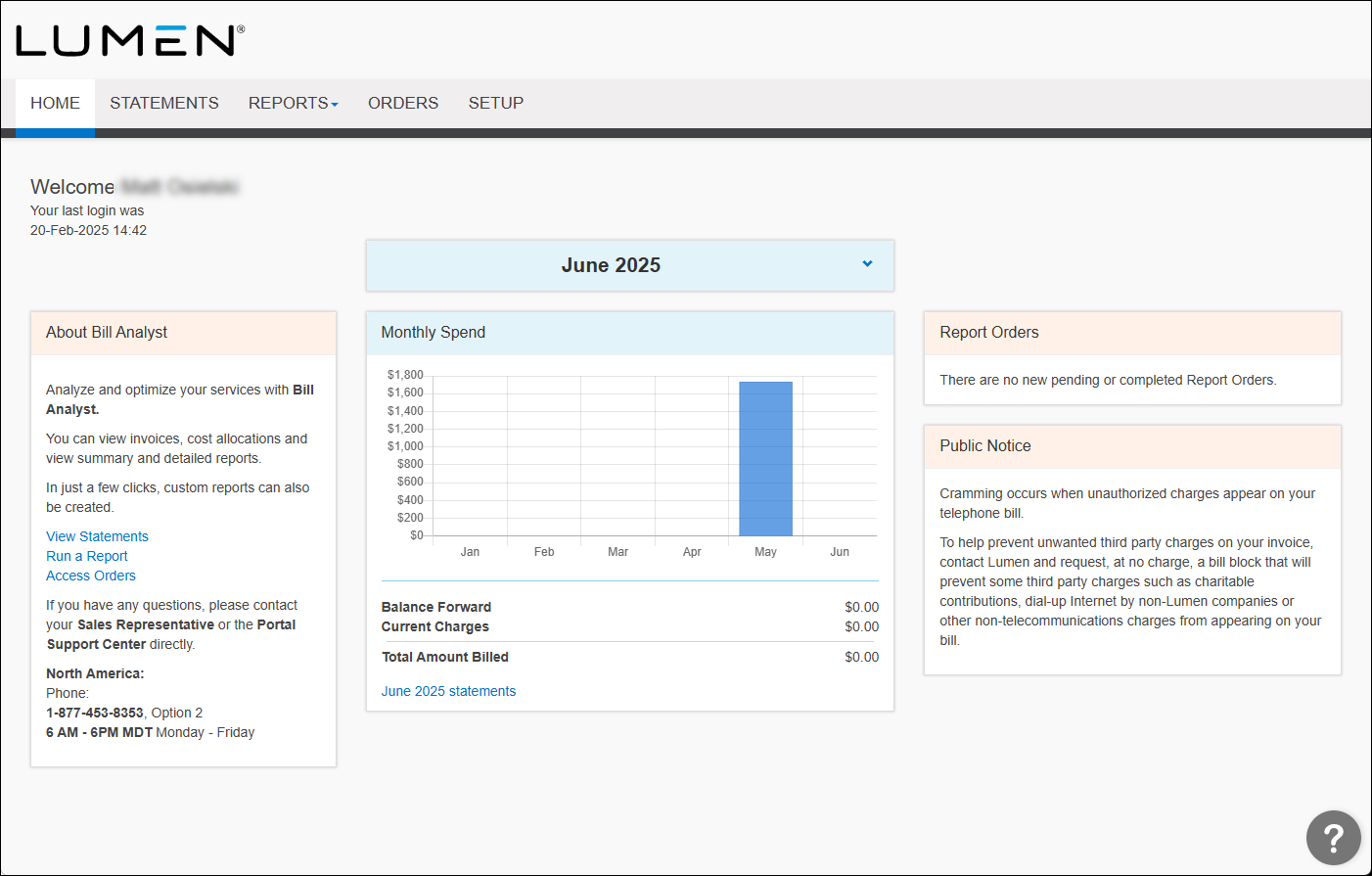
- Click the Statements tab.
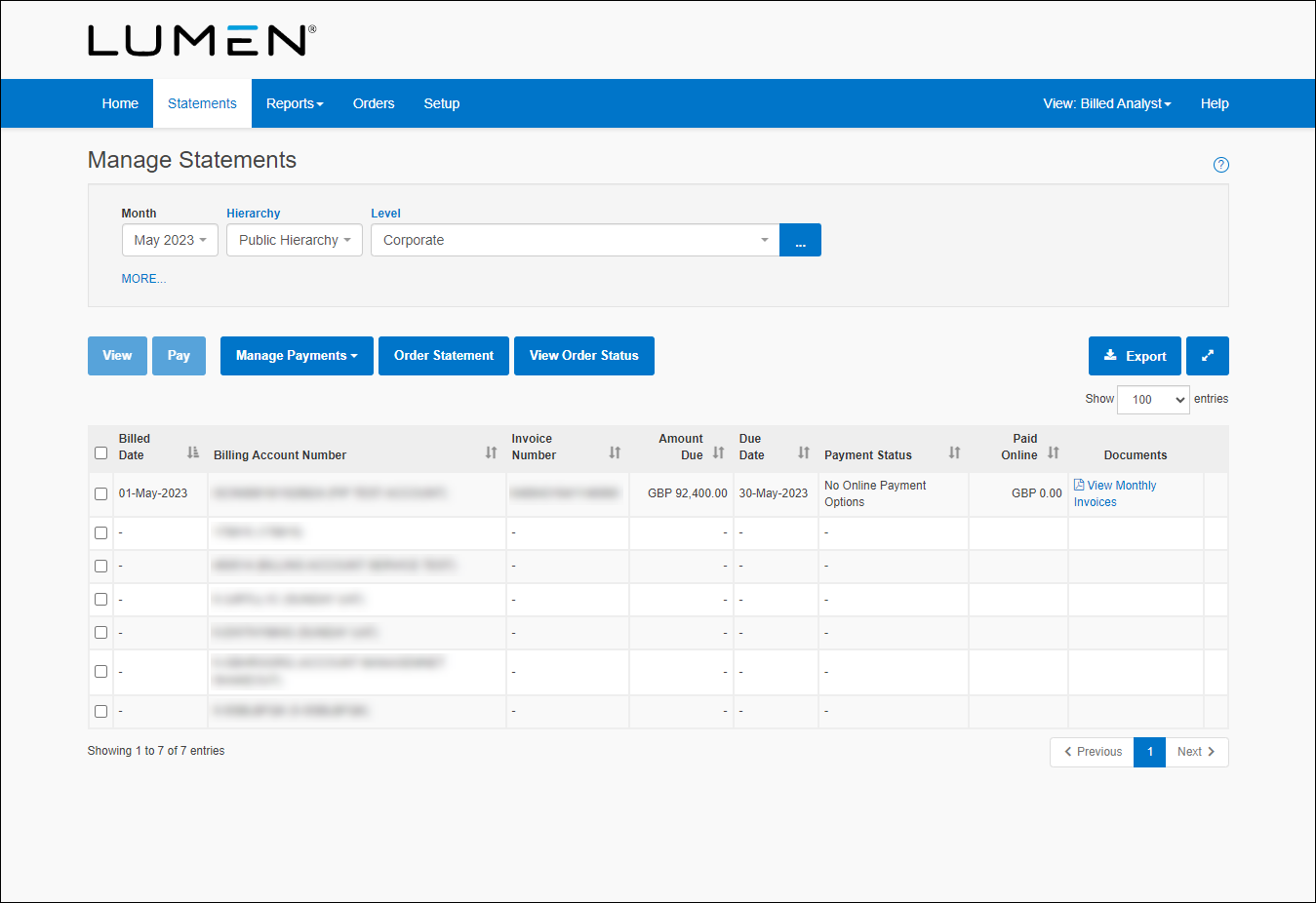
- Select the checkbox next to the statement you want to see, then click View.
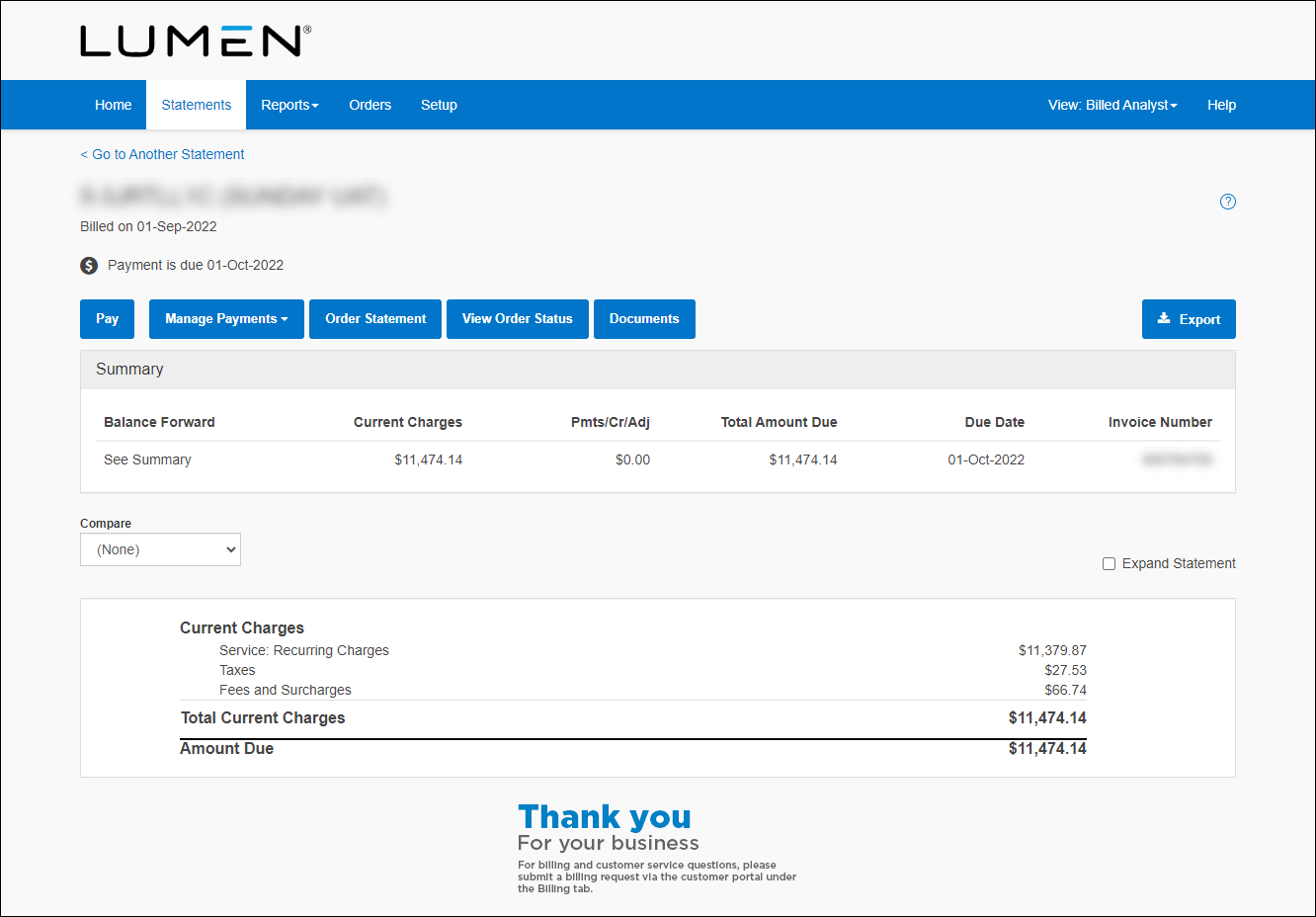
- To see more details, select the Expand Statement checkbox.
- From the Compare list, select the number of previous months' statements you want to compare, then click View.
- To export the data to an Excel spreadsheet, click Export.



