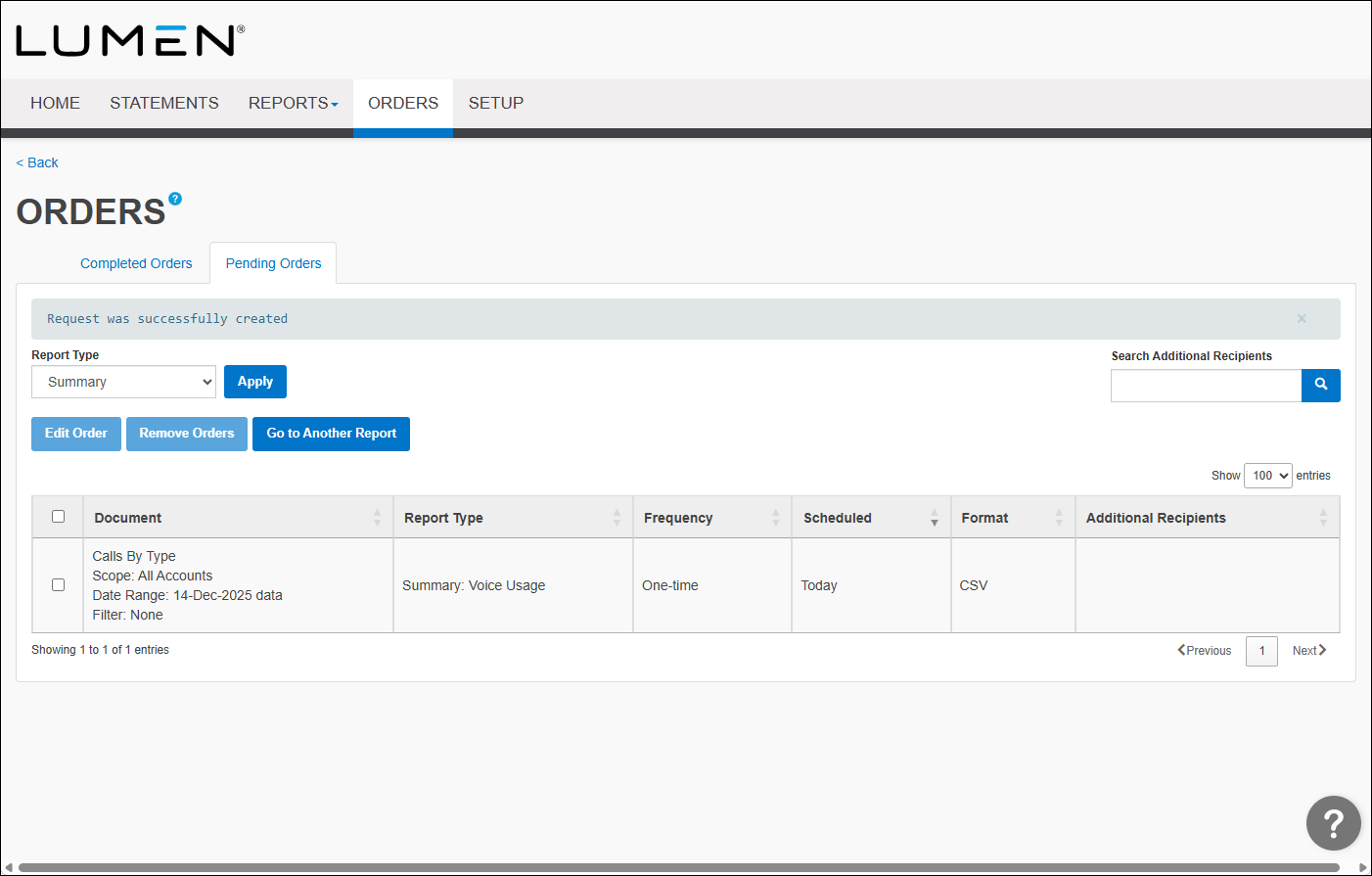
Viewing a pending report order in Bill Analyst
You can look to see the billing orders you have pending.
To view a pending report order:
- Sign in to Media portal. (Get help resetting your password)
- From the main menu, select Billing > Invoice Management.
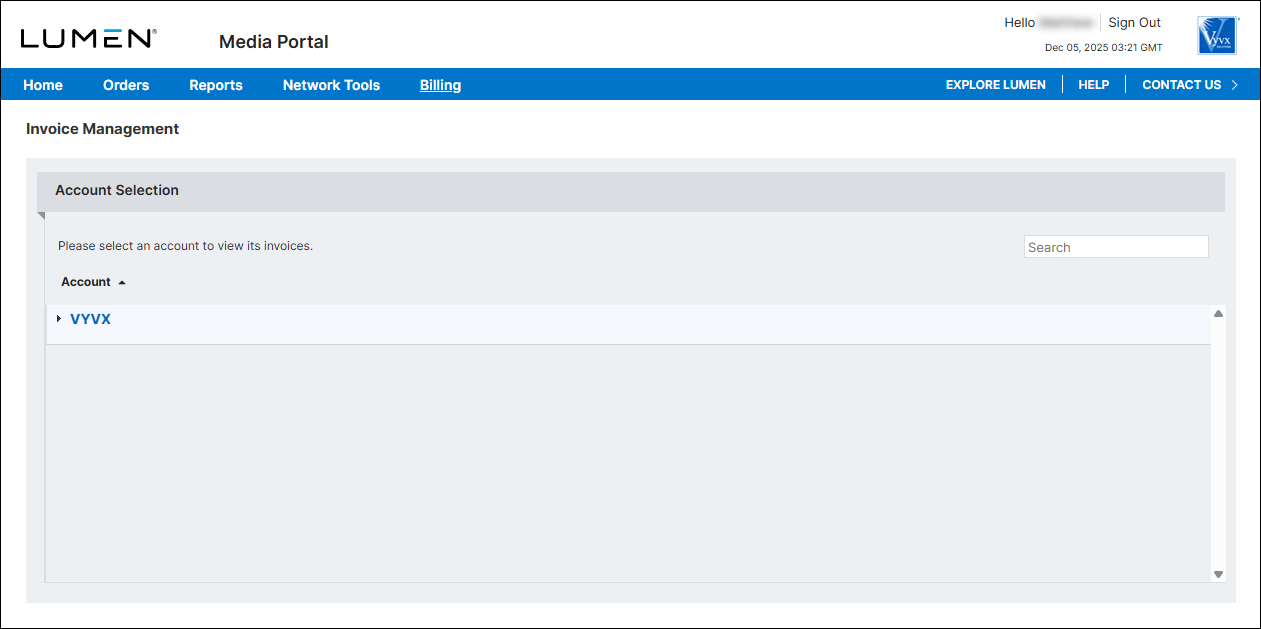
- From the list of accounts, click the blue hyperlink for the account you want to work with.
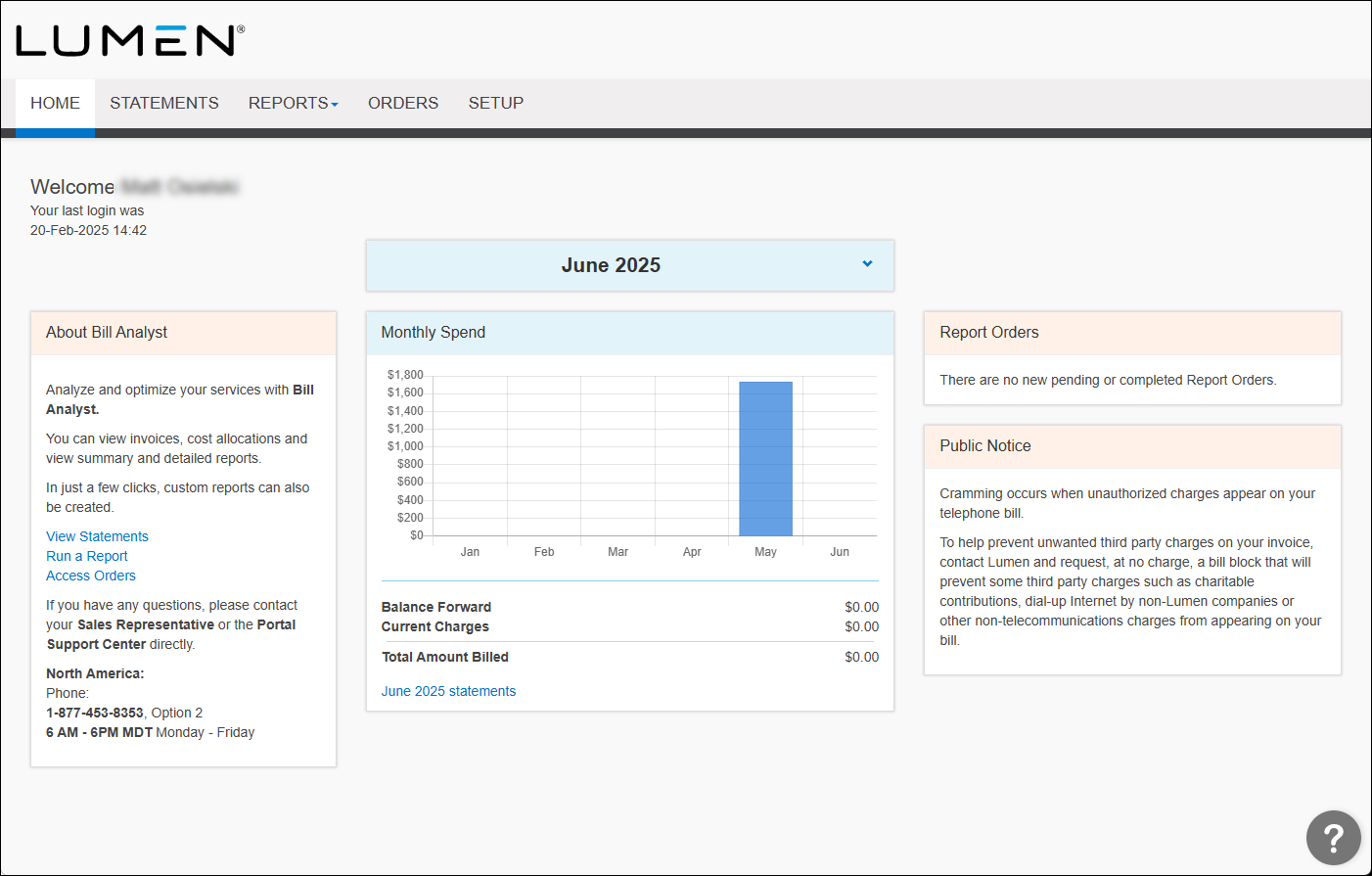
- Click the Orders tab.
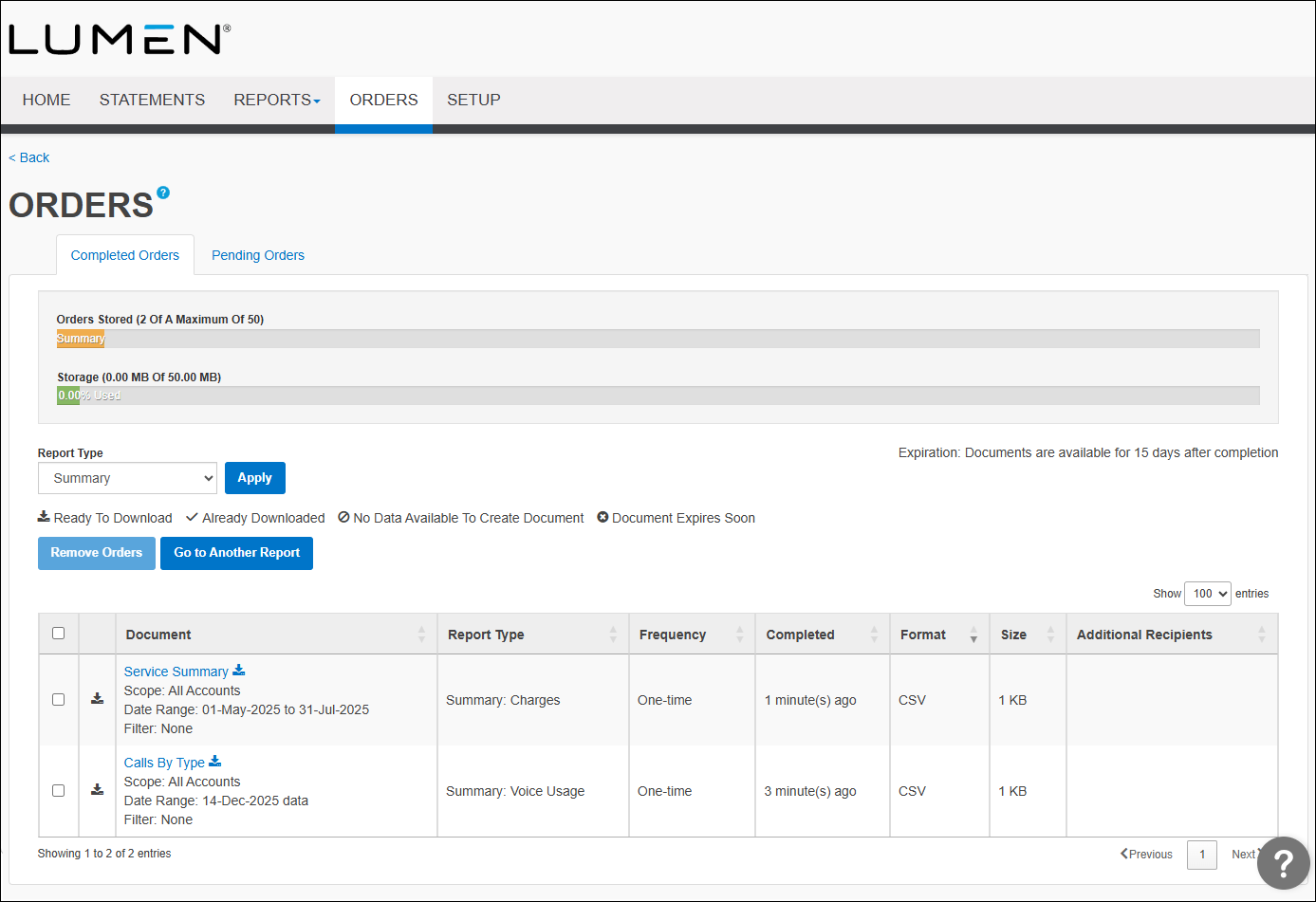
- Click the Pending Orders tab.