

Deleting a role
If you no longer need a role you created in Media portal, you can delete the role so it no longer shows in the list of roles. You can remove roles created by your organization, but not the default set of roles in Media portal. You can also edit roles you've created to adjust the permissions for users with that role.
To delete a role:
- Sign in to Media portal. (Get help resetting your password)
- From the main menu, select Portal Admin > Role Management.
Media portal lists the roles for your domain.
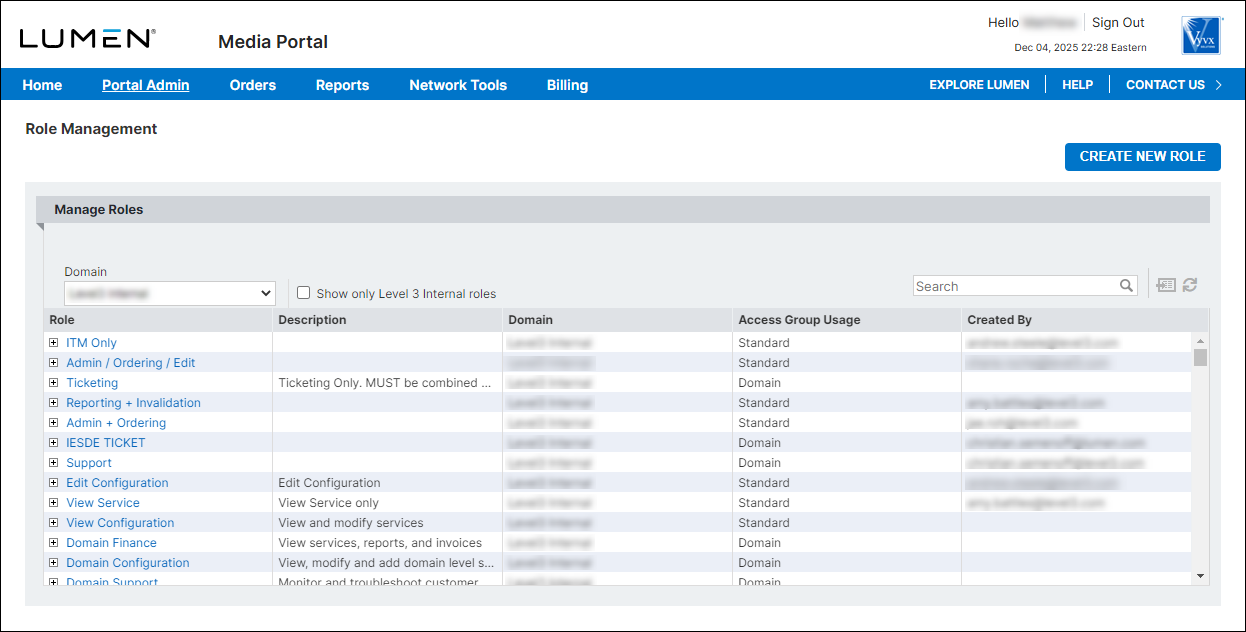
- On the row for the role you want to edit, click the linked role name.
Media portal shows details for the role you selected.
- Click Delete Role, then click OK in the window that appears.
Media portal deletes the role.



