

Creating an announcement
Using Lumen Connect, you can upload announcements to use on a complex toll‑free route plan for a Lumen® 1+ Switched and Toll Free service. You can also update an announcement (to replace a recording or modify the description); you can also delete announcements you no longer need.
To create an announcement:
- Using the left menu, click Services, click Service Tools, then click 1+ Switched & Toll Free.
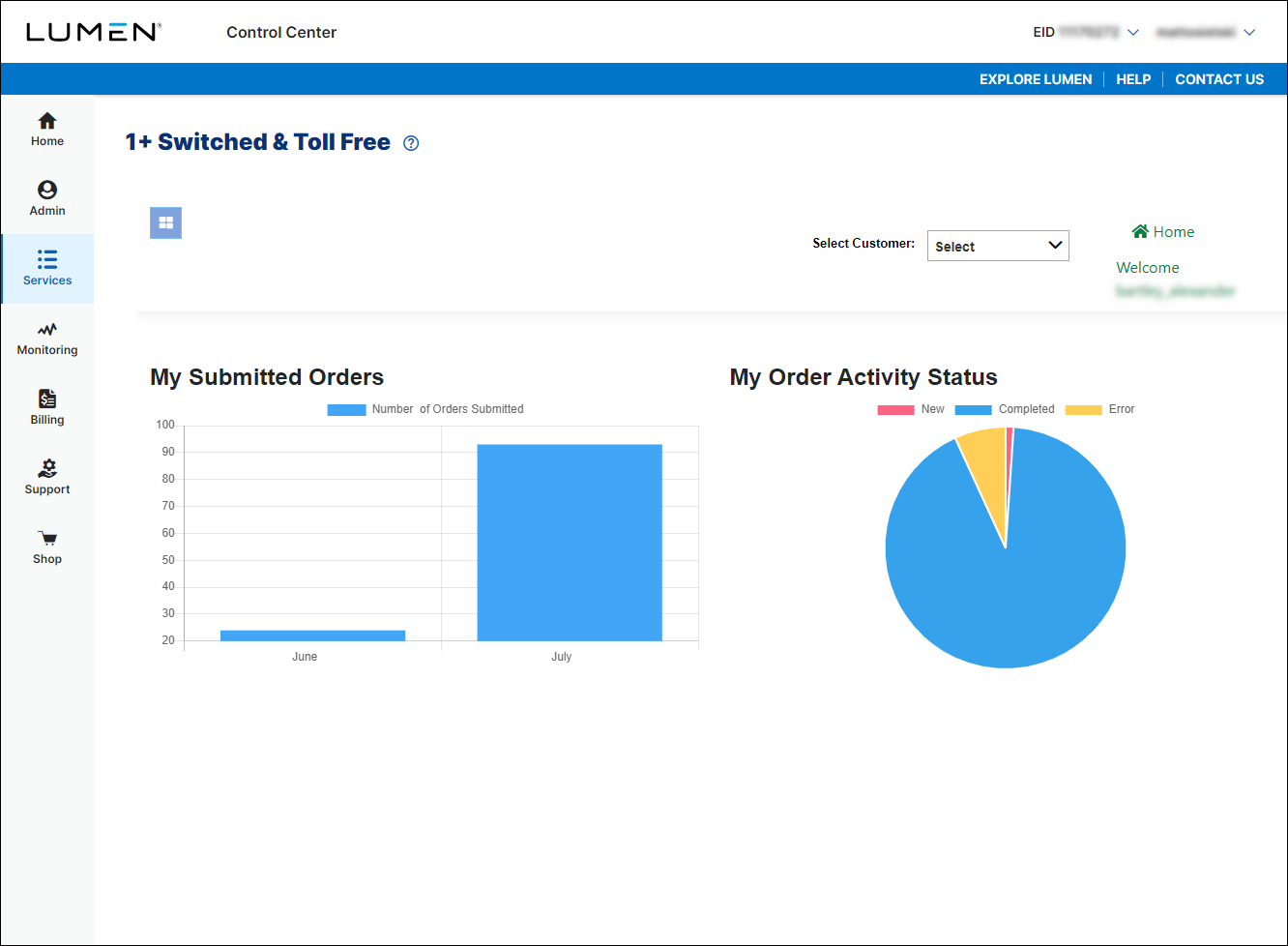
- If you have more than one customer number, use the Select Customer list to select the customer ID you want to work with.
- Click the menu icon (), click Announcements, then click Create Announcement.
- Type a name and description for the announcement. (You can't use spaces or special characters, but you can use underscores to separate words: e.g., Office_Closed.)
- Upload the file you want to use for the announcement: click Browse, locate the file, then click Open. (We accept files in .wav format and ADPCM/μ-law/Codec ID=7 with a maximum length of five minutes.)
- Click Submit.
Lumen Connect submits the request to add the announcement and places the announcement in Pending status. Once Lumen Connect has processed the announcement, it appears in Completed status.



