Viewing a list of scheduled reports
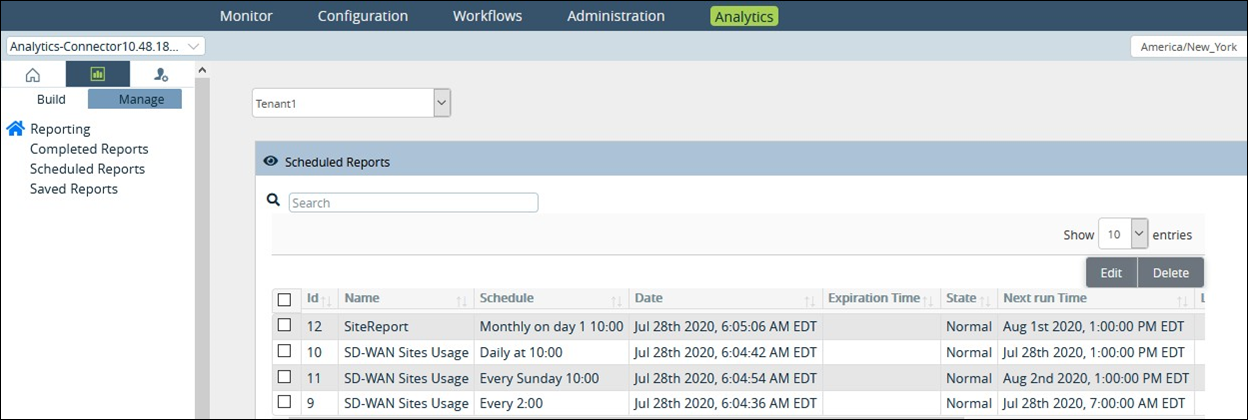
For Lumen® SD-WAN with Versa Networks, you can view a list of reports you currently have scheduled to run in Versa Director. From the list, you can delete or edit the scheduled reports as your analytics needs change.
To view a list of scheduled reports:
- Sign in to Versa Director.
- Click the Analytics tab, click the Reporting tab, then click Manage.
- From the Reporting menu on the left, select Scheduled Reports.
Versa Director lists the reports you currently have scheduled.