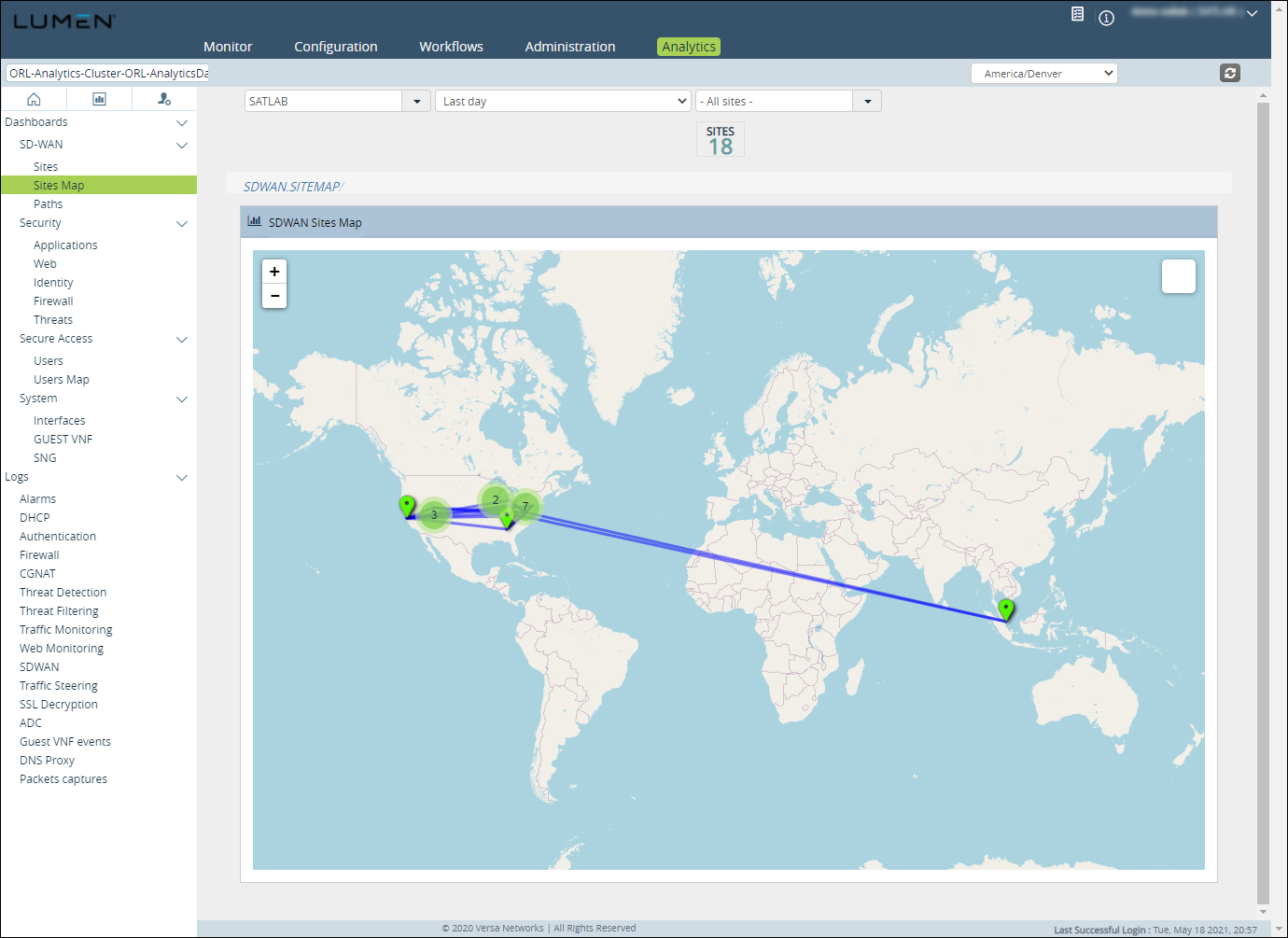
Viewing a map of your SD-WAN sites
In Versa Director, you can view a map of your Lumen® SD‑WAN with Versa Networks sites. From the map, you can click on a location to view details for the site, such as bandwidth, connections, and volume.
To view a map of your SD-WAN sites:
- Sign in to Versa Director.
- Click the Analytics tab, click the Dashboard tab.
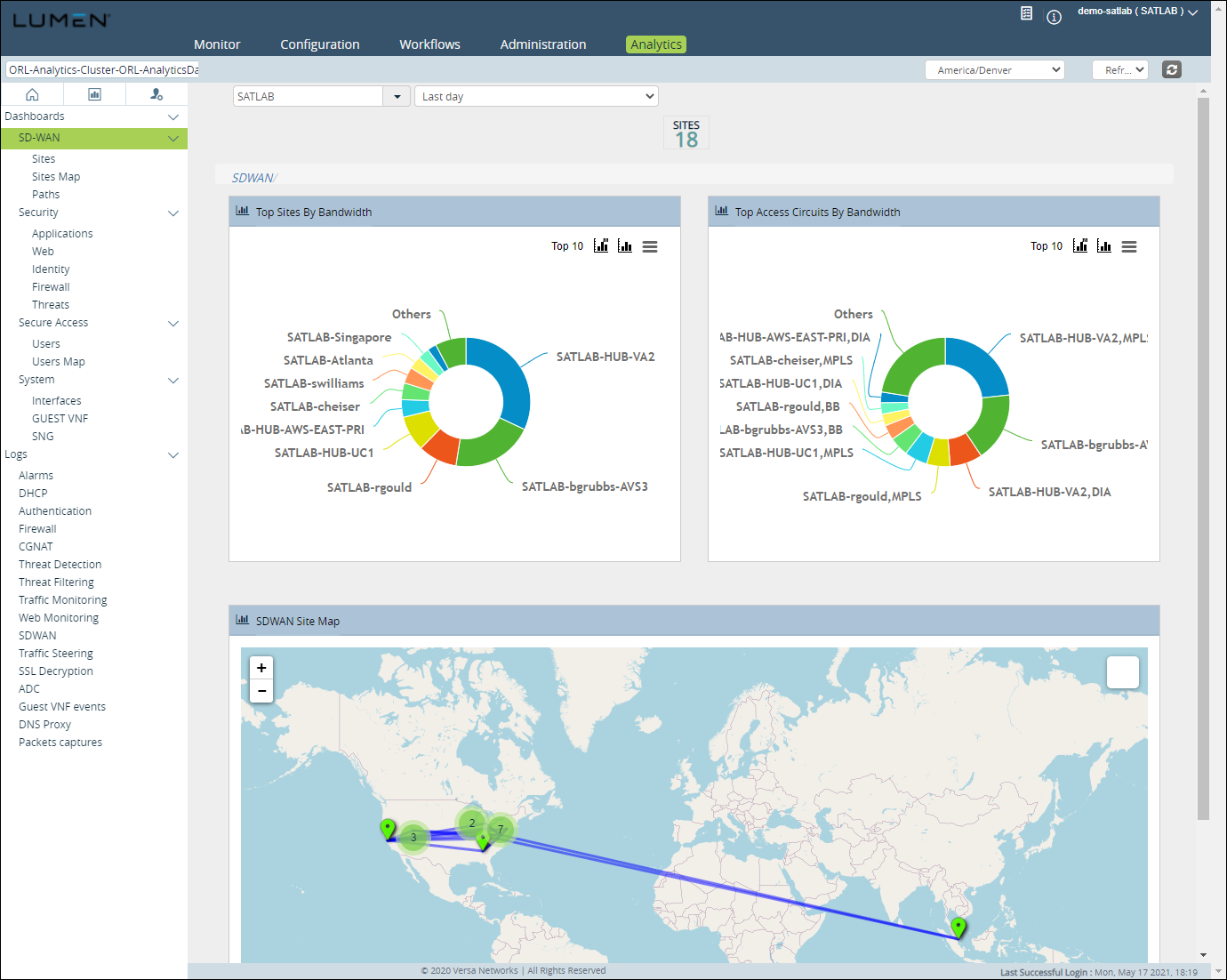
- From the left menu on the left, select Dashboards > SD‑WAN > Sites Map.
Versa Director shows a map of your SD‑WAN sites.