

Creating an alternate call plan
For Lumen® Toll Free Service, alternate call plans are the solution when you need to quickly redirect your inbound calls. Using Lumen Connect, you can create and save up to 20 call plans, that way, when your needs change, you can activate an alternate call plan at a moment's notice. And, if you're away from your desk and realize you need to quickly activate one of your alternate call plans, you can do it from a mobile phone. As your business needs change, you can also update an alternate call plan or delete one you no longer need.
For example, if your Chicago office gets unexpectedly inundated with customer calls, you can quickly send customers to your Bismarck support center, giving Chicago a chance to catch up.
To create an alternate call plan:
- In the Services widget on the homepage, select Toll Free from the Find by Product or Service Tool list.
Lumen Connect shows all Toll Free services on the enterprise ID.
- Search for the service you want to work with. When you find the service you want to work with, click the hyperlinked service ID or click the icon (in the Actions column), then click View Details.
Lumen Connect shows details for the toll-free service you selected.
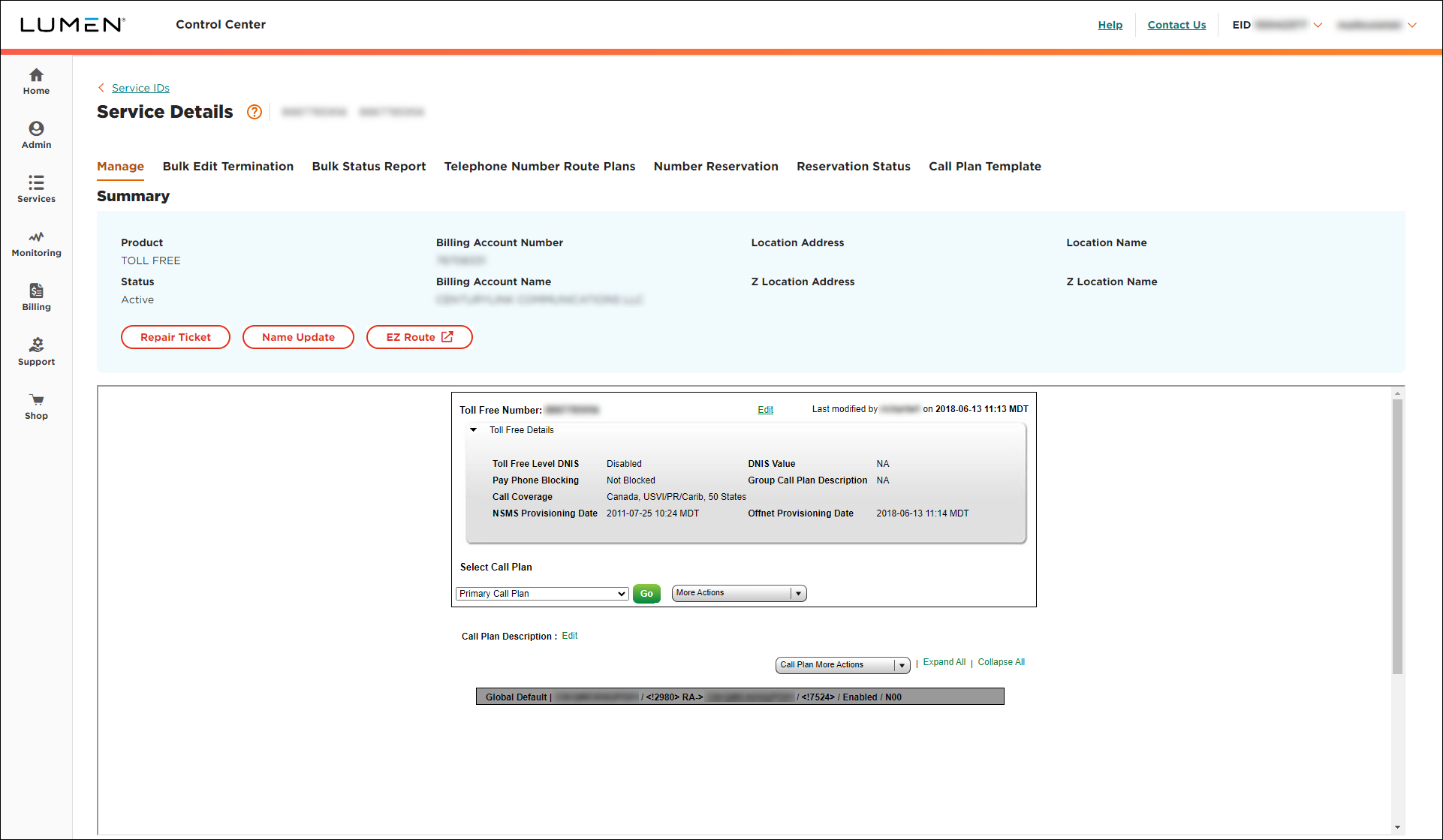
- From the More Actions list, select Create New Alternate Plan.
- In the Call Plan Description field, type a name for the alternate call plan, then click Go.
- Depending on what kind of number you want to route, in the Terminating Route Type section, do one of the following:
- To add a dedicated trunk:
- Select the DED radio button.
- From the Primary Trunk list, select the trunk.
- Select the DED radio button.
- To add a switched ANI:
- Select the SWI radio button.
- From the ANI list, select the terminating route. (If you don't see the trunk/ANI you need, click the ADD ANI TO THE LIST button, fill in the fields, click Add, then select the number from the list.)
- Select the SWI radio button.
- To add a dedicated trunk:
- Click Submit Call Plan.
Lumen Connect creates the alternate call plan.



