

Deleting a digit string
If you no longer need a digit string to restrict a number(s) from incoming or outgoing calling plans for Lumen® Voice Complete® phone numbers, you can delete it from Voice Complete Feature Manager in Lumen Connect. As your business needs change, you can also edit the digit string.
To delete a digit string:
- Using the left menu, click Services, click Service Tools, then click Voice Complete Features.
Lumen Connect shows the groups associated with your Voice Complete service.
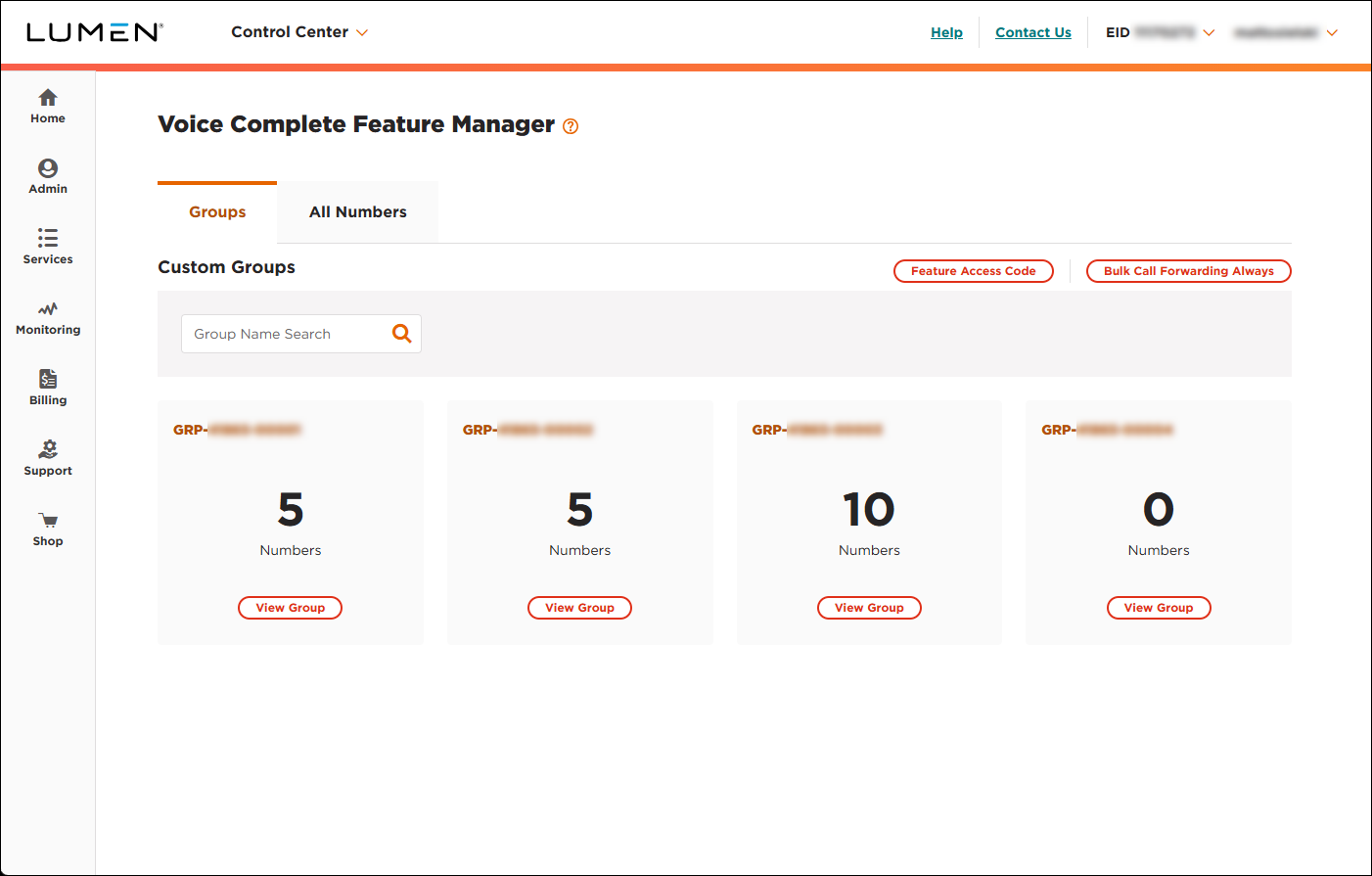
- On the card for the group you want to work with, click View Group.
Lumen Connect lists the phone numbers associated with the group you selected.
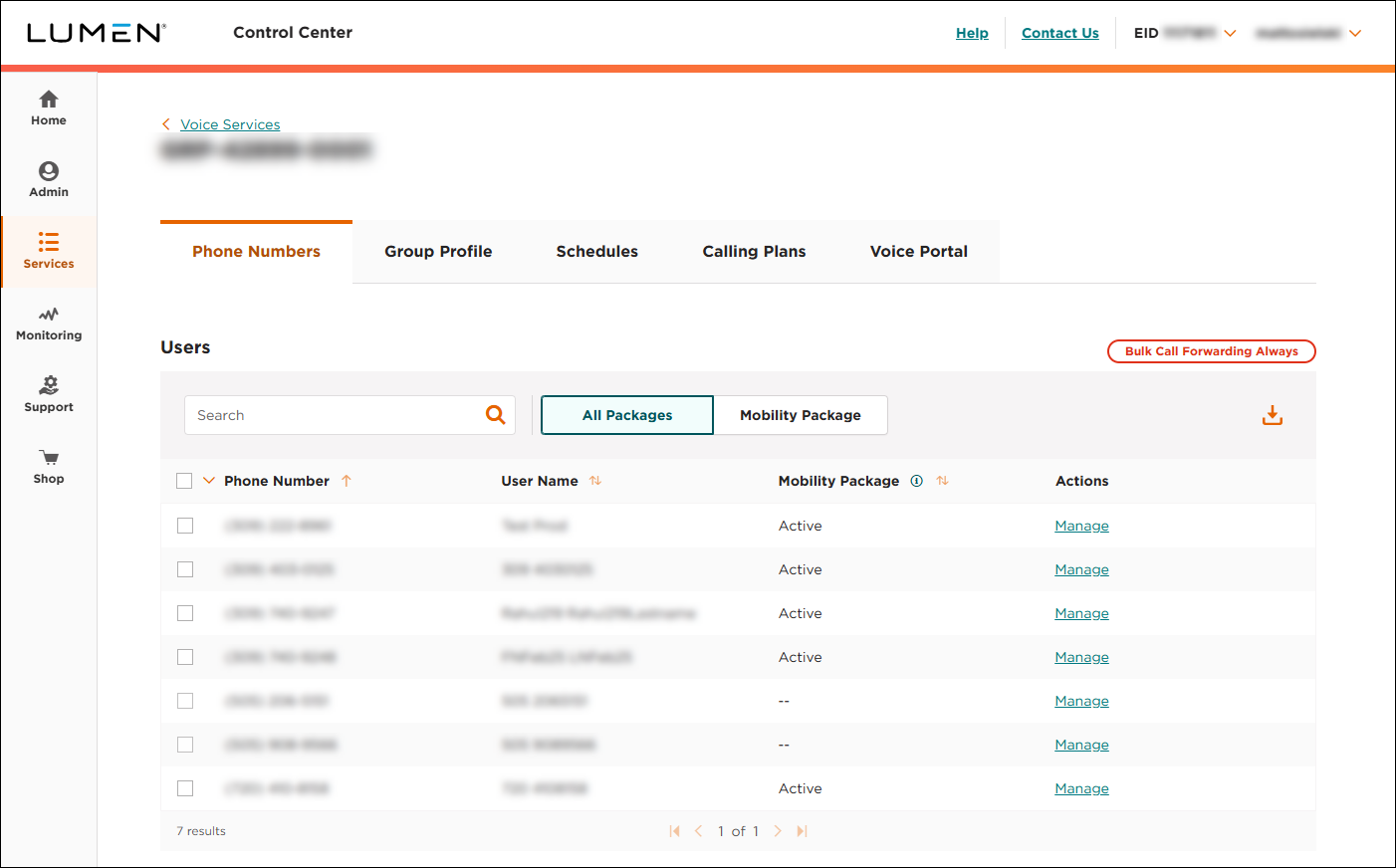
- Click the Calling Plans tab.
Lumen Connect shows the incoming and outgoing calling plans for the group as well as any digit strings created for the group.
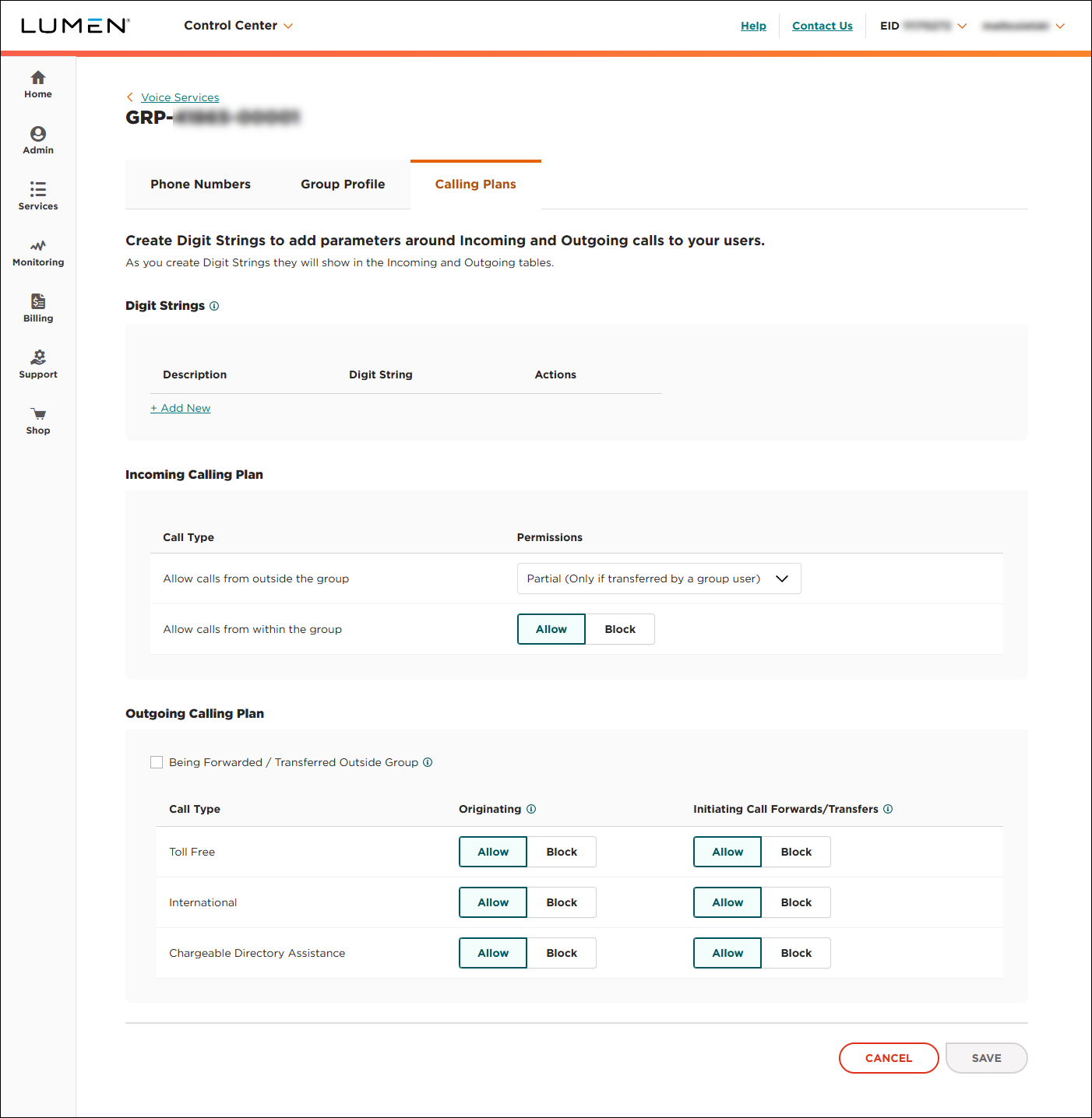
- In the Digit Strings section, click the icon on the row for the digit string you want to delete.
Lumen Connect deletes the digit string and removes it from the incoming and outgoing calling plans.



