

Deleting a holiday schedule for your phone number
If you no longer need a holiday schedule for your Lumen® Voice Complete® phone number, you can delete it from Voice Complete Feature Manager in Lumen Connect. As your business needs change, you can also edit the holiday schedule.
To delete a holiday schedule for your phone number:
- Using the left menu, click Services, click Service Tools, then click Voice Complete Features.
Lumen Connect shows the calling feature settings for your Voice Complete phone number.
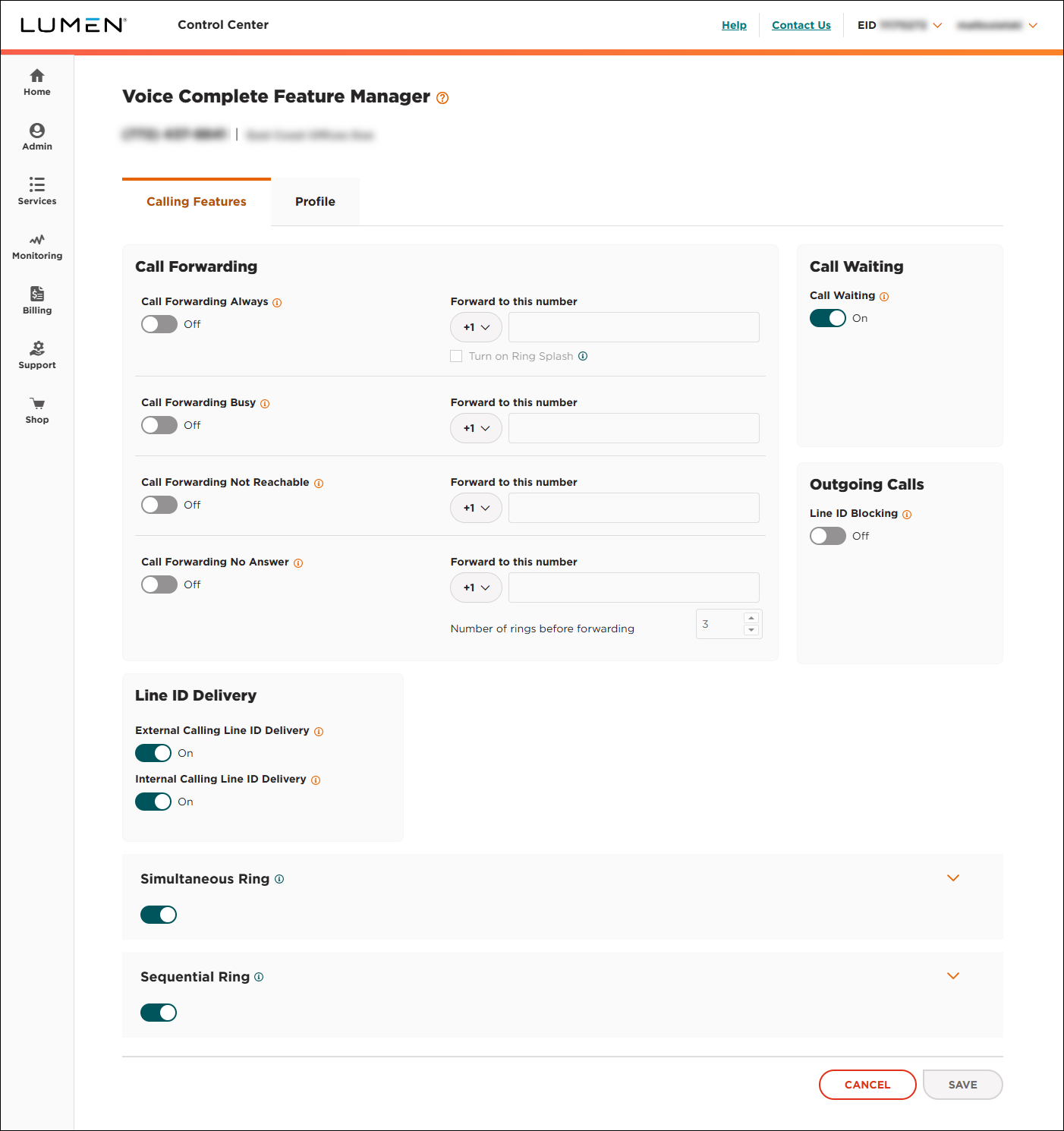
- Click the Schedules tab.
Lumen Connect shows the time schedules for the phone number (if any).
- Click the Holiday Schedules subtab.
Lumen Connect shows the holiday schedules for the group (if any).
- In the Existing Schedules list, click the holiday schedule you want to delete.
Lumen Connect shows details for the holiday schedule.
- Click Delete, then click YES, DELETE in the confirmation window.
Lumen Connect deletes the holiday schedule.



