

Deleting a time schedule for a phone number
As an administrator, you can manage time schedules for Lumen® Voice Complete® phone numbers in your organization. If you no longer need a time schedule for a phone number, you can delete it from Voice Complete Feature Manager in Lumen Connect. As your business needs change, you can also edit the time schedule.
To delete a time schedule for a phone number:
- Using the left menu, click Services, click Service Tools, then click Voice Complete Features.
Lumen Connect shows the groups associated with your Voice Complete service.
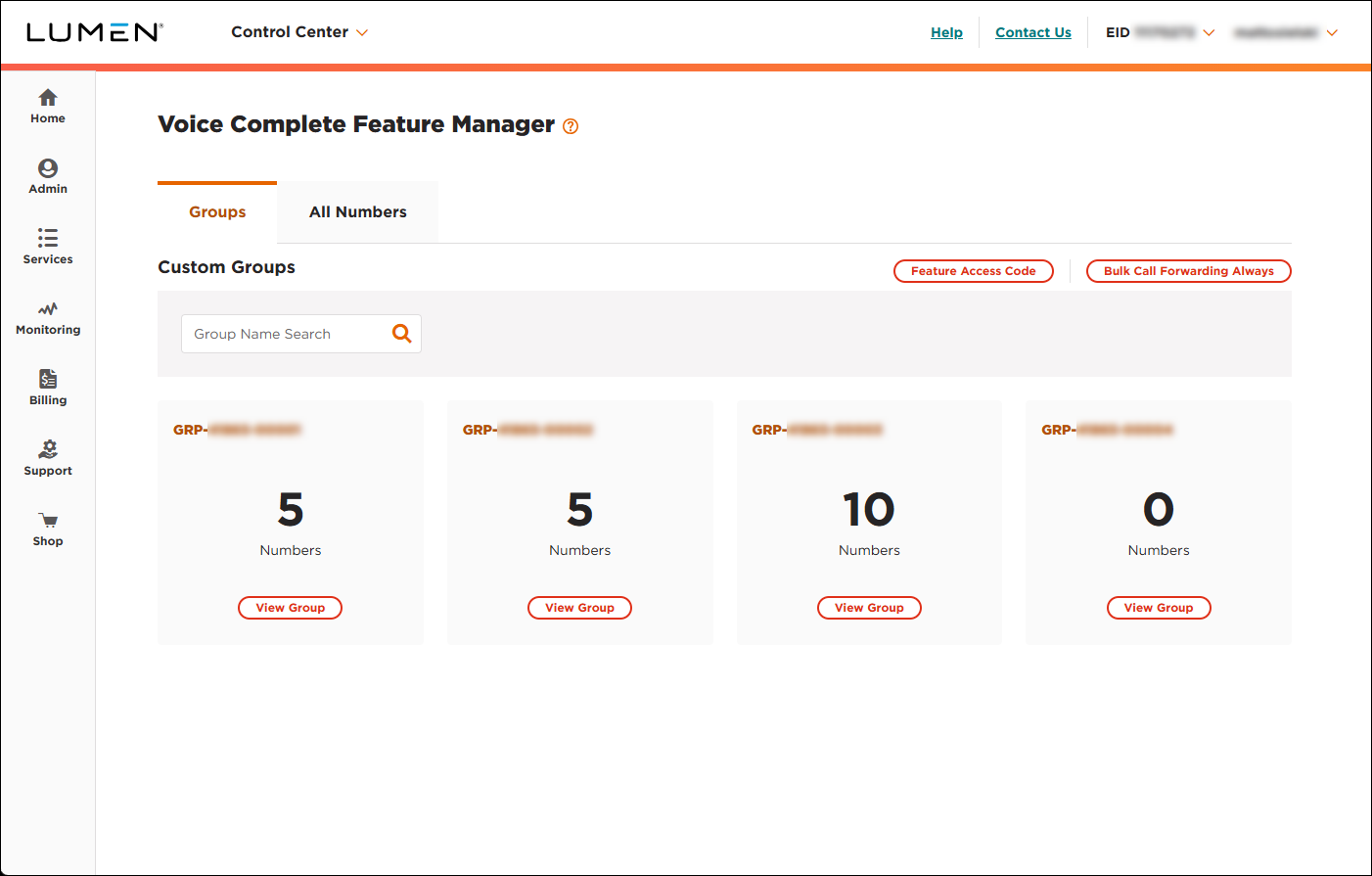
- Search for the phone number you want to work with by doing one of the following:
- If you know the group the phone number belongs to, click View Group on the card for the group.
- Otherwise, click the All Numbers tab, then search for, sort, or filter the list of phone numbers to find the one you're looking for.
- If you know the group the phone number belongs to, click View Group on the card for the group.
- When you find the phone number, click the Manage link (in the Actions column) on the row for the phone number.
Lumen Connect shows the calling features for the phone number.
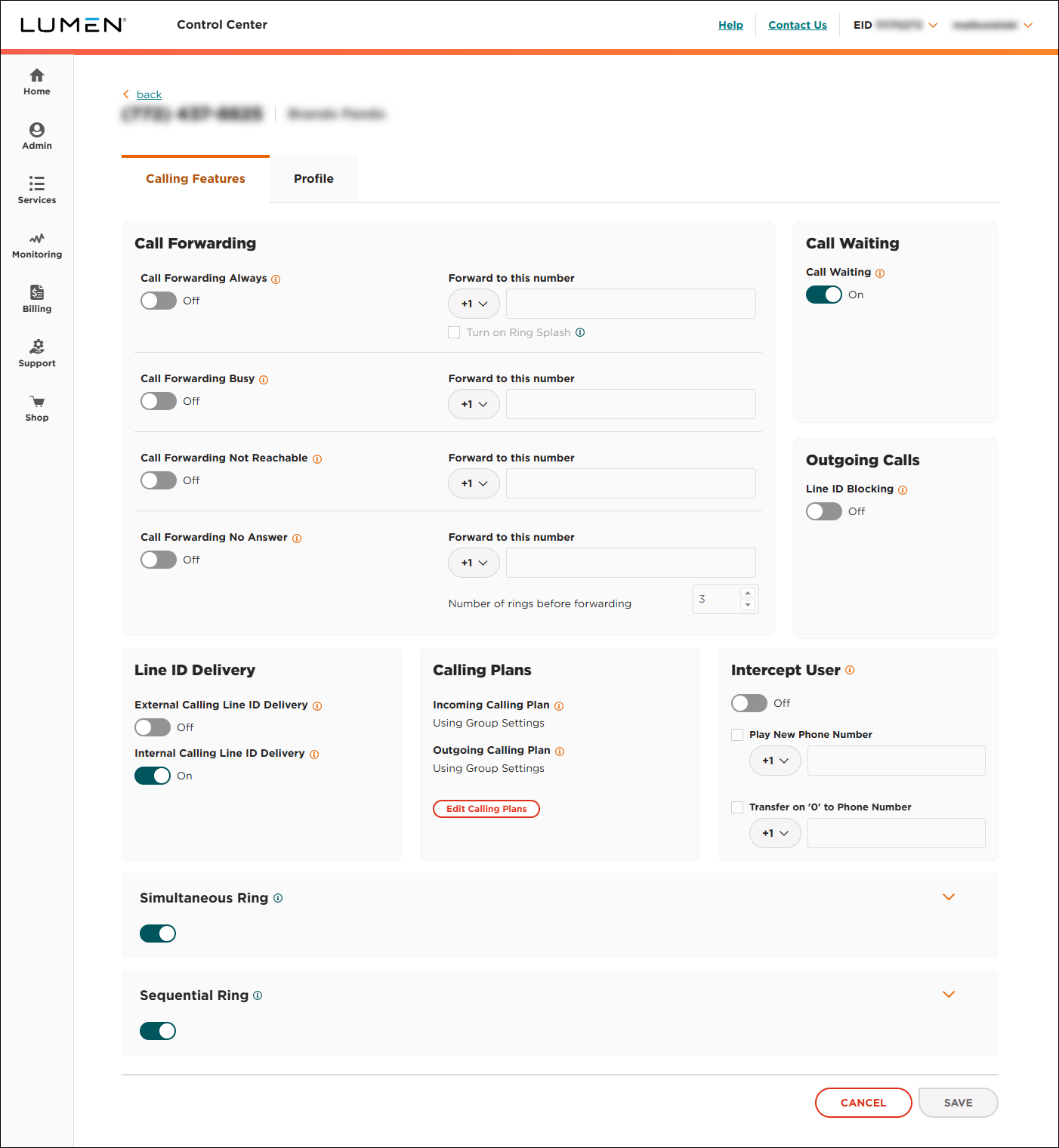
- Click the Schedules tab.
Lumen Connect shows the time schedules for the phone number (if any).
- In the Existing Schedules list, click the time schedule you want to delete.
Lumen Connect shows details for the time schedule.
- Click Delete, then click YES, DELETE in the confirmation window.
Lumen Connect deletes the time schedule.



