

Accessing the Contact Center Client for the first time
The first time you access the Contact Center Client, you sign in through the VoIP portal. After you sign in the first time, you can go directly to the Contact Center Client. We recommend you bookmark this page.
To access the Contact Center Client for the first time:
- Sign in to the VoIP portal.
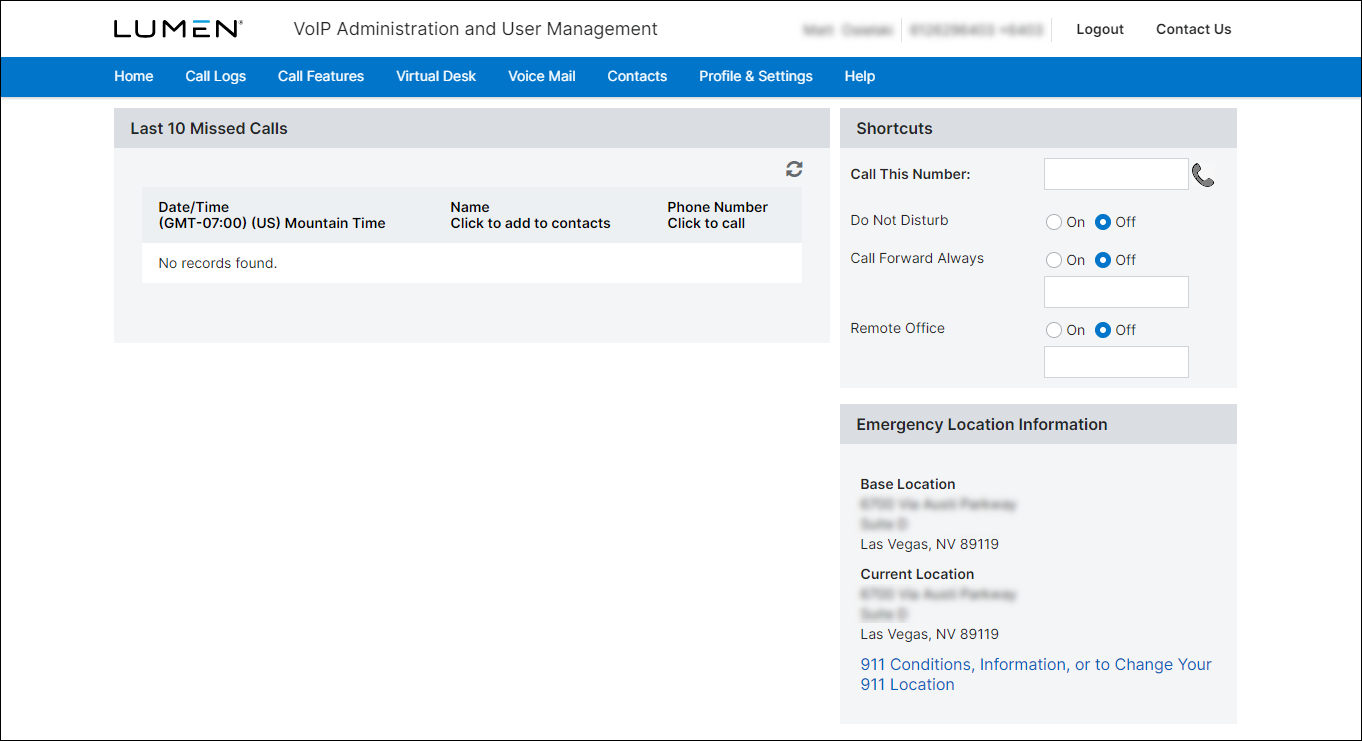
Note: If you don’t have your VoIP portal credentials, you'll find the login information in your welcome email.
- From the top-right menu in the VoIP portal, click Contact Center Client.
The Contact Center Client opens with the sign-in prompt.
- Type your user ID and password. (Remember, passwords are case sensitive.)
- To stay signed in to the Contact Center Client, select the Stay Signed In checkbox.
- To bookmark the Contact Center Agent Client URL, click the Bookmark this Page link, then Ctrl+D.
- Click Sign In.



