

Adding a speed dial directory contact
Using the Contact Center Client, you can add contacts to your speed dial directory and assign speed dial numbers to make calling a contact go faster.
To add a speed dial directory contact:
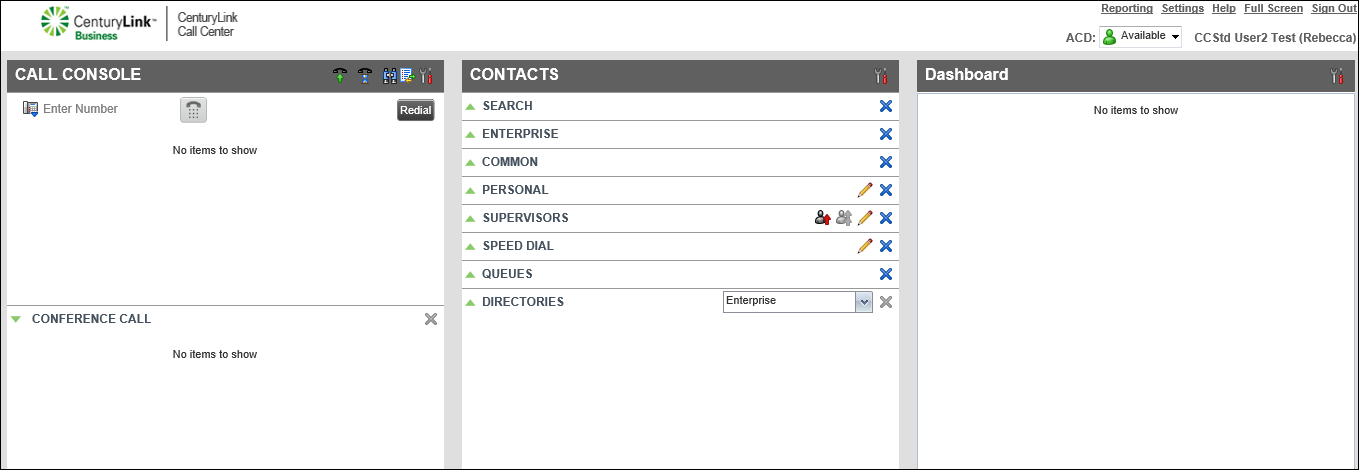
- Click Add.
The Contact Center Client adds a new line below the other speed dial contacts.
- To assign a speed dial code for the contact, from the Code column, select a speed dial number from the Code list.
- In the Phone Number field, type the contact’s phone number, then press enter on your keyboard.
- In the Description field, type the contact’s name or another short description, then press enter on your keyboard.
The Contact Center Client lists the contact in your speed dial directory and you can use the speed dial code to dial the contact.



