

Setting an agent's membership in a queue
From the Contacts pane in the Contact Center Supervisor Client you can join or unjoin an agent who’s assigned to you from a queue.
Note: If you’re not able to select a checkbox to join or unjoin an agent, your queue wasn’t set up to set an agent’s membership to a queue. Contact your organization’s administrator to set up your queue.
To set an agent's membership in a queue:
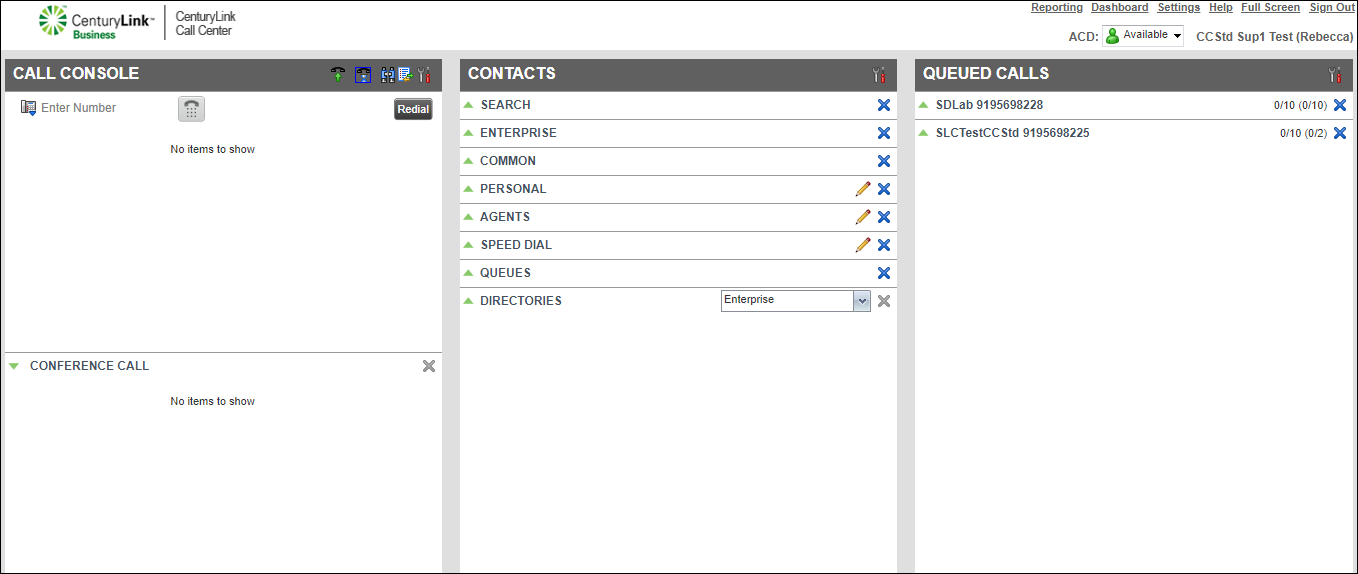
- Find the agent in the directory, click the agent’s name, then click QUEUE.
- In the window that appears, do one of the following:
- To unjoin the agent from a queue, clear the checkbox next to the queue.
- To join the agent to a queue, select the checkbox next to the queue.
- To unjoin the agent from a queue, clear the checkbox next to the queue.
- When you're done, click Save.
Contact Center Client saves your changes.



