

Setting your phone status when you disconnect from a queue call
In the Contact Center Client, the Post Call ACD Status setting determines the status your phone will automatically go to when you disconnect from a queue call.
To set your phone status when you disconnect from a queue call:
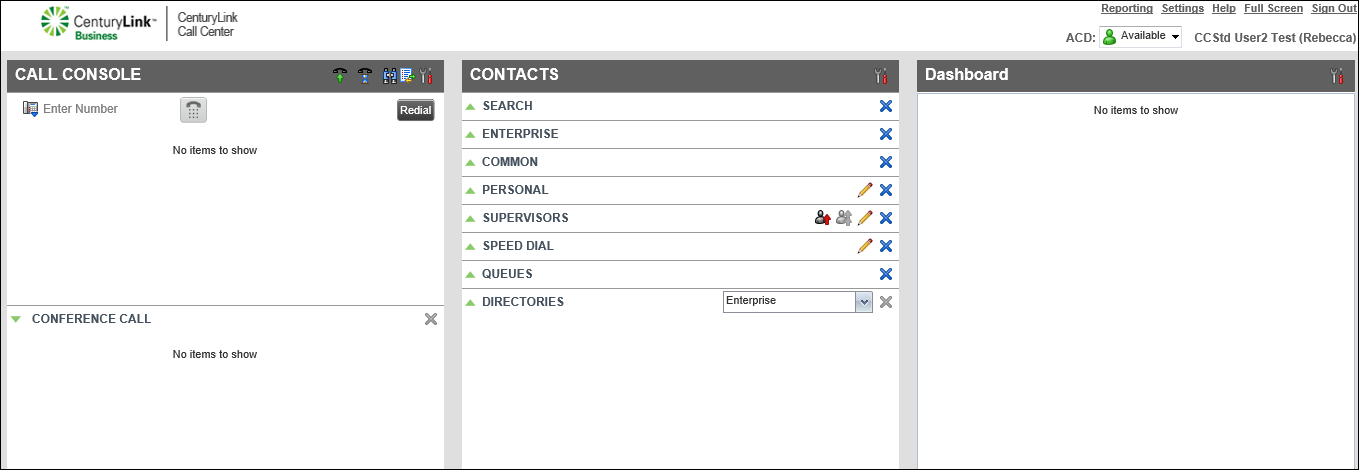
- Click Settings (in the upper-right corner).
- Click the Application tab.
- Scroll down to the Agent Policies section, then from the Post Call ACD State list, select your post call ACD state status:
- Available—as soon you as disconnect from a call, you will immediately receive a call if calls are waiting in the queue.
- Unavailable—you won’t receive calls from the queue until you change your status to Available using the soft keys on your desk phone (if the keys are programmed on your phone) or using the Contact Center Client.
- Wrap-Up—you won’t receive a call from the queue until the wrap-up time (a set time) or you change your status to Available using the soft keys on your desk phone (if the keys are programmed on your phone) or using the Contact Center Client.
- Available—as soon you as disconnect from a call, you will immediately receive a call if calls are waiting in the queue.
Note: The wrap‑up time setting may be controlled by your organization’s administrator; if you were given permissions, you can change the wrap‑up time setting.



