

Transferring calls
The transfer feature lets you send calls to people inside or outside your organization. To transfer calls, you can use the Call Console pane in the Contact Center Client or your desk phone.
You have two options for how to transfer calls, by typing in the phone number (fastest way) or using the Contacts pane.
To transfer calls the fastest way:
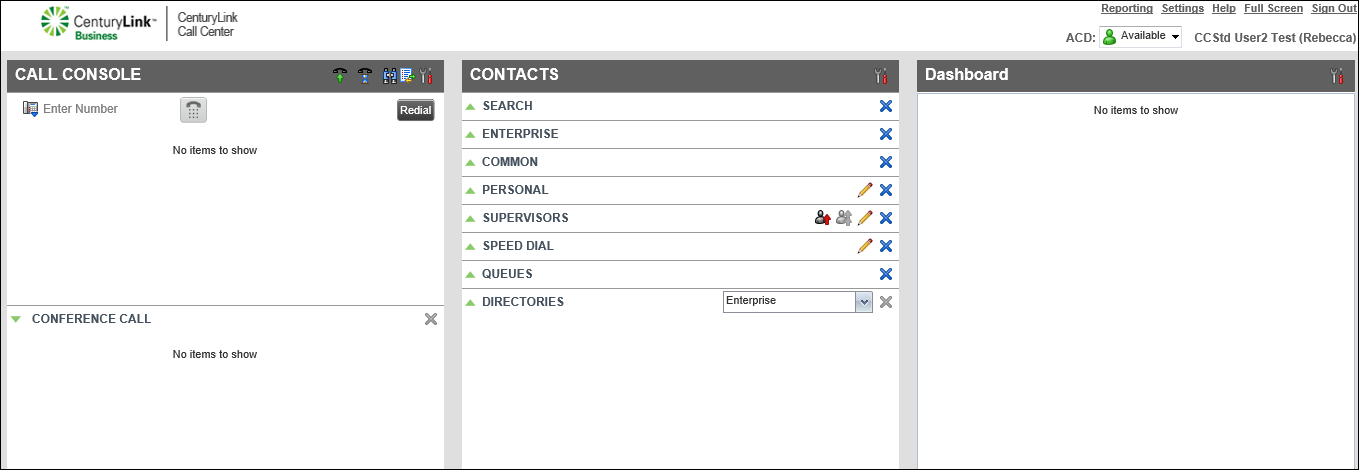
- With a call in progress, click the Enter Number field (in the Call Console pane), type the phone number of the contact you want to transfer the caller to, then click Transfer.
You're dropped from the call and the transfer is complete.
To transfer a call the second way:
- In the Contacts pane, using the directories, find the contact you want to transfer the call to.
- From the active call area of the Call Console pane, left-click and drag the active call record to the contact in the directory.
- When the icon is positioned on top of the contact you want to transfer the call to, release the left-click.
- Click the TXR button next to the contact you’re transferring the call to.



