

Updating a personal directory contact
If the phone number or name for a personal directory contact changes, you can modify the entry in your personal directory in the Contact Center Client. You can also delete a contact if you no longer need them in your directory.
To update a personal directory contact:
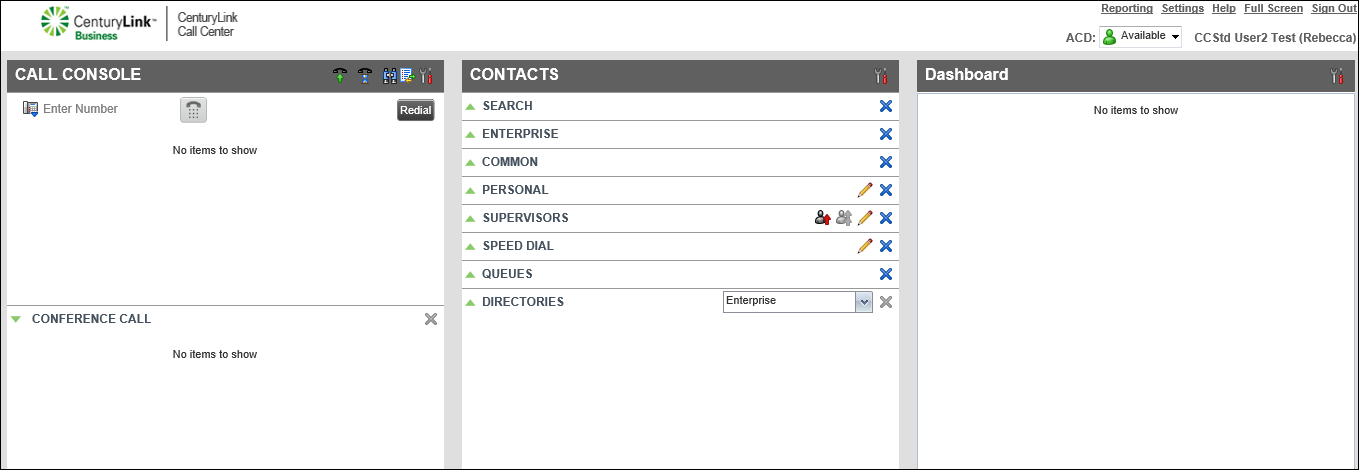
- Locate the contact you want to update.
- To edit the contact’s information, double-click on any field, then make your changes.
- When you’re done, press enter on your keyboard.
Contact Center Client updates the contact’s information.



