Calling a contact from the directory on your phone (VVX 50x/60x series)
Calling a person from your contact directory takes a little navigation on your part, but it's easier than looking up or remembering a phone number.
To call a contact from your contact directory:
- Tap the clock icon in the upper left of your display.
- Tap the Directory soft key.
- Swipe the display up and down to locate the contact you want to call.
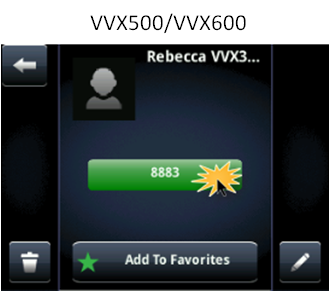
- Tap on the contact, then tap the phone number to make the call.