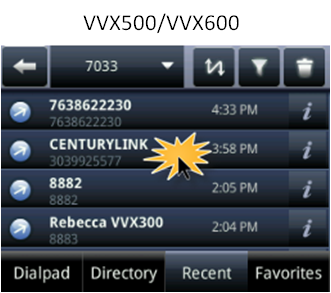
Dialing a contact from a call list on your phone (VVX 50x/60x series)
Every time you make or receive a call on your phone, the caller's information is recorded in a call list, which you can then use to redial a contact. Each record contains a phone number, the date/time of the call, and the length of the call.
Your call lists can be used to redial calls you made, missed, or received. The phone number must be a valid extension or 10-digit phone number to dial directly from a call list.
To dial a contact from a call list:
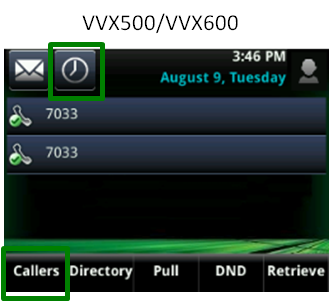
- Tap the Callers soft key or tap the clock icon to access your call list.
- Swipe the display up and down to find the contact you want to call.
- After you've found the contact, tap on the record to place your call.
Note: If a caller ID is unavailable for a missed or a received call, you will not be able to call the contact back from the log. A call record must have a valid extension or 10‑digit phone number to redial.