Using the navigation keys on your phone (VVX50x/60x series)
Swipe your screen up, down, left, or right to move through various options and setting such as call logs, feature settings, home view, etc.
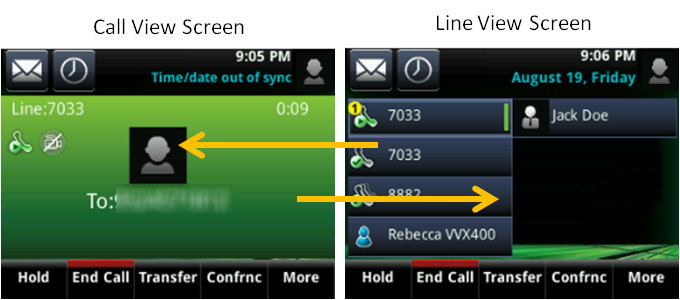
While on a call, you'll see the call view screen by default.
- To navigate to the line view screen, swipe your screen to the right.
- To return to the call view screen, swipe your screen to the left.
Tapping the screen
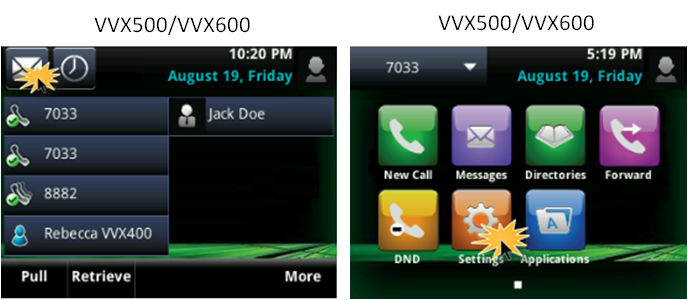
You can access voicemail, advanced features, and soft keys by tapping your phone's screen.
- From your home view screen, tap the envelope icon for voicemail.
- To access other features, tap the Home button, then tap one of the icons.