

Announcing a transferred call
There are two ways to transfer a caller using Receptionis Console: blind and consultative. If you want to announce a call to a colleague before transferring it, use the consultative transfer option. You can use the consultative transfer option to transfer calls that are active, on hold, or ringing to your phone.
To announce a transferred call:
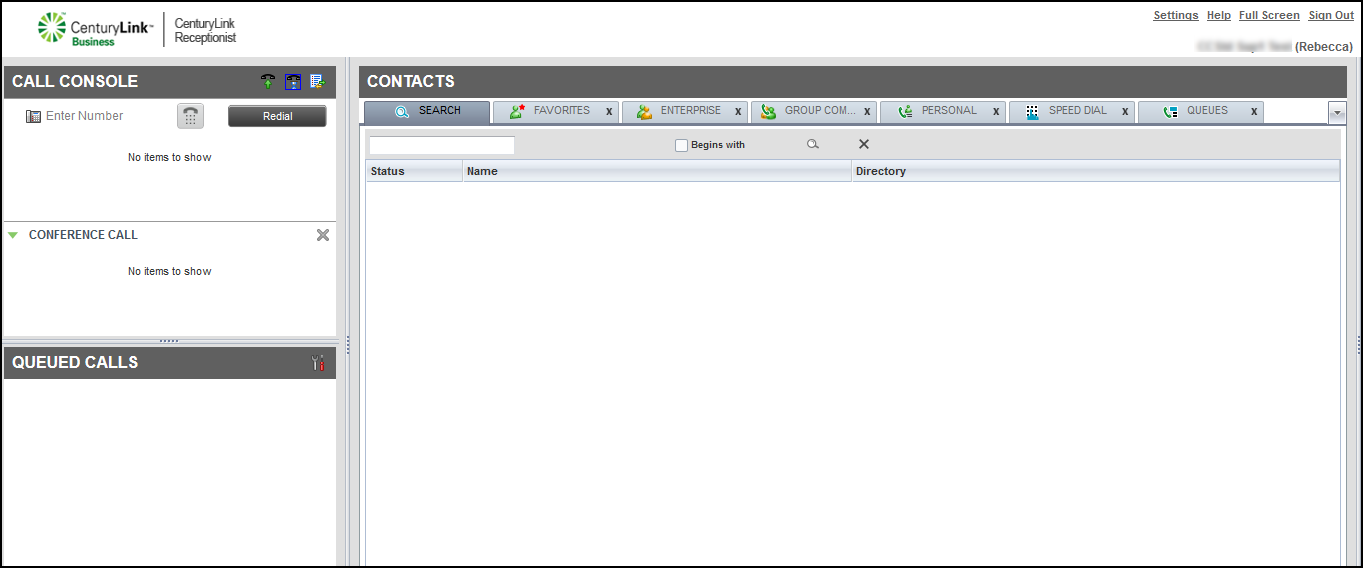
- Call the colleague you want to transfer the call to, by doing one of the following:
- In the Enter Number field, type (or copy and paste) the phone number to transfer the call to, then click dial (the phone keypad icon).
- In the Contacts pane, using the directories, click the contact you want to transfer the call to, then click Call.
- In the Enter Number field, type (or copy and paste) the phone number to transfer the call to, then click dial (the phone keypad icon).
- Answer the call: pick up your handset, headset, or press the speakerphone.
Receptionist Console dials the colleague’s phone number.
- When your colleague answers, announce that a call is being transferred.
Note: If the colleague is busy or you go to voicemail, click END in the call record, then either retry or dial another colleague.
- Click TXR.



