

Calling from Receptionist Console
You can make calls several ways using Receptionist Console. You can enter a phone number manually (or copy and paste it), redial the last phone number you called, call from one of your directories, or call from call history.
Receptionist Console merges with your desk phone, but it isn’t a soft phone (a phone on your computer), so you’ll need to use your desk phone to make calls.
Call manually
To make a call manually:
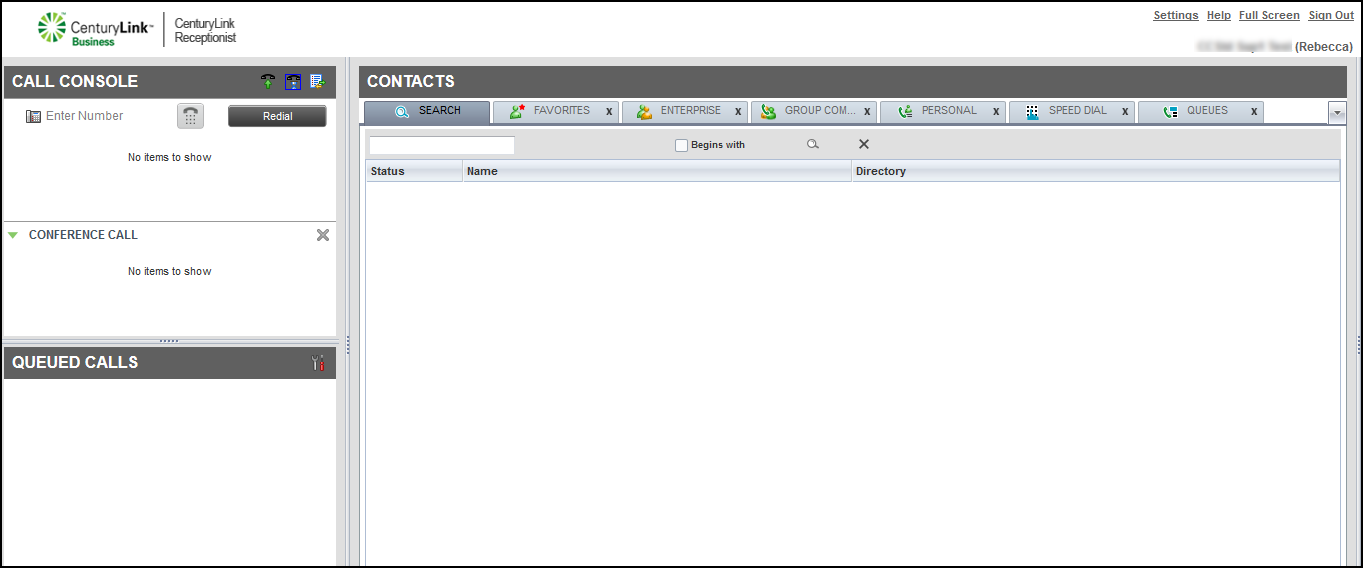
- In the Call Console pane, type the phone number in the Enter Number field, then click the phone icon.
Receptionist Console calls you.
- Answer the call using your handset, headset, or speakerphone.
Receptionist Console dials the phone number.
- When you’re done with the call, hang up the phone or click END in Receptionist Console.
Redial
Receptionist Console retains up to 10 of your most recent phone numbers placed.
To redial a phone number:
- In the Call Console pane, click Redial, then select the phone number of the contact you want to call.
Receptionist Console calls you.
- Answer the call using your handset, headset, or speakerphone.
Receptionist Console dials the phone number.
- When you’re done with the call, hang up the phone or click END in Receptionist Console.
Call from a directory
To call from a directory in the Contacts pane:
- In the Contacts pane, find the contact in one of your directories or use the search feature to find the contact.
- Click the contact’s name, then click CALL.
Receptionist Console calls you.
- Answer the call using your desk phone's handset, headset, or speakerphone.
- When you’re done with the call, hang up the phone or click END in Receptionist Console.
Call from call history
To call from a call history list:
- In the Call Console pane header bar, click the Call History icon.
By default, Receptionist Console shows your missed calls log. To view a different call log, from the Show list at the top of the call history window, select the log you’d like to view.
- To call a contact, click on the call record, then click CALL.
Receptionist Console calls you.
- Answer the call using your desk phone’s handset, headset, or speakerphone.
- When you’re done with the call, hang up the phone or click END in Receptionist Console.



