

Making notes about a contact
You can make notes about contacts in Receptionist Console, such as who is on vacation or out of the office, in your enterprise and favorites directories.
To make notes about a contact:
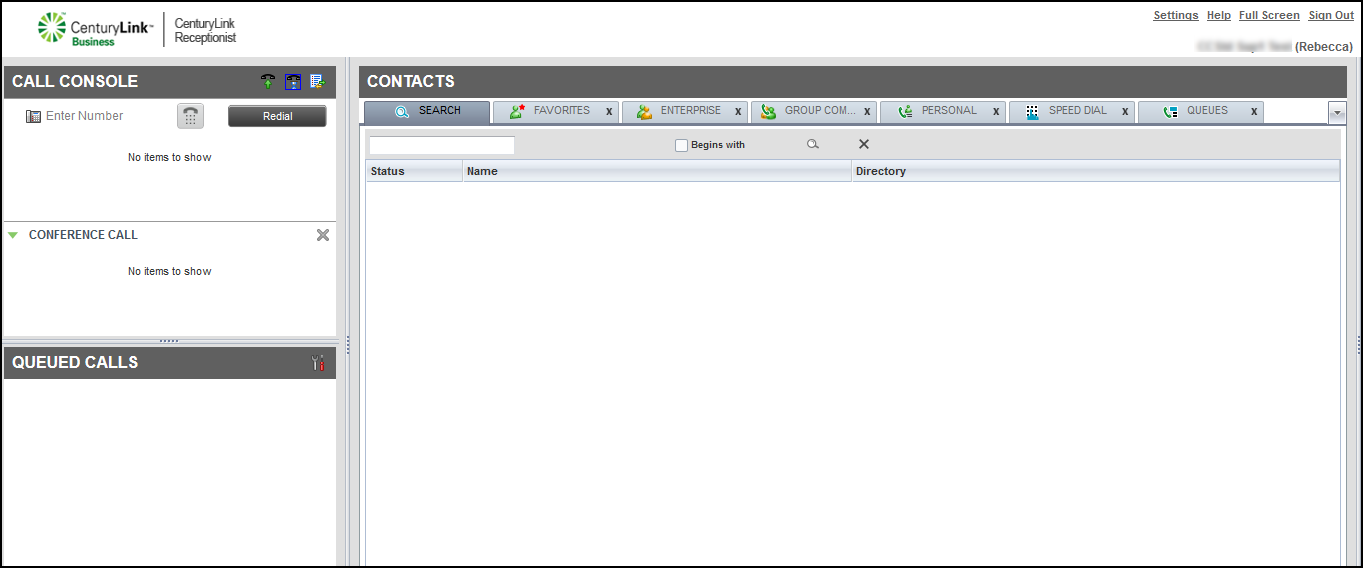
- Click the ENTERPRISE tab or FAVORITES tab, click the row for the contact, then click Notes.
- In the window that appears, type a message, (e.g., on vacation, travelling for business, at the doctor), then click OK.
Receptionist Console adds the notes to the contact.



