

Transferring a caller to voicemail from Receptionist Console
You can transfer a call to a contact’s voicemail (including your own voicemail) in Receptionist Console. The type of calls you can transfer include active, on hold, or ringing on your phone.
To transfer a caller to voicemail from Receptionist Console:
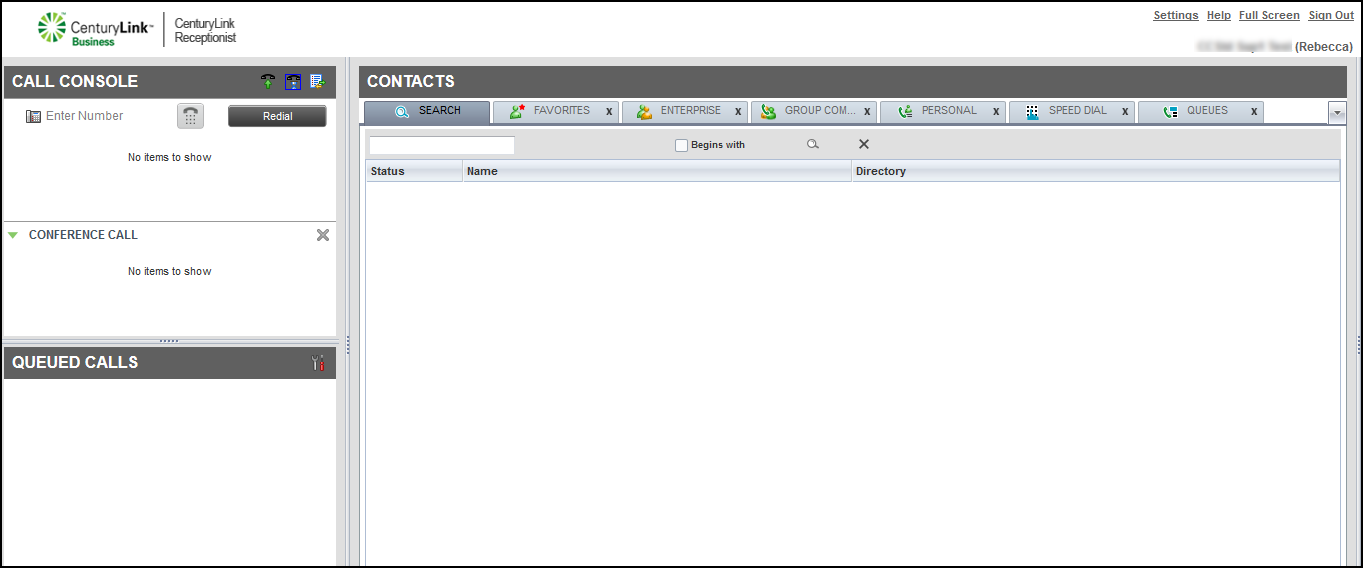
- In the Call Console pane, select a call to transfer.
- In the Contacts pane, click the ENTERPRISE tab or the FAVORITES tab, find the contact, click the record for the contact, then click VM (transfer to voicemail). (To transfer a call to your voicemail, find your listing in the directory.



