

Downloading an activity report
Use Lumen Connect to download a report for your Lumen® Edge Bare Metal activities that occurred on your servers and networks. Lumen Connect provides activity reports in .xls format.
To download an activity report:
- Click the Activity Logs tab.
Lumen Connect shows a list of activities about your bare metal servers and networks.
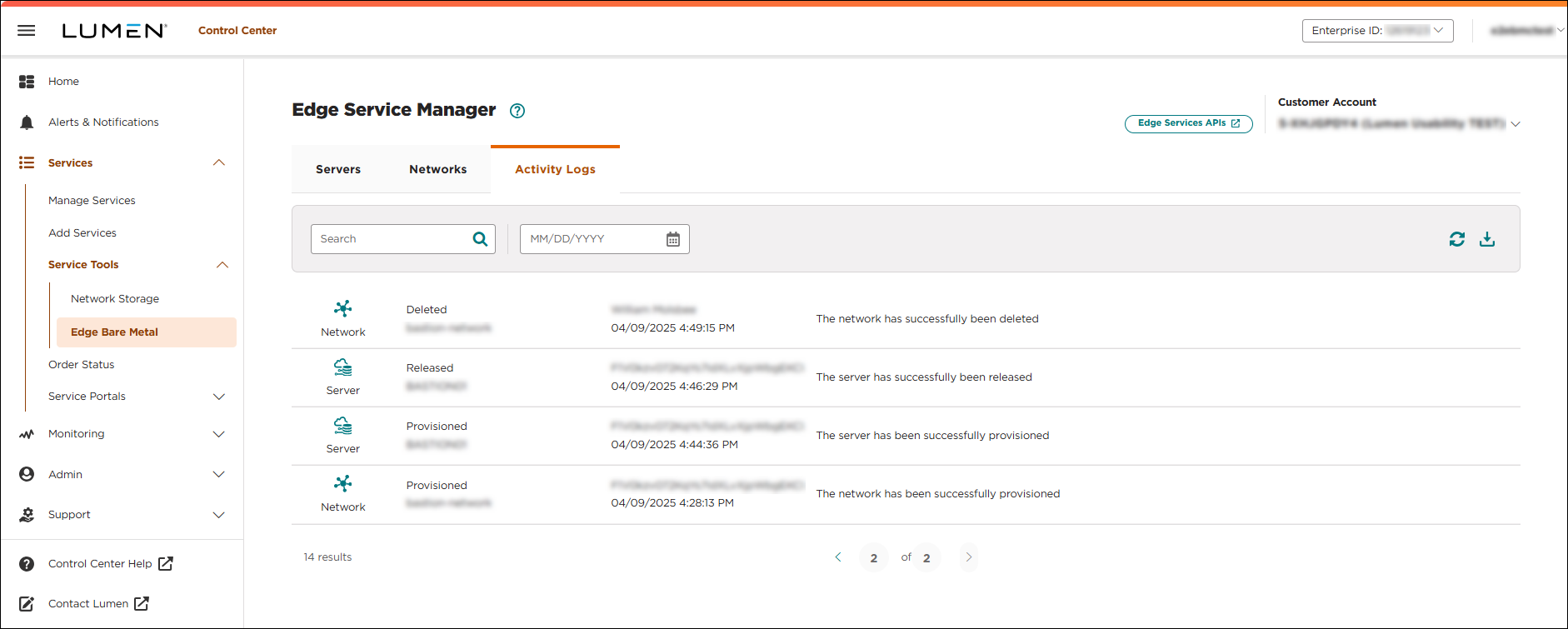
- To filter the log, type keywords in the search field or select a date.
The activity log automatically refreshes and shows activities according to the filter criteria.
- Click the icon.
Lumen Connect downloads a report of the activity log to your computer.



