

Removing a VNF or LTE connection from an Edge Gateway device
Use Lumen Edge Gateway Manager to remove a VNF (Virtual Network Function) or LTE (Long‑Term Evolution) connection from an Edge Gateway™ device. Before removal, view the details of the Edge Gateway device or edit the LTE connection. If needed, you can add a VNF or LTE connection to an Edge Gateway device and start, stop, or restart a VNF.
To remove a VNF or LTE connection from an Edge Gateway device:
- Sign in to Lumen Edge Gateway Manager.
- Use the search field to search for Edge Gateway devices.
Lumen Edge Gateway Manager shows Edge Gateway devices in the list section.
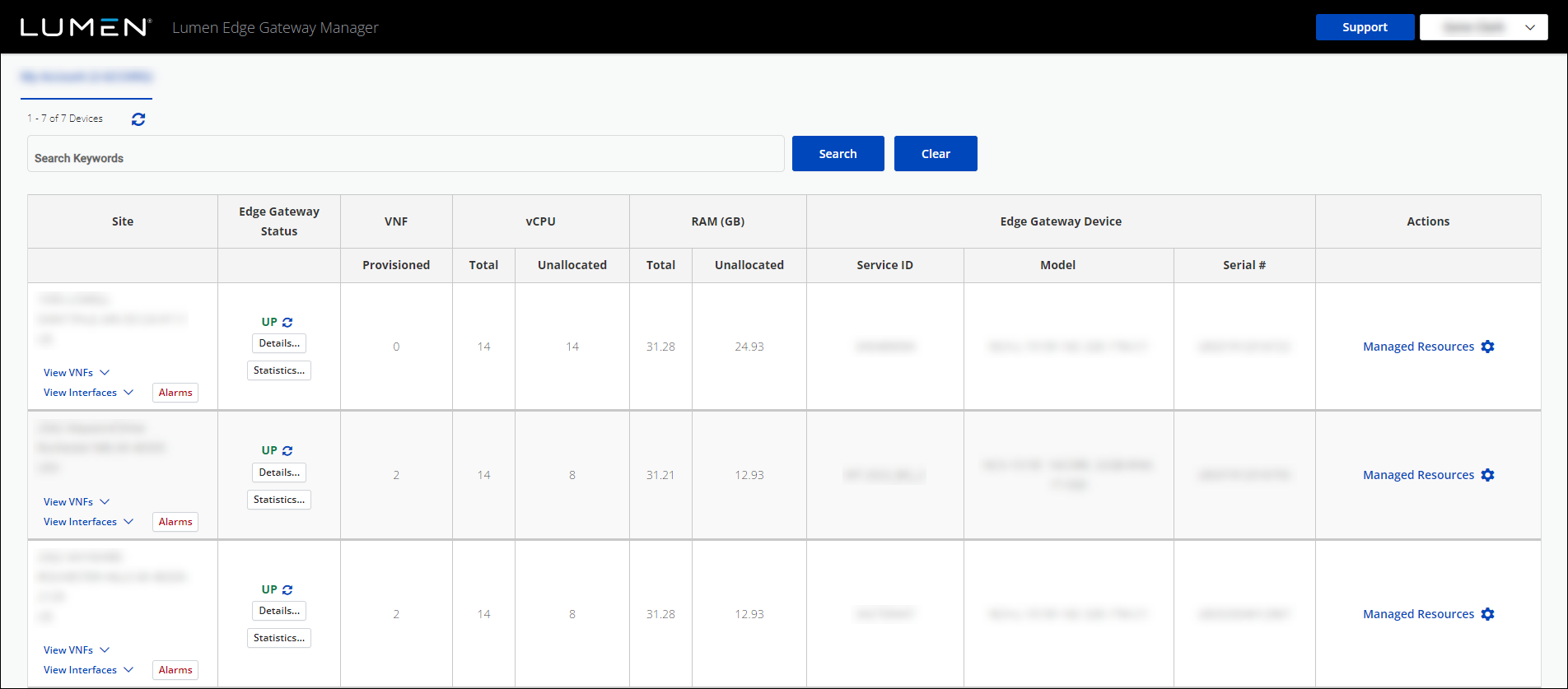
- Click Manage Resources next to the Edge Gateway device you want to work with.
- Click Manage Resources, again, (in the Order Summary window), to manage the resources for that Edge Gateway device.
- Click Remove on the VNF or LTE connection.
Lumen Edge Gateway Manager removes the VNF or LTE connection from the Edge Gateway device.



