

Disconnecting a Fiber+ Internet service
If you no longer need a Lumen® Fiber+ Internet service, you can use Lumen Connect to create a disconnect order.
To disconnect a Fiber+ Internet service:
- In the Services widget on the homepage, select Fiber+ Internet from the Find by Product or Service Tool list.
Lumen Connect shows all Fiber+ Internet services on the enterprise ID.
- When you find the service you want to work with, click the hyperlinked service ID or click the icon (in the Actions column), then click View Details.
Lumen Connect shows details for the Fiber+ Internet service you selected.
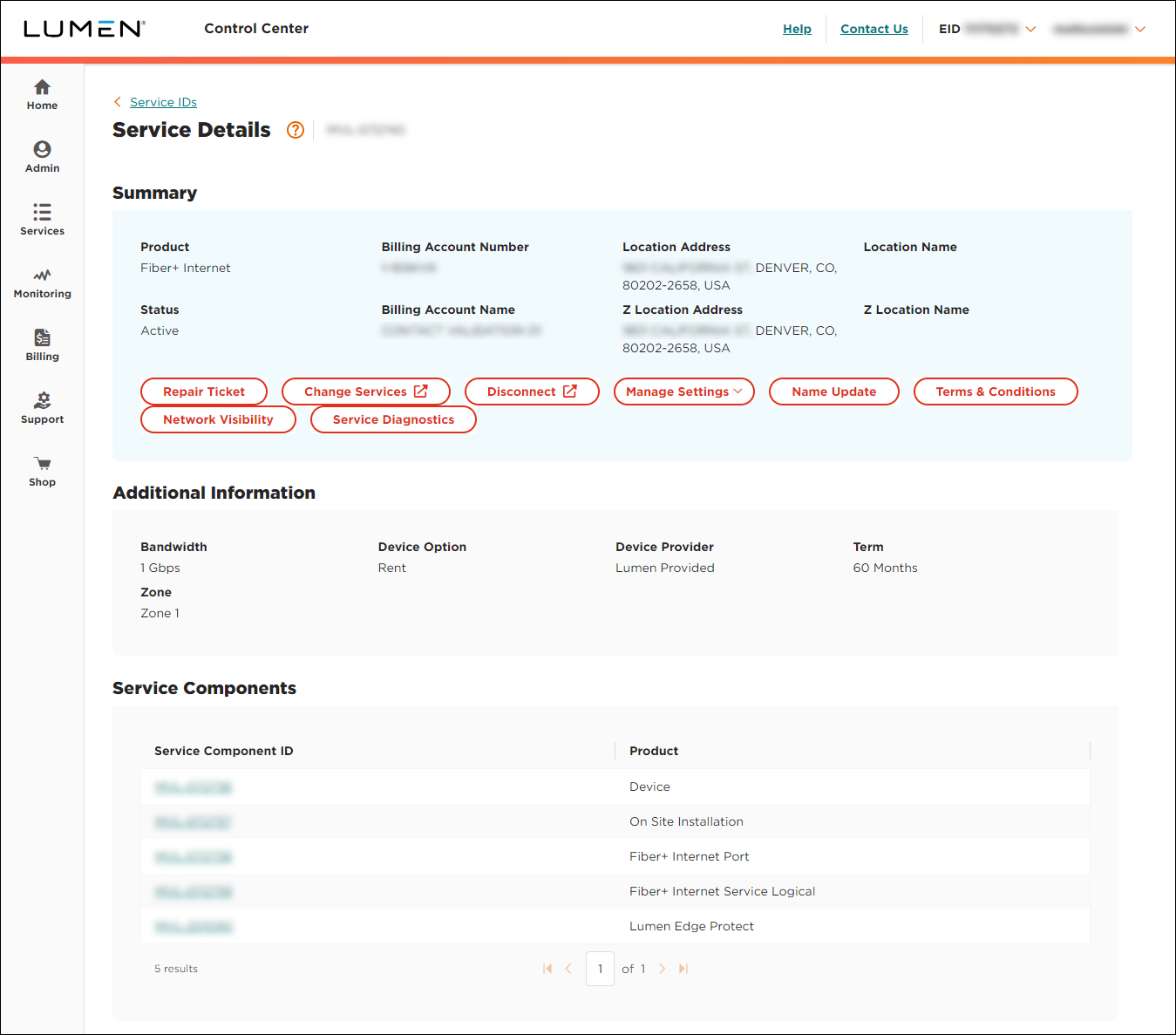
- Click Disconnect.
- In the Location section, review the order contact, primary contact, and secondary contact for the disconnect order and make any changes as needed. (To select another contact, click Clear and type the name of the new person. To edit details for the contact shown, click Edit, make your changes, then click OK.)
- Click Continue.
- In the Requested Disconnect Date field, select the date you're requesting Lumen to disconnect the service, then click Continue. (Select a date at least 30 days from today's date.)
- Review the billing details, then click Disconnect Service.
- In the confirmation window that appears, click OK.
Lumen Connect submits your order to disconnect the service. You can track the status of your order in Lumen Connect.



