

Downloading a document
To view a document stored in Lumen Connect, you download it. If you review a document and no longer need it stored in Lumen Connect, you can delete it. You can also edit the description for the document if it doesn't quite match the content in the document.
To download a document:
- Using the left menu, click Admin, then click Documents.
Lumen Connect lists all documents you have access to for your organization.
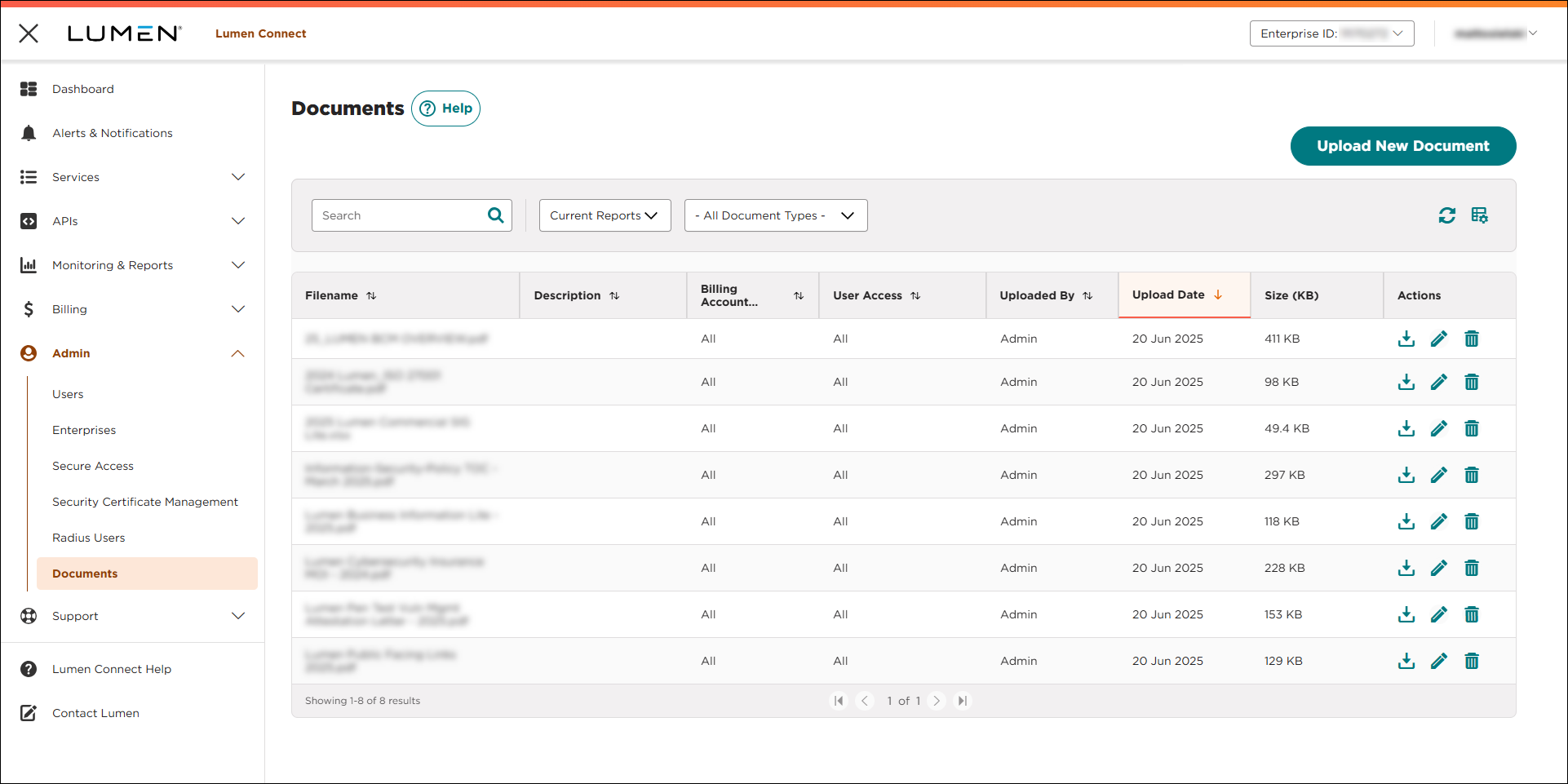
- To download a document, click the icon (in the Actions column).



