Viewing a list of documents
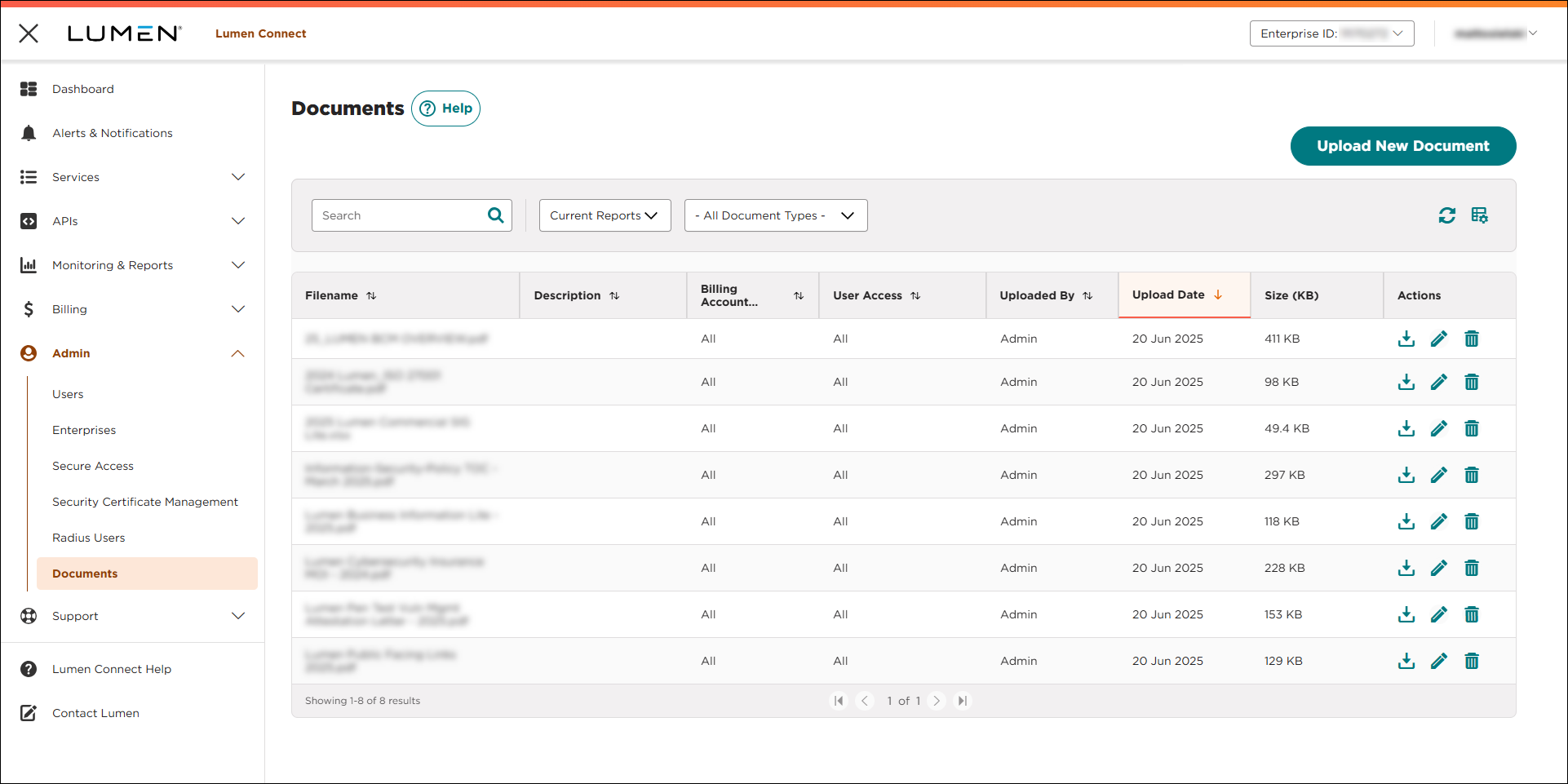
You can view a list of documents you have access to for your organization. The list includes documents your Lumen representative has uploaded, users in your organization have uploaded, badge holder and access log reports you requested, and lists of services (with including related services) you requested. Once you view the list, you can download a document, upload additional documents, edit the description for a document, or remove documents you no longer need. You can store up to 50 GB of documents in Lumen Connect per enterprise ID.
Note: Lumen Connect stores General and Services documents for six months from the upload date and stores Colocation and Security documents for two years from the upload date.
To view a list of documents:
- Using the left menu, click Admin, then click Documents.
Lumen Connect lists all documents you have access to for your organization.