

Viewing the status of a colocation request
You can view status and details of access requests (badge holder reports and access log reports) using Lumen Connect.
Note: Looking for a status on a billable field tech ticket? Click Support, then click Ticketing. Learn more about viewing the status of a billable field tech ticket
To view the status of a colocation request:
- Using the left menu, click Support, then click Colocation Requests.
Lumen Connect shows open and recently closed colocation and field-tech requests for your organization.
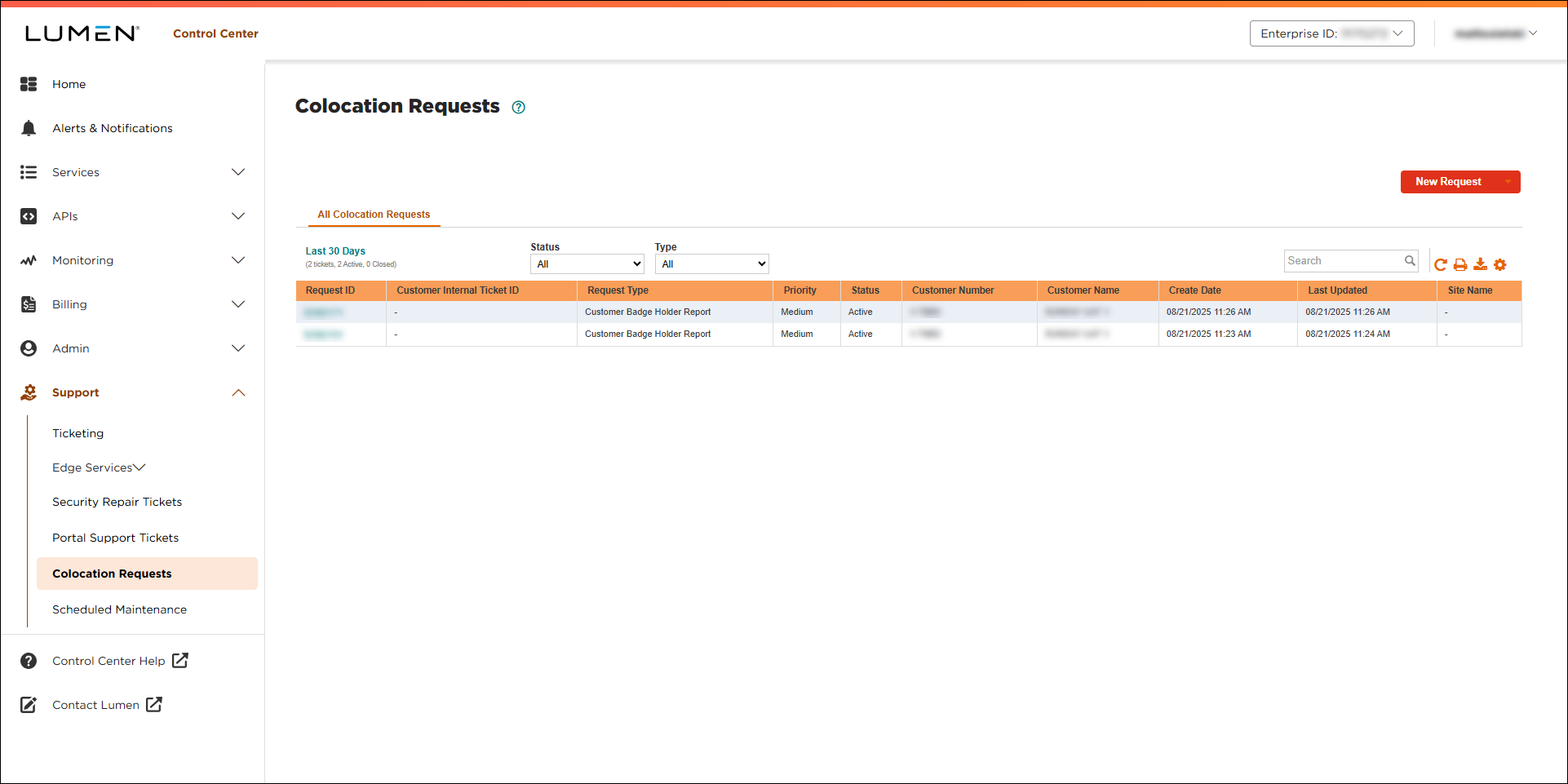
- To find the colocation request you want to view, do any of the following:
- To filter the list by statusm of the request, use the Status lists.
- Use Search to find the request; you can use the request ID Control Center gave you when you submitted the request or the internal ID you provided when you created the ticket.
- To change the date range you’re viewing requests for, click the Last 30 days link. Use Status to sort the list.
- To filter the list by statusm of the request, use the Status lists.
- To view more details about the status of the request, click the ID number for the ticket.
Lumen Connect shows details for the colocation request you selected.



