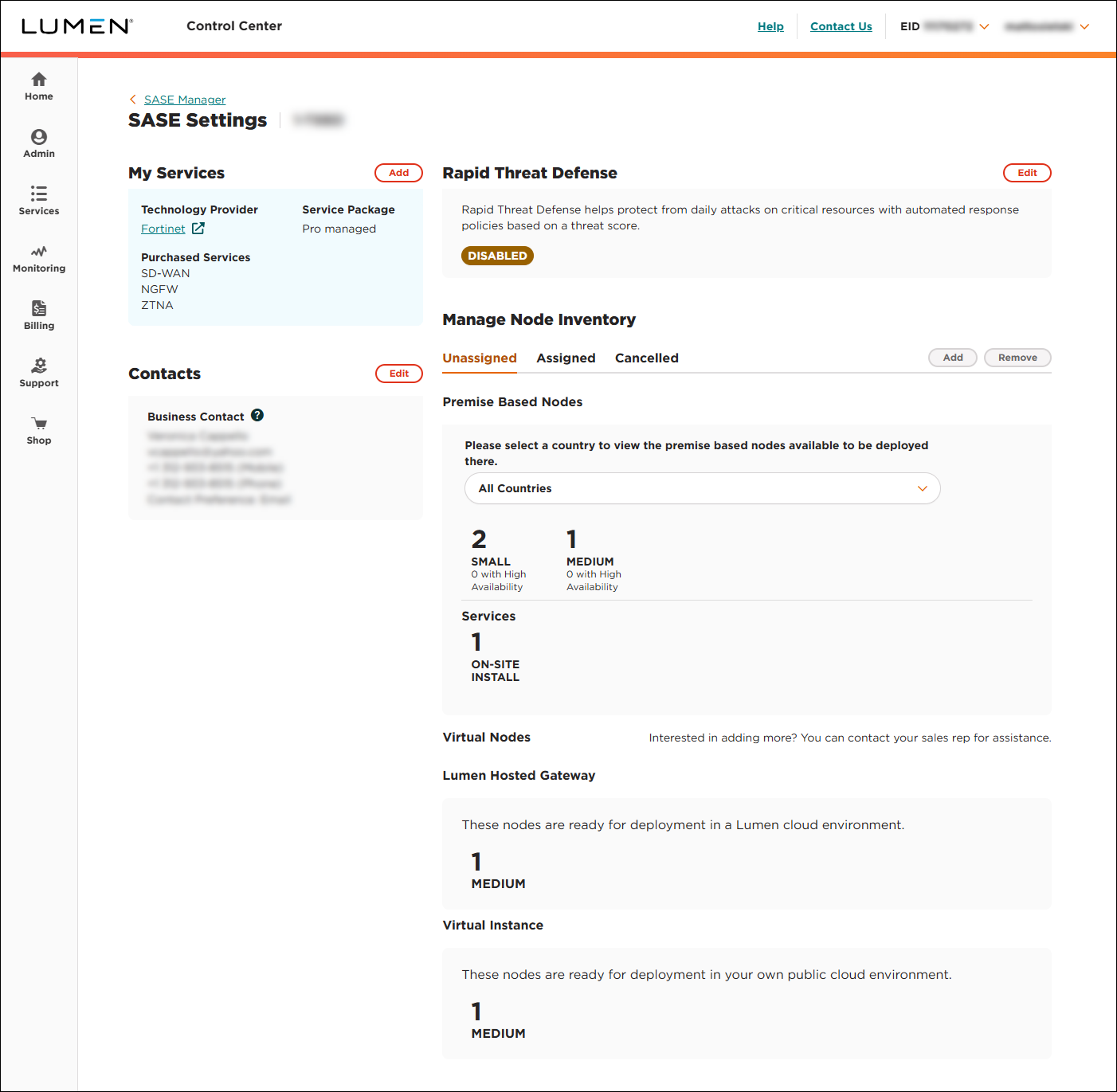
Viewing a list of unassigned nodes
Using Lumen Connect, you can view a list of unassigned nodes associated with a Lumen® SASE Solutions service. The list of nodes includes the available sizes and types of nodes you can configure: premise‑based nodes, Lumen hosted gateway nodes, and virtual instance nodes. You can also view a list of assigned nodes (by size and type).
To view a list of unassigned nodes:
- Using the left menu, click Services, click Service Tools, then click SASE Management.
Lumen Connect shows details about your service: configured SASE nodes (with a status for each), information about your technology provider, notifications (if any) related to your SASE service, etc.
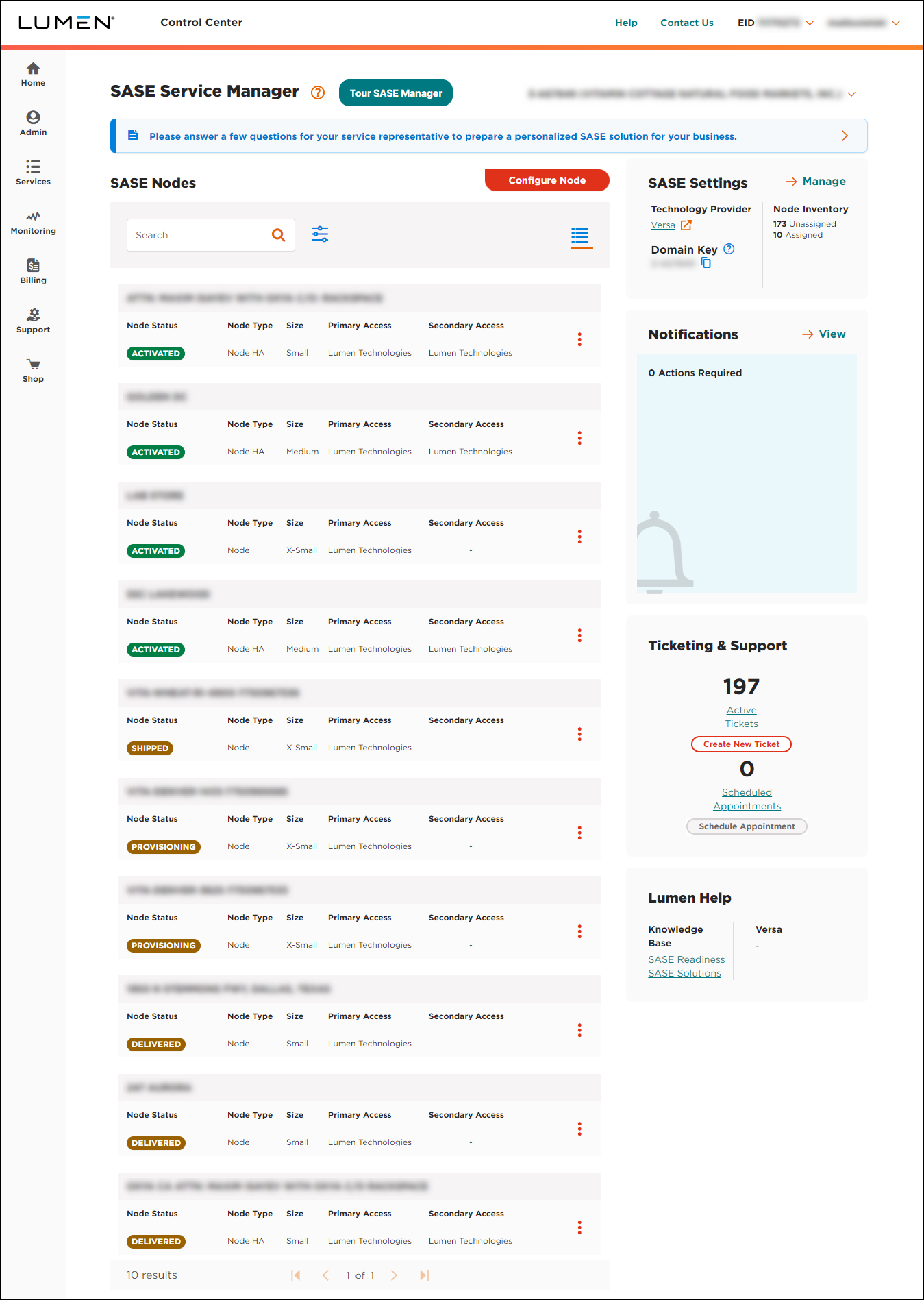
- In the SASE Settings box, click Manage.
Lumen Connect shows the settings for your SASE service: technology provider, service package, purchased services, service contacts (in your orgainzation), Rapid Threat Defense setting (if appicable), and unassigned nodes (premise-based nodes, Lumen-hosted gateway nodes, and virtual instance nodes).