

Reserving a toll-free number
If you want to request a specific toll‑free number for a Lumen® Toll-Free services (referred to as a vanity number), you need to check to see if the number is available and if it is, you need to reserve it using Lumen Connect. After you've reserved it, you can then order it. If you've already reserved a number, but no longer need it, you can cancel the number.
Note: You can reserve multiple vanity numbers; however, you need to reserve them one a at a time.
To reserve a toll-free number:
- In the Services widget on the homepage, select Toll Free from the Find by Product or Service Tool list.
Lumen Connect shows all Toll Free services on the enterprise ID.
- Search for the service you want to work with. When you find the service you want to work with, click the hyperlinked service ID or click the icon (in the Actions column), then click View Details.
Lumen Connect shows details for the toll-free service you selected.
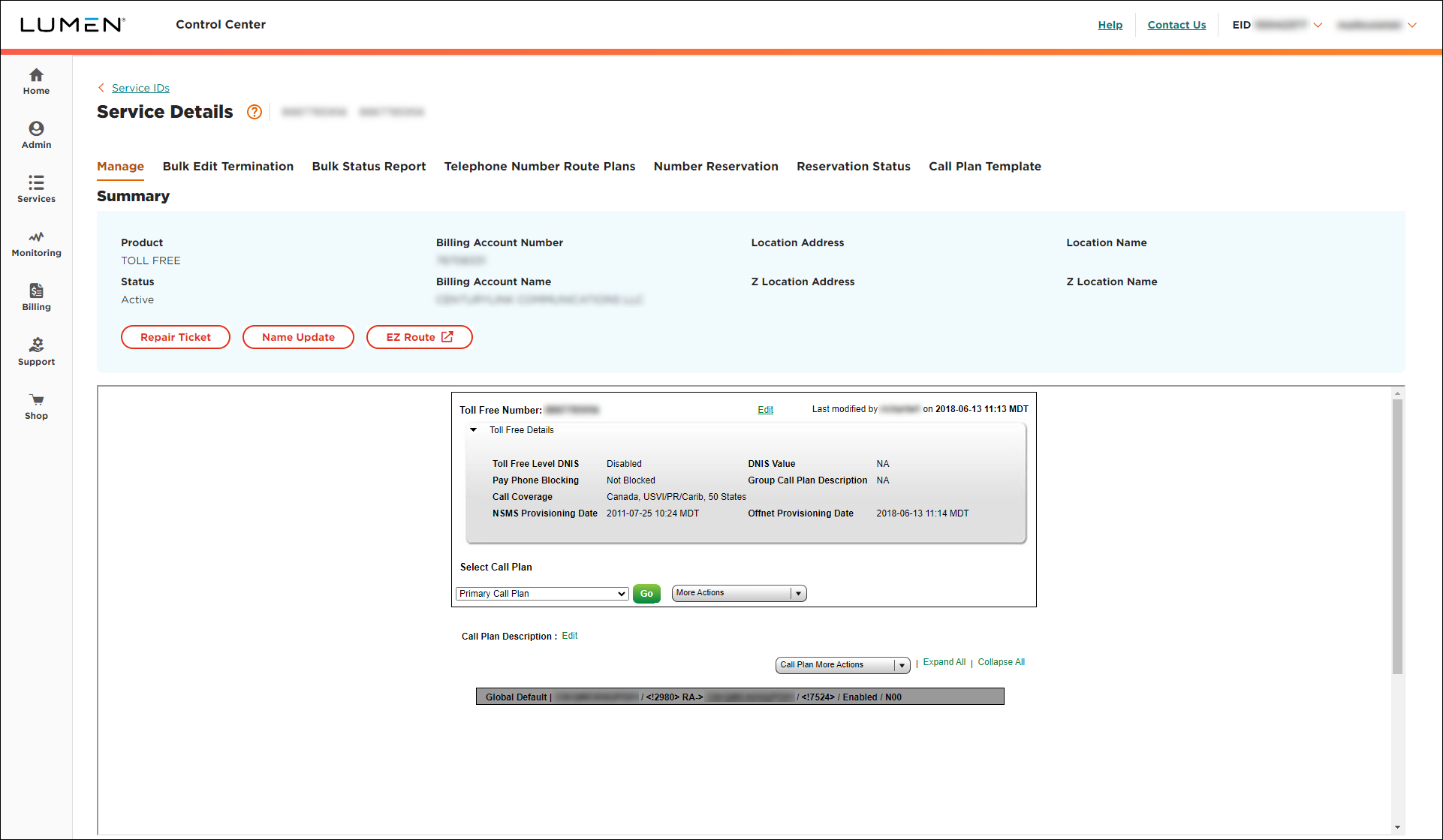
- Click the Number Reservation tab.
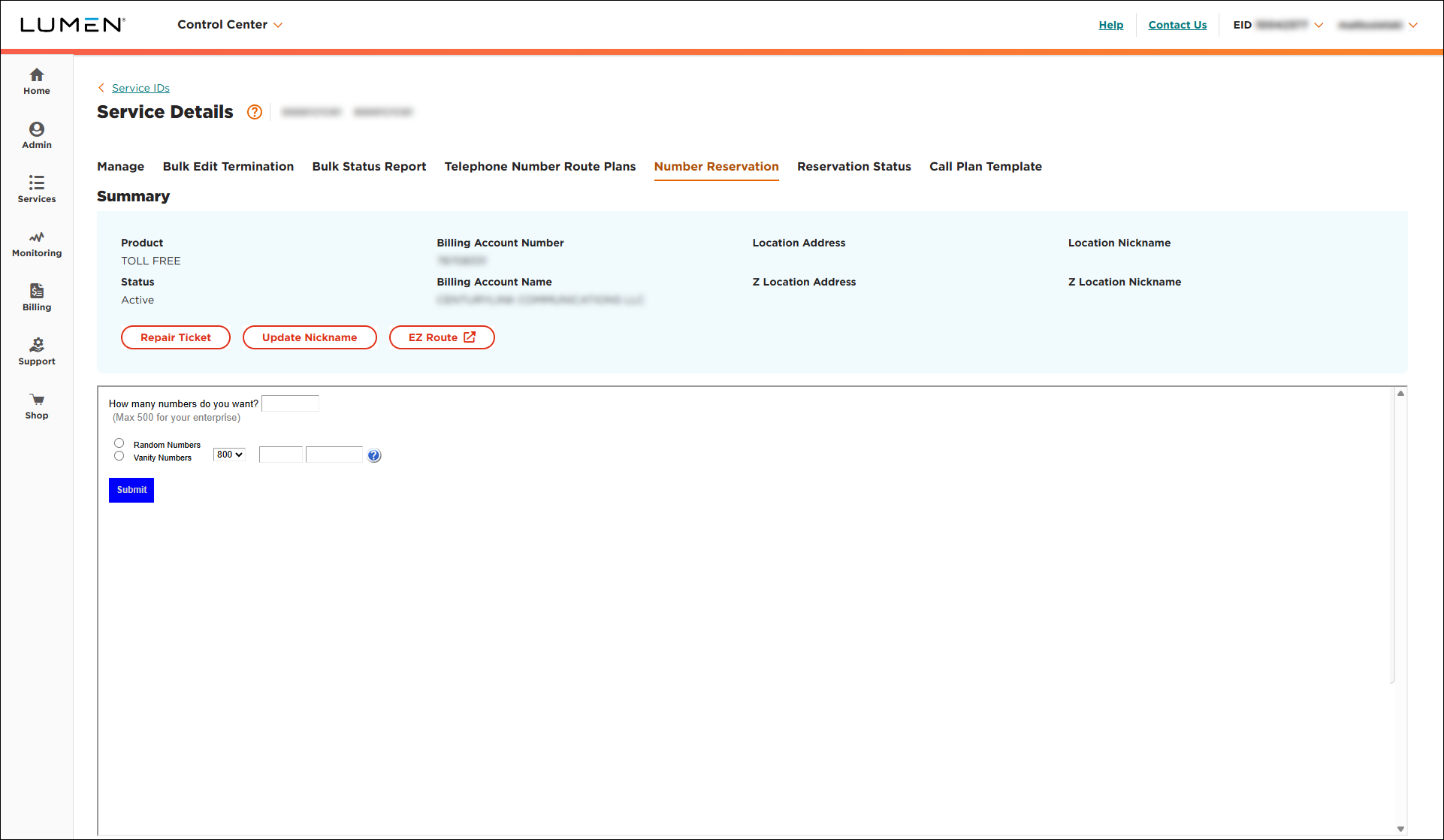
- In the How many numbers do you want? field, type the number of toll‑free numbers you need.
- Select the radio button for the type of toll‑free numbers you want to reserve:
- To reserve a generic number, select the Random Numbers radio button.
- To reserve a vanity number, do the following:
- Select the Vanity Numbers radio button.
- From the list, select the area code you want to reserve.
- Use the fields to type the phone number.
- Select the Vanity Numbers radio button.
- To reserve more than 500 numbers, contact us.
- To reserve a generic number, select the Random Numbers radio button.
- When you're done, click Submit.
Lumen Connect requests the number(s) you want. You will receive an email confirming your number reservation and providing a status update. You can also check the status of reserved numbers in Lumen Connect. (If you don't receive an email, check your Lumen Connect notification settings to confirm your order was placed.)



