

Updating a termination number on multiple routing plans
In Lumen Connect, you can update multiple termination numbers at once (called a bulk edit) for Lumen® Toll Free Service. This is helpful if a trunk goes down and you need to move your traffic from one location to another quickly. You can also change a termination number for a single routing plan. Once you submit the bulk change, you can track its status in Lumen Connect.
To update a termination number on multiple routing plans:
- In the Services widget on the homepage, select Toll Free from the Find by Product or Service Tool list.
Lumen Connect shows all Toll Free services on the enterprise ID.
- Search for the service you want to work with. When you find the service you want to work with, click the hyperlinked service ID or click the icon (in the Actions column), then click View Details.
Lumen Connect shows details for the toll-free service you selected.
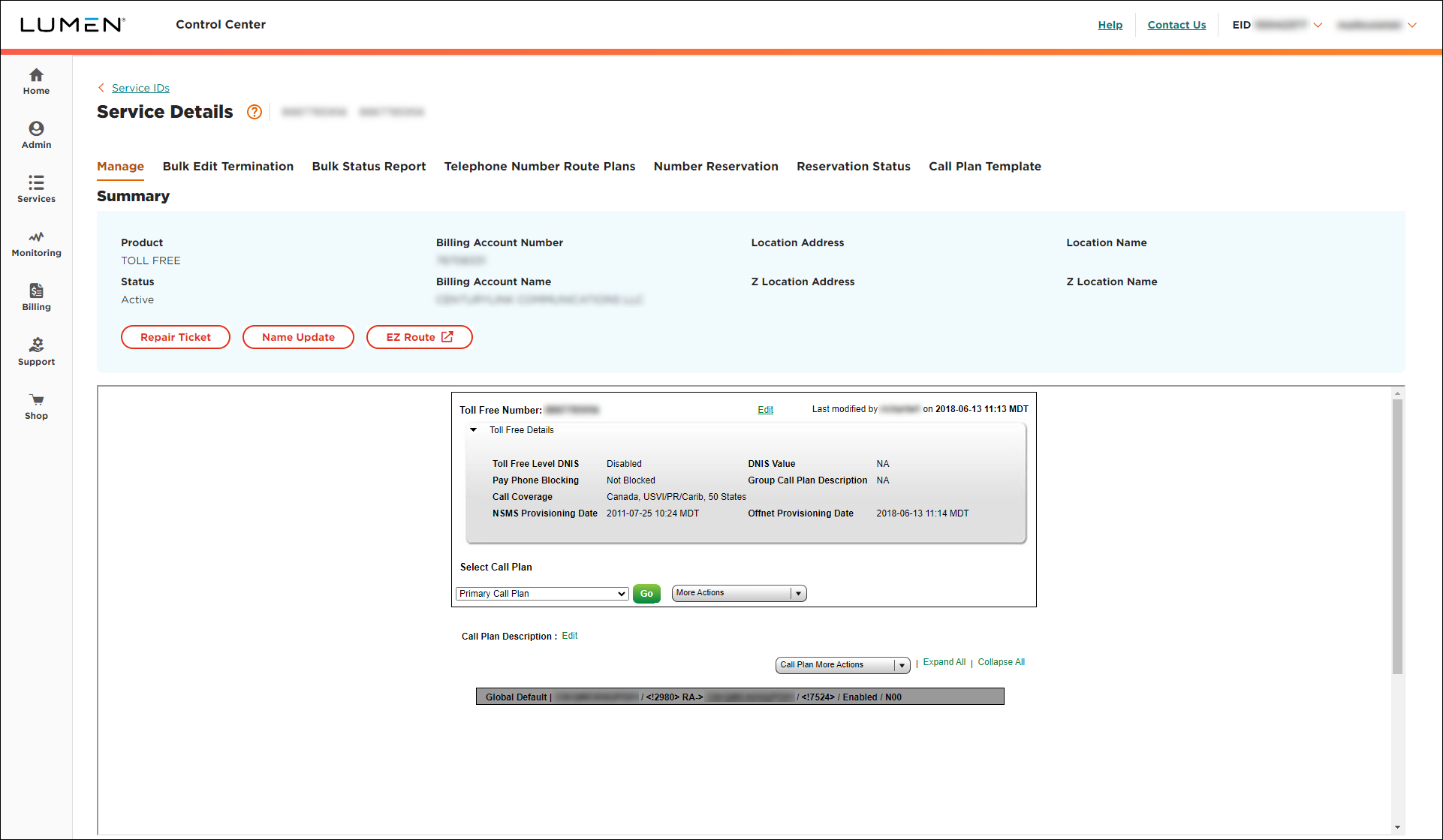
- Click the Bulk Edit Termination tab.
- To select the current termination you want to change, do one of the following:
- To make bulk changes to your dedicated termination, select the Dedicated radio button.
- To make bulk changes to your switched termination, select the Switched radio button.
- To make bulk changes to your dedicated termination, select the Dedicated radio button.
- Click OK. Depending on how many toll‑free numbers have the termination you selected, it may take a while to retrieve the data.
Lumen Connect updates the Select Termination list with numbers matching your selection.
- From the list, select the current terminating number, then click Go.
All the toll‑free numbers with the terminating address have been selected by default. If you want to change the selection, you can choose a new terminating address.
- From the Select Termination list, select a number.
- Click Submit, then click OK when you see the Please check Bulk Report for progress on your request. message.



