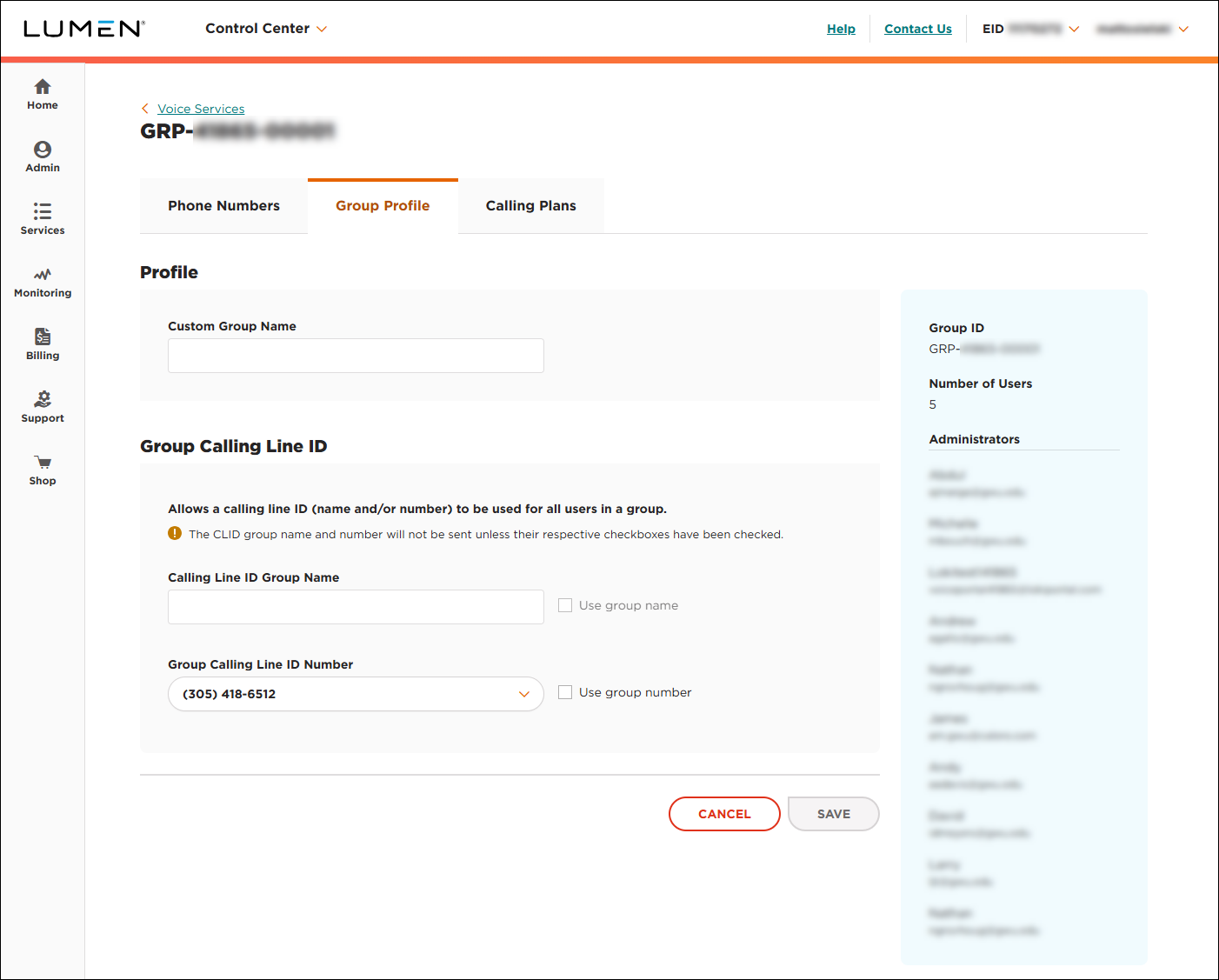
Viewing a Voice Complete group profile
As a Voice Complete Feature Manager administrator, you can use Lumen Connect to view the group profile information associated with a set of Lumen® Voice Complete® phone numbers in your organization: ID number, number of users, administrators for the group, and any customization for the group (such as custom name, caller ID name, or caller ID phone number). As an administrator, you can also update the group profile to customize the name and caller ID information (name and phone number) and forward calls for multiple phone numbers at once (bulk call forwarding).
To view a Voice Complete group profile:
- Using the left menu, click Services, click Service Tools, then click Voice Complete Features.
Lumen Connect shows the groups associated with your Voice Complete service.
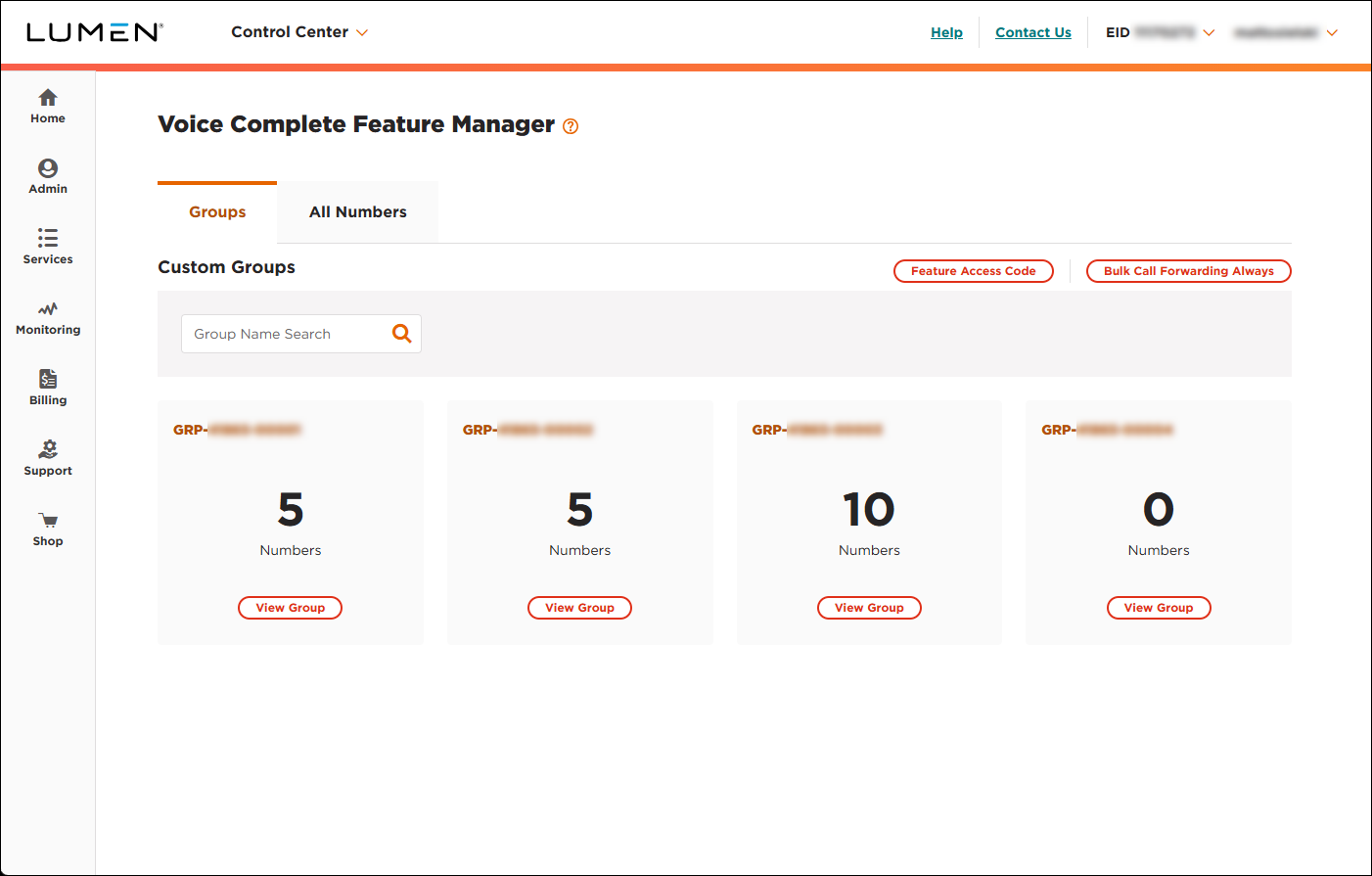
- On the card for the group you want to work with, click View Group.
Lumen Connect lists the phone numbers associated with the group you selected.
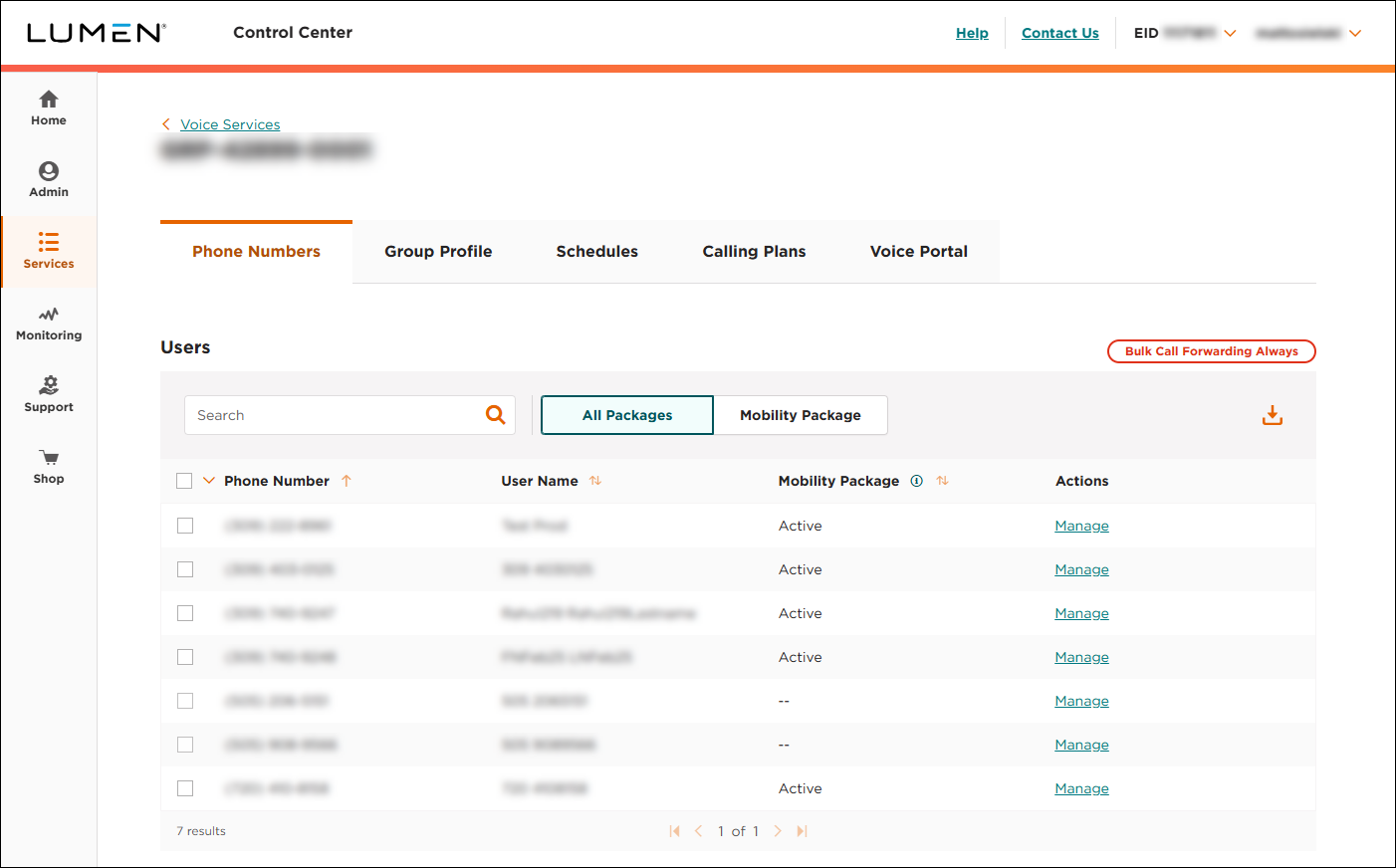
- Click the Group Profile tab.
Lumen Connect shows the profile for the group: ID number, number of users, administrators for the group, and any customization for the group (such as custom name, caller ID name, or caller ID phone number).