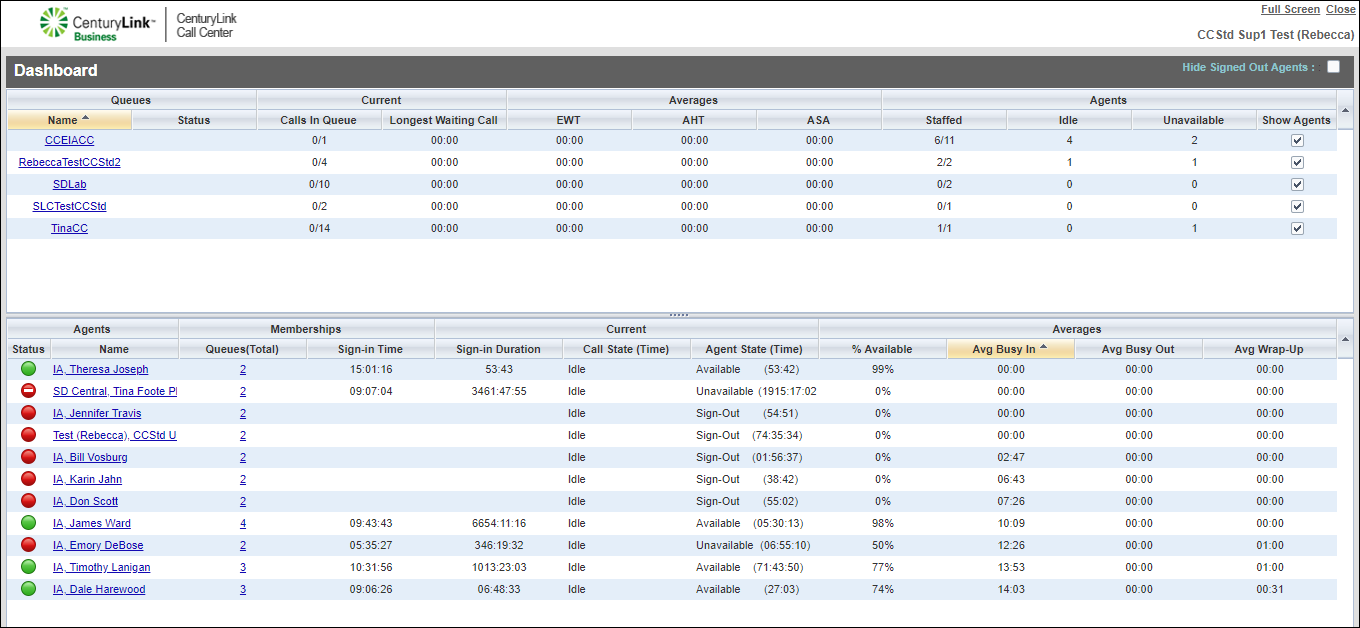
Accessing and using the Contact Center Supervisor Client dashboard
Using the dashboard for the Contact Center Supervisor Client, you can monitor detailed queue and agent statistics (historical).
To access and use the dashboard:
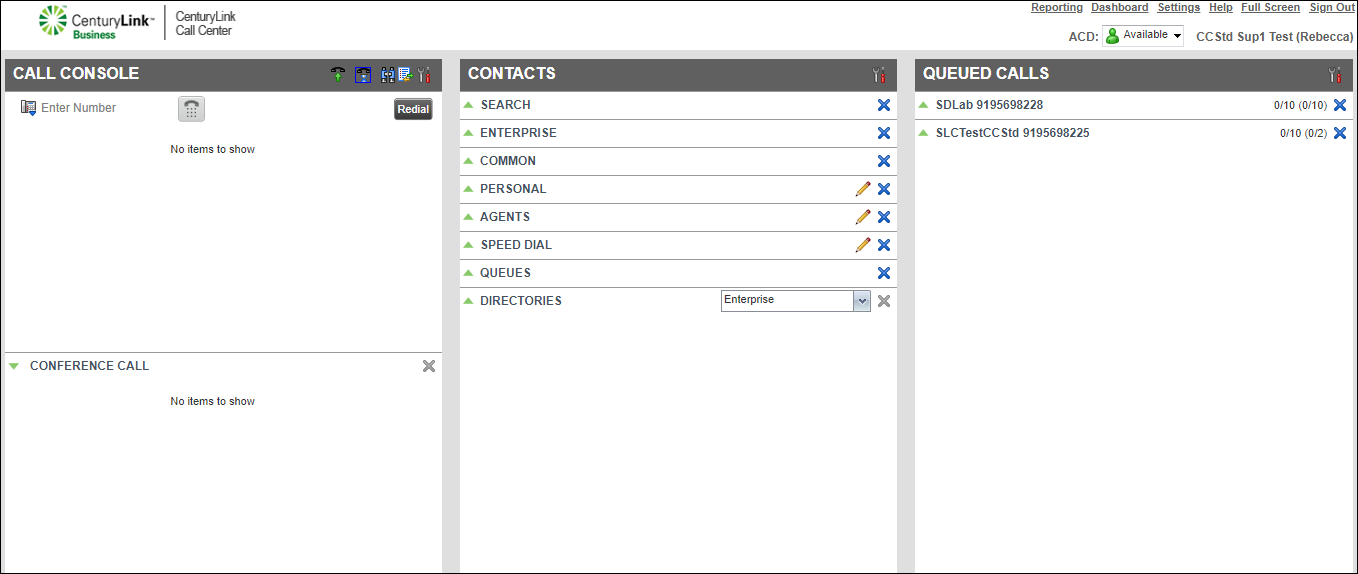
- From the top menu on the right, click Dashboard.
The dashboard opens in a new window with queue statistics on top. The agent statistics (the bottom area) won’t display until you select the queue(s) you want the agent’s statistics to show.
- To show the agents’ statistics in a queue, from the queue area in the Show Agents column, select the checkbox for each queue you want agent statistics to show.