

Changing an ACD status for an agent
As a supervisor you can use the Contact Center Client change an agent’s automatic call distributor (ACD) status (state) if the agent is away or too busy to change their status.
To change an ACD status for an agent:
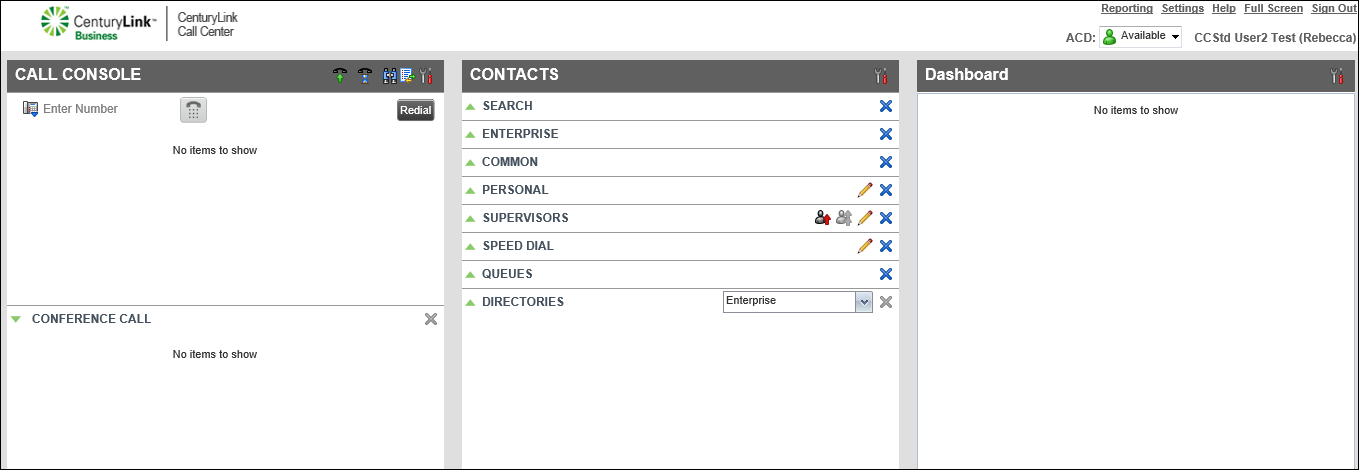
- Click on the agent’s name.
The Contact Center Client shows details for the agent (including their current status).
- Click ACD, then use the ACD status list to select the status for the agent.
The agent’s status immediately changes in the Contact Center Supervisor Client, Agent Client, and on the agent’s desk phone.



