

Grouping queued calls by priority
As a supervisor, you may want to group active calls in a queue by their priority to monitor call waiting times. If your needs change, you can ungroup the calls later. You can also sort calls in your monitored queues using Contact Center Client.
To group queued calls by priority:
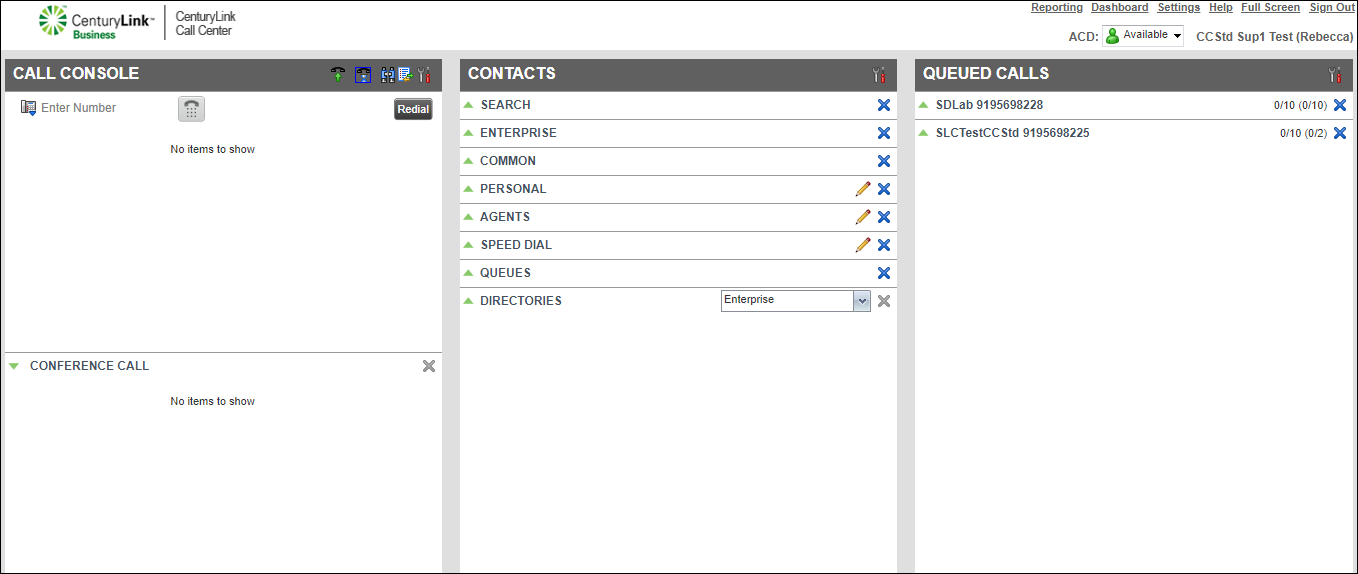
- From the header bar on the Queued Calls pane, click the Options icon.
- From the Options list, select Group, then select Group by Priority.
All calls in the queues you monitor are now grouped by priority. If your needs change, you can ungroup calls by priority later.



