

Monitoring active calls waiting in a queue
After you’ve selected the queues you want to monitor, you can view and track active (realtime) calls waiting in a queue from the Queued Calls pane in the Contact Center Supervisor Client. You can also sort calls in your monitored queues and group queued calls by priority.
To select the queues you want to monitor:
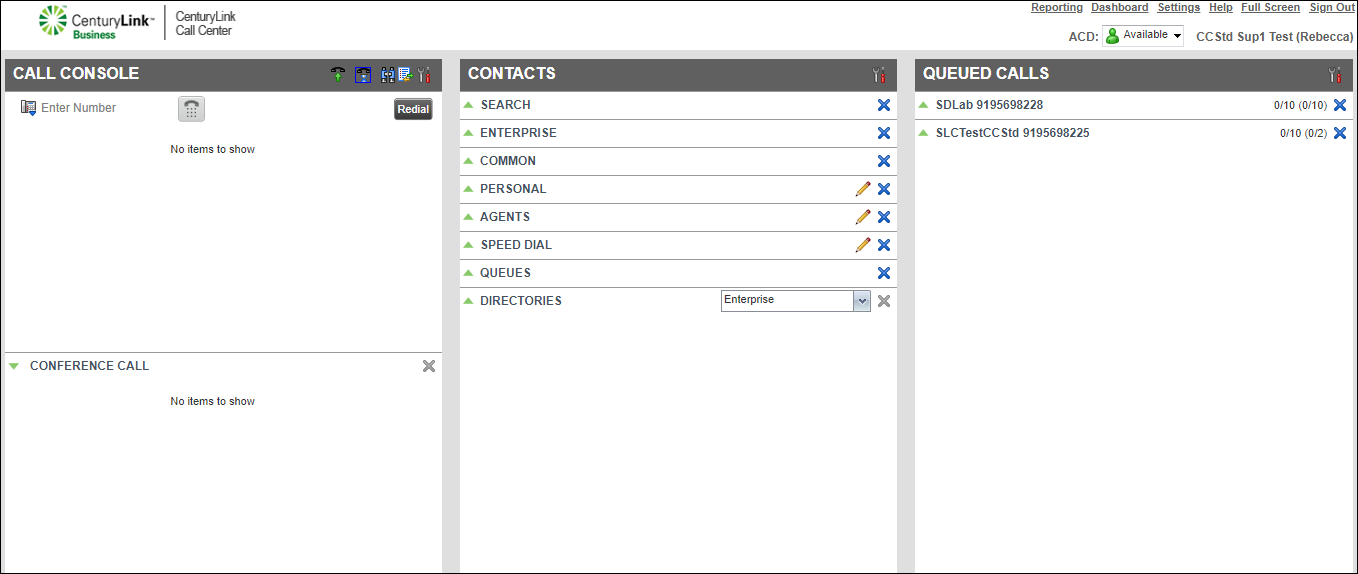
- In the Queued Calls pane, click the icon next to the queue name.
The Contact Center Client show the active calls currently waiting in the queue.



