

Viewing and using the agents directory
From the Contacts pane’s agents directory in the Contact Center Supervisor Client you can view the agents who are assigned to you, get details about their queue membership, and call an agent from the directory list.
To view and use the agents directory:
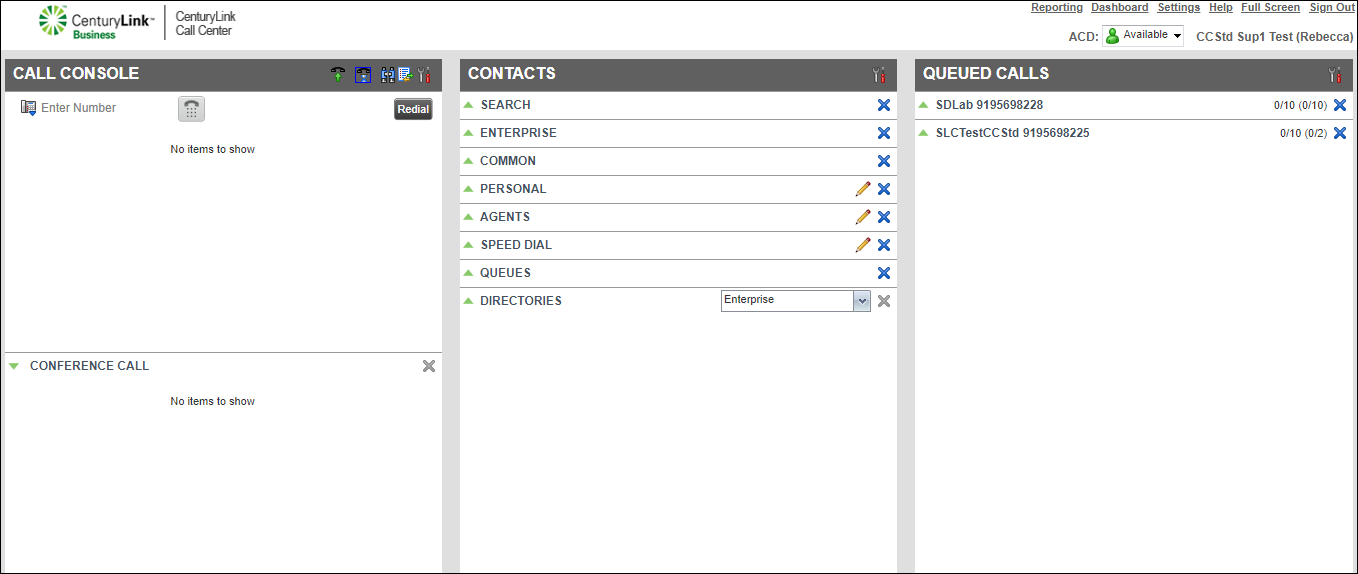
- Do any of the following:
- To view the queue(s) the agent is a member of, click the agent's name.
- To call the agent from the directory, click CALL.
The Contact Center Client initiates the call and your desk phone rings.
- To talk with the agent, pick up your desk phone handset (or use your headset or speakerphone).
- To join or unjoin an agent from a queue, click QUEUE.
- To change an agent’s ACD status, click ACD.
- To view the queue(s) the agent is a member of, click the agent's name.



