

Editing an API key
Once you create an API key in Lumen Connect, you can edit it to reset the client secret, add or remove products, change accounts, or update contact email for the API key (instead of deleting the API key and creating a new one).
To eedit an API key:
- Using the left menu, click APIs, then click API Keys.
Lumen Connect lists the API keys for your organization.
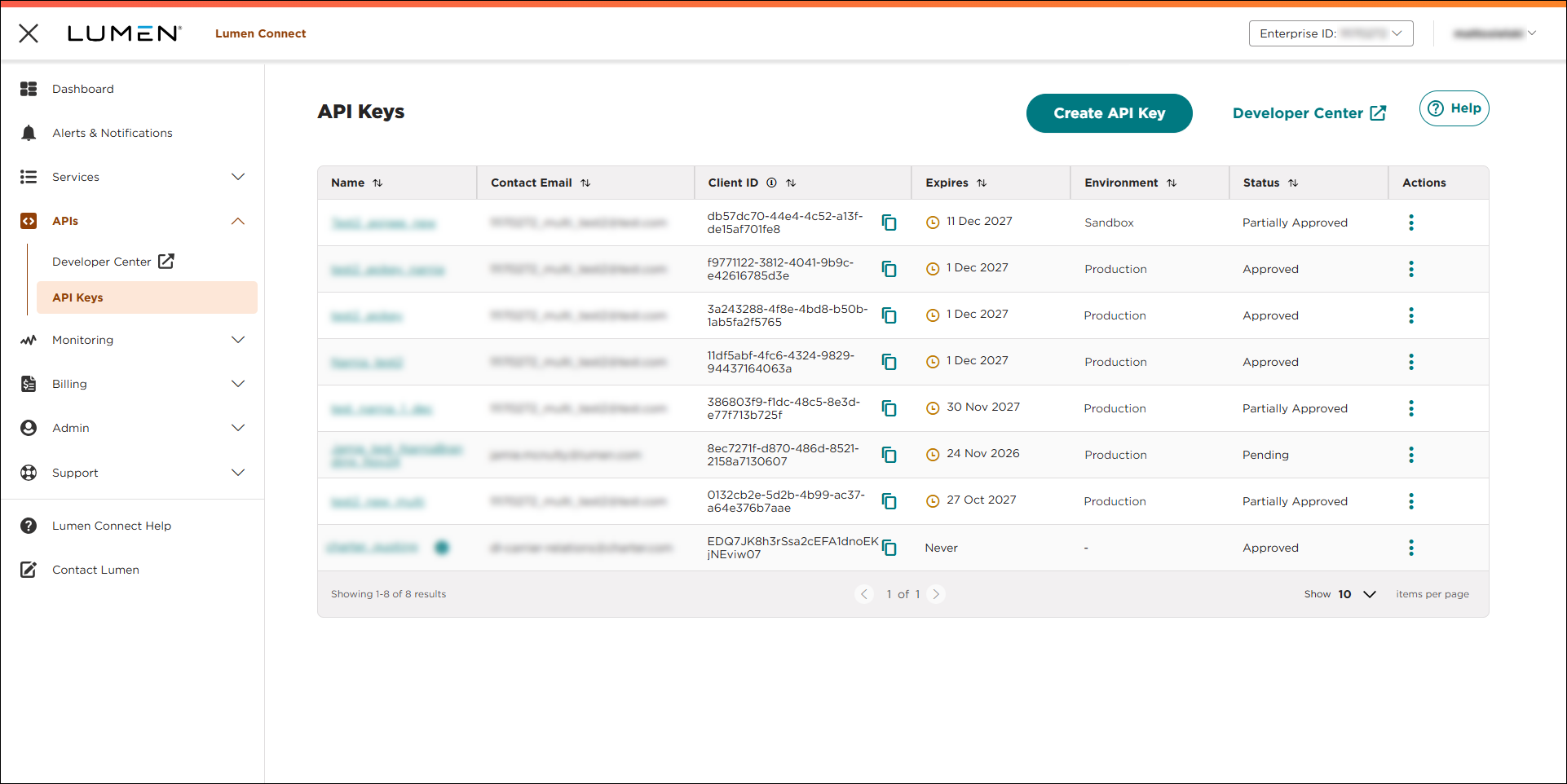
- Do one of the following:
- On the row for the API key, click the link in the Name column.
- One the row for the API key, click the icon, then click Edit.
- On the row for the API key, click the link in the Name column.
Lumen Connect shows details for the API key.
- Make your changes to the API key. When you're done, click SAVE.
Lumen Connect saves your changes. If you added products to the API key, Lumen Connect emails the contact for the API key as the status changes.



