

Resetting the client secret for an API key
After you create an API key in Lumen Connect, you can reset the client secret if it expires, if you forget it, or if want to change it for security purposes. You can also edit the API key (e.g., to update the name or adjust the products the API key covers) or delete it if you no longer need it.
To reset the client secret for an API key:
- Using the left menu, click APIs, then click API Keys.
Lumen Connect lists the API keys for your organization.
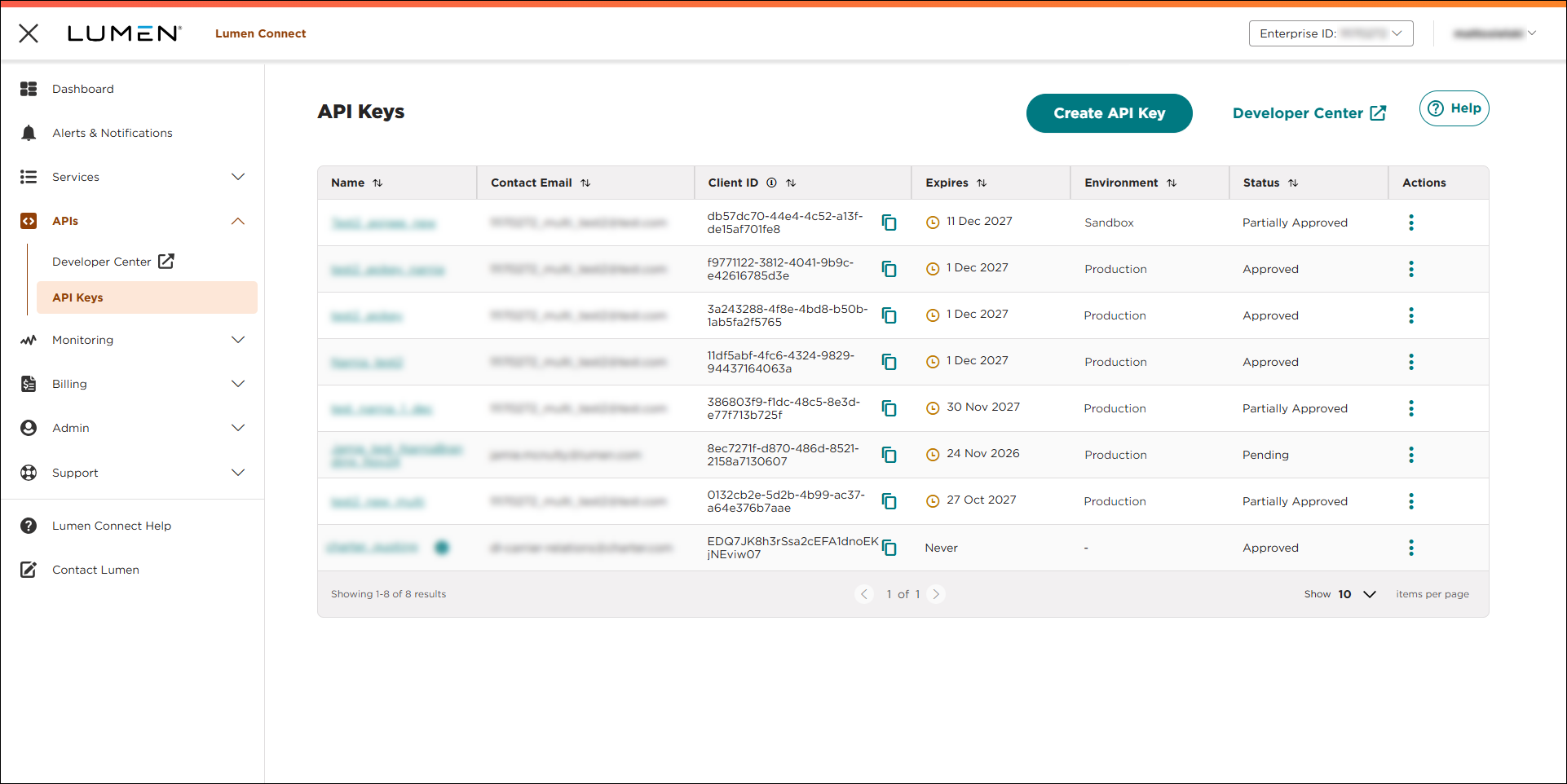
- Do one of the following:
- On the row for the API key, click the link in the Name column.
- One the row for the API key, click the icon, then click Edit.
- On the row for the API key, click the link in the Name column.
Lumen Connect shows details for the API key.
- Under the Client Secret field, click Reset Secret.
- In the window that appears, select the expiration date for the new secret, then click RESET SECRET.
Lumen Connect resets the client secret and shows the new one.



