

Re‑enrolling two‑factor authentication for your user profile
If you need to change devices associated with your two-factor authentication or if you experience problems with your authentication app, you can re-enroll two-factor authentication for your user profile. If you're unable to sign in to Lumen Connect to re-enroll your own 2FA, a Lumen Connect system administrator for your organization can re-enroll two-factor authentication for your user profile on your behalf. If you prefer to receive the six-digit code by email, you can change your authentication method or a Lumen Connect system administrator can change it for you.
To re-enroll two-factor authentication for your user profile:
- In the upper-right corner, click your username, then click My Profile.
Lumen Connect shows your profile.
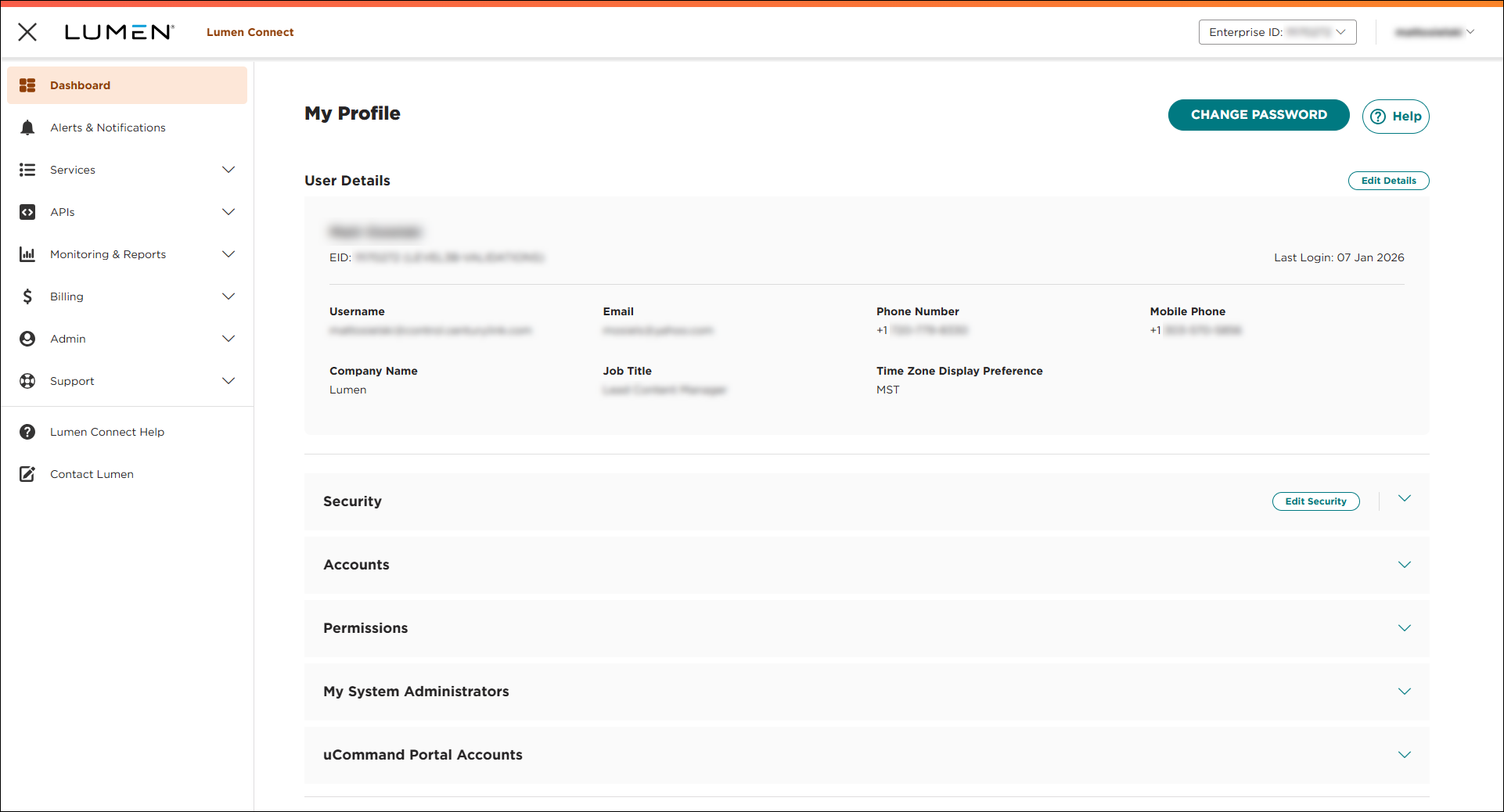
- Click RE-ENROLL 2FA.
Lumen Connect resets the two-factor authentication for your user profile. The next time you sign in, Lumen Connect prompts you to set up your two-factor authentication again.



