

Viewing the status of a disconnect request
After you create a disconnect request, you can track the status of your request in Lumen Connect. You can also view details for a request, make updates to a request, or cancel a request you no longer need.
To view the status of a disconnect request:
- Using the left menu, click Services, click Service Requests, then click Disconnect Requests.
Lumen Connect shows all disconnect requests for your organization (by default, within the past 30 days) with a status for each request and the date the request was last updated:
- Open—Lumen received your request.
- In Progress—a Lumen representative is assigned to your request and is working on it.
- Pending Customer Clarification—a Lumen representative needs additional information from you to complete the request. Please read the most recent notes within the request and provide the requested information.
- Request Accepted—we accepted your request and created one or more Lumen disconnect orders.
- Cancelled—your request has been cancelled. For more information, view the most recent notes.
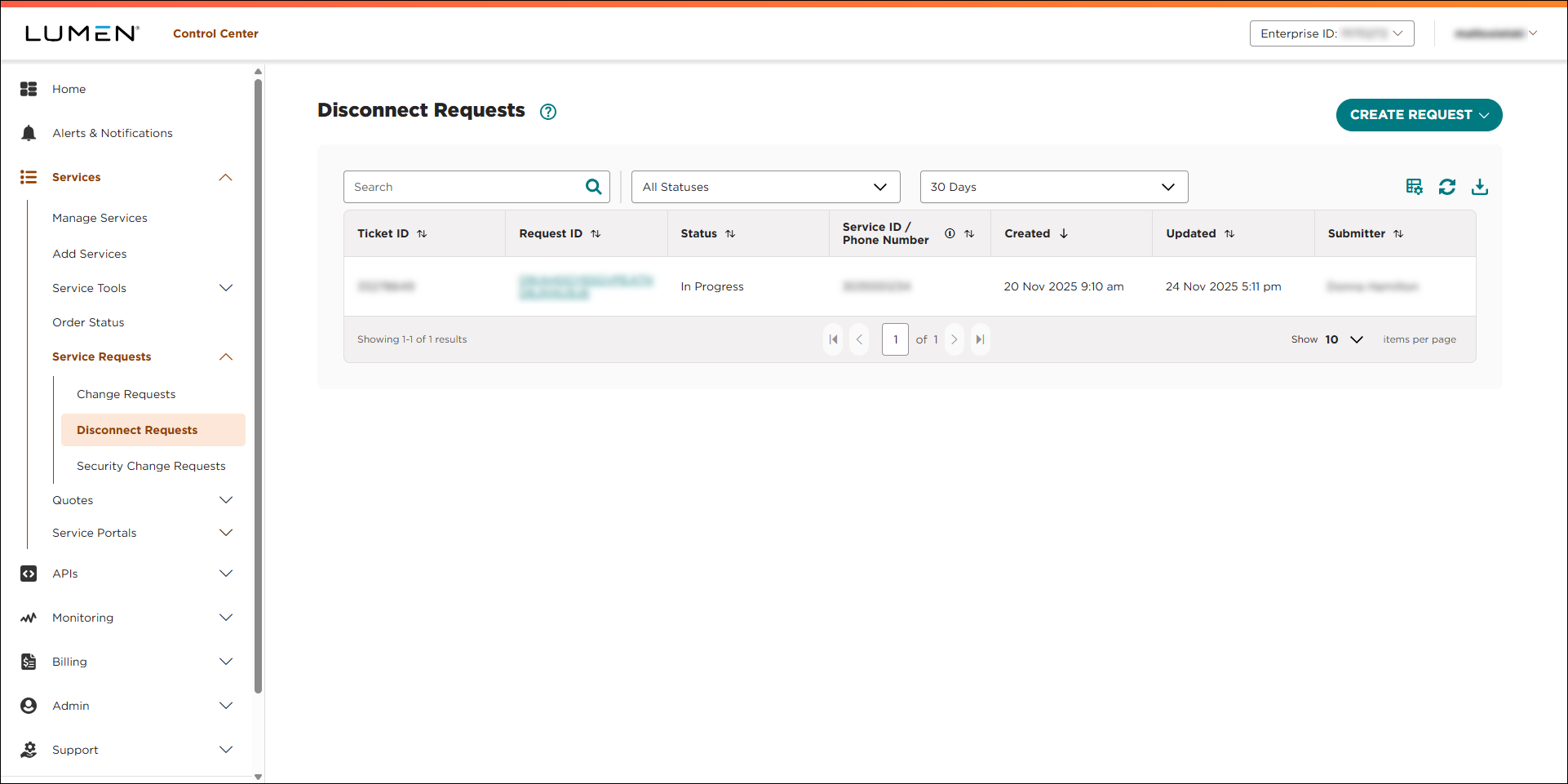
- To view details for a request, click the link in the Request ID column.
Lumen Connect shows details for the disconnect request.



